
Gigabyte Z77X-UP4 TH Review: Thunderbolt Times Two
- Posted in
- Motherboards
- Gigabyte
- Z77
- thunder
Gigabyte Z77X-UP4 TH Software
The software stack that comes with Gigabyte products has been fairly stagnant the past 18 months. As detailed in our recent reviews of other Gigabyte motherboards, the stalwart of the pack is EasyTune6, featuring automatic overclock modes, fan controls and a hardware monitor for temperatures. On top of this we have the @BIOS software for updating the firmware of the motherboard from inside the OS, and more recently there have been two newer additions to the software – Gigabyte Tweak Launcher (a stripped down OC interface) and USB Blocker.
The install CD does not win any awards for looks, but in terms of function we have a one button install all on drivers and some software. More advanced tools (Gigabyte Tweak Launcher, USB Blocker) have to be downloaded direct from the Gigabyte website, or a few such as 3D Power and 3TB Unlock are installed individually by the user from the disk.


EasyTune6
The EasyTune6 software was on the very first Gigabyte motherboard I reviewed for P67 way back in January 2011, and it probably predates even then. The main premise of ET6 is a simple interface in order to invoke a series of preset overclocks:
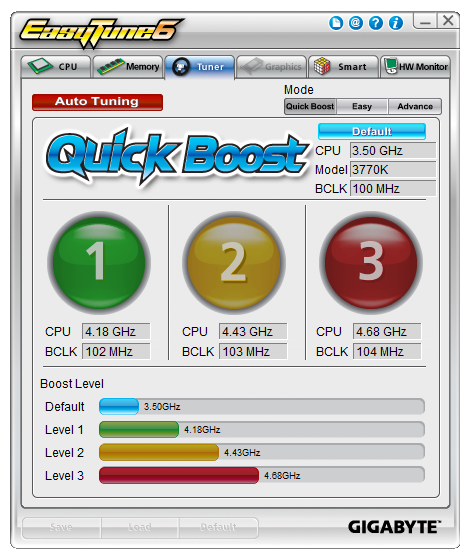
As shown, we get a choice of three boost levels – these are all tested in our overclocking section, along with ‘Auto Tuning’, which is Gigabyte’s automatic overclock tuning software. Alongside these presets, ET6 allows users to control BCLK, multipliers and voltages from the more advanced menus.
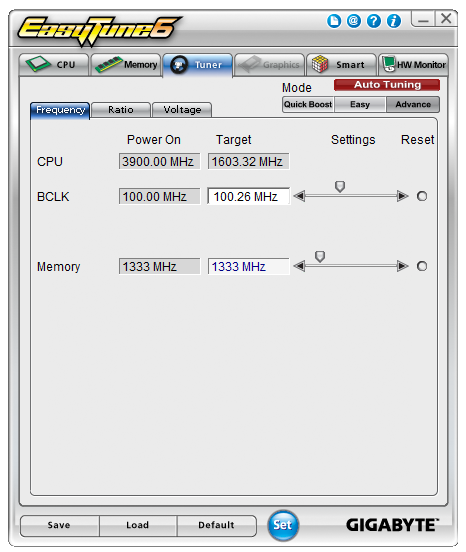
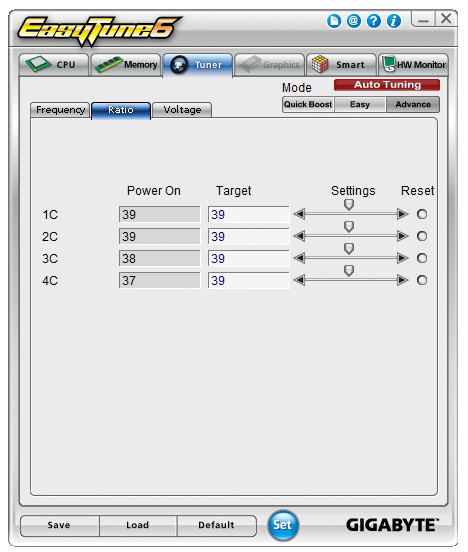
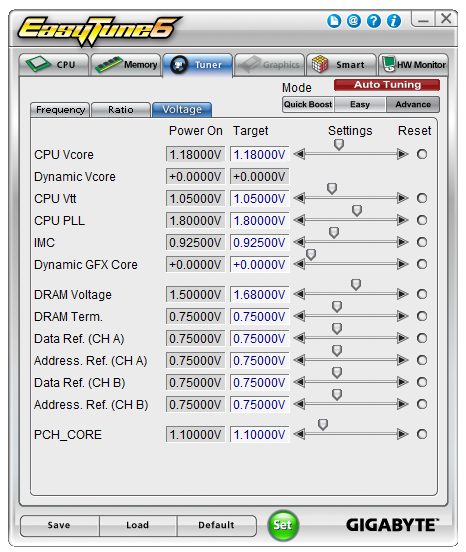
The other areas of ET6 give the user information on the CPU, memory and GPU, similar to the diagnostic tool CPU-Z. With an appropriate GPU, ET6 will also act as an overclocking tool for the GPU as well.
EasyTune6 features fan controls as well, where we can determine the start and end point for a single gradient:
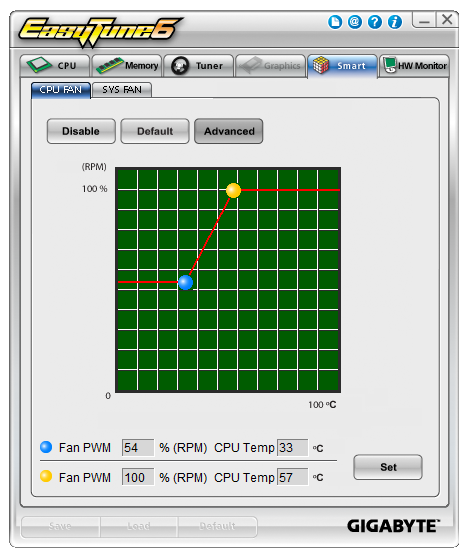
As shown, we only have control of the fans in two sets – one setting for the CPU fan, and another setting for all other fans on board. Compared to other fan controls on other motherboards, this is pretty poor – ideally we would have individual control of each header, multi-point gradient application and hysteresis.
The final part of ET6 is the H/W Monitor, which plots a graph of particular values (temperatures, voltages) against time. H/W Monitor is also the culprit of large Deferred Procedure Call latency during testing, so if audio is important to you make sure ET6 is turned off.
@BIOS
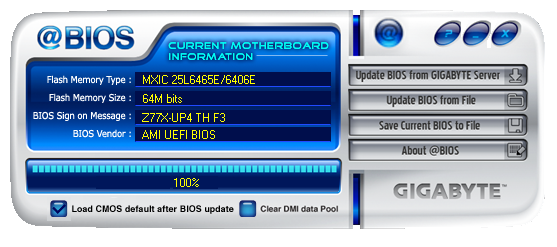
Every motherboard needs to have two utilities to update the BIOS – one inside the BIOS itself and another in the OS. @BIOS is the tool Gigabyte uses for the OS, and it enables users to directly check Gigabyte servers for the latest BIOS, as well as update from a file.
Ideally, this feature should be integrated into ET6, so we do not have to deal with extra icons or programs in the OS.
USB Blocker
From the requests of users, Gigabyte has created a new tool that helps to control what devices can and cannot be plugged into the USB ports. This is extremely relevant to protect machines in a SOHO environment from external devices which may infect a network. The premise of USB Blocker is simple - behind an admin password, the USB ports can be disabled when certain types of devices are plugged in.
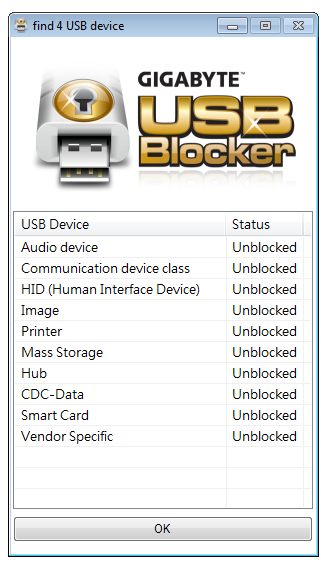
Almost ironically, USB mice and keyboards can also be blocked. Gigabyte has told me that the only way around this is to boot in safe mode and uninstall the software, or plug in a PS/2 mouse if applicable. This would suggest that the USB ports are only blocked when the software is running and thus if you can disable the software in msconfig from starting up, it should disable the functionality.


Originally published at https://www.anandtech.com/show/6296/gigabyte-z77xup4-th-review-thunderbolt-times-two (Wayback Machine).