
Four Multi-GPU Z77 Boards from $280-$350 - PLX PEX 8747 featuring Gigabyte, ASRock, ECS and EVGA
ASRock Z77 Extreme9 Software
Through our Z77 testing, we have come across several ASRock motherboards – the Z77 Extreme4, the Fatal1ty Z77 Professional and the Z77 Extreme6. Aside from the differing color scheme of the Fatal1ty range, the software on the ASRock Z77 series follows a similar format throughout. ASRock are keen to promote their ‘555 XFast’ system, featuring XFast USB, XFast LAN and XFast RAM, which are both advertised to ‘increase speeds by up to 5x’ depending on the specific benchmark in question. We look at these in turn below.
One point of contention is that ASRock is currently the only manufacturer that I have tested that installs Lucid Virtu MVP by default along with the basic driver suite. This can lead to some errors during gaming if users do not realize it is enabled by default.
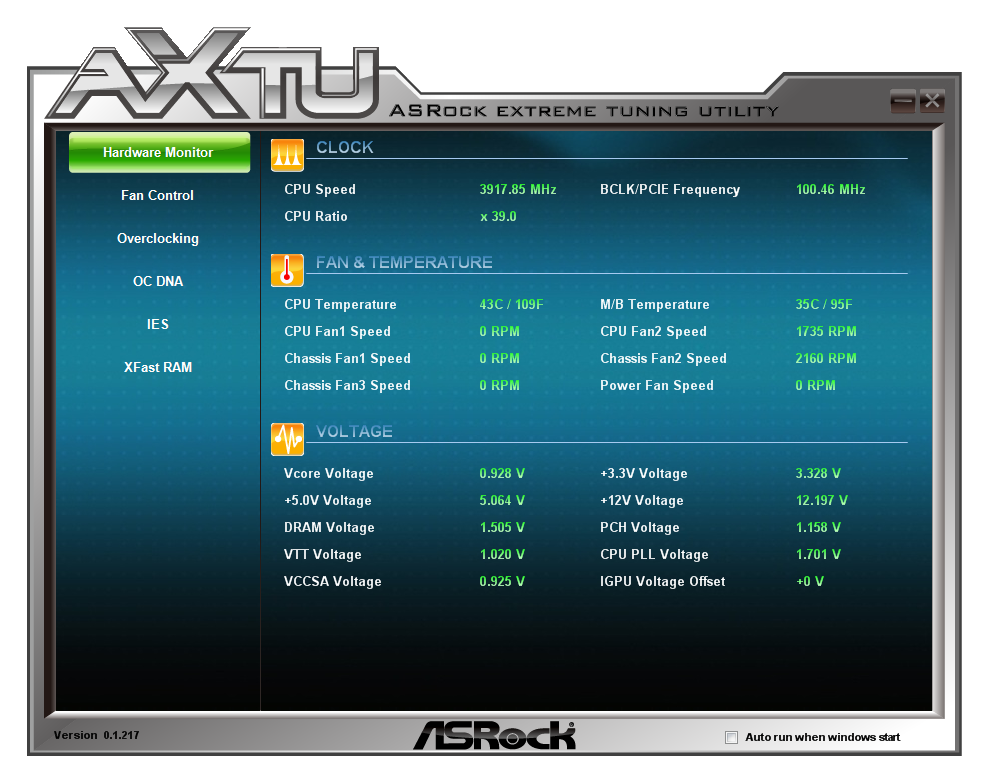
The main center of ASRock’s software package comes from the ASRock eXtreme Tuning Utility, or AXTU.
ASRock eXtreme Tuning Utility
AXTU features a lot of the controls we would expect in the OS, such as the fan controls, overclocking or power saving utilities. It also provides the user with temperatures, fan speeds and voltages.
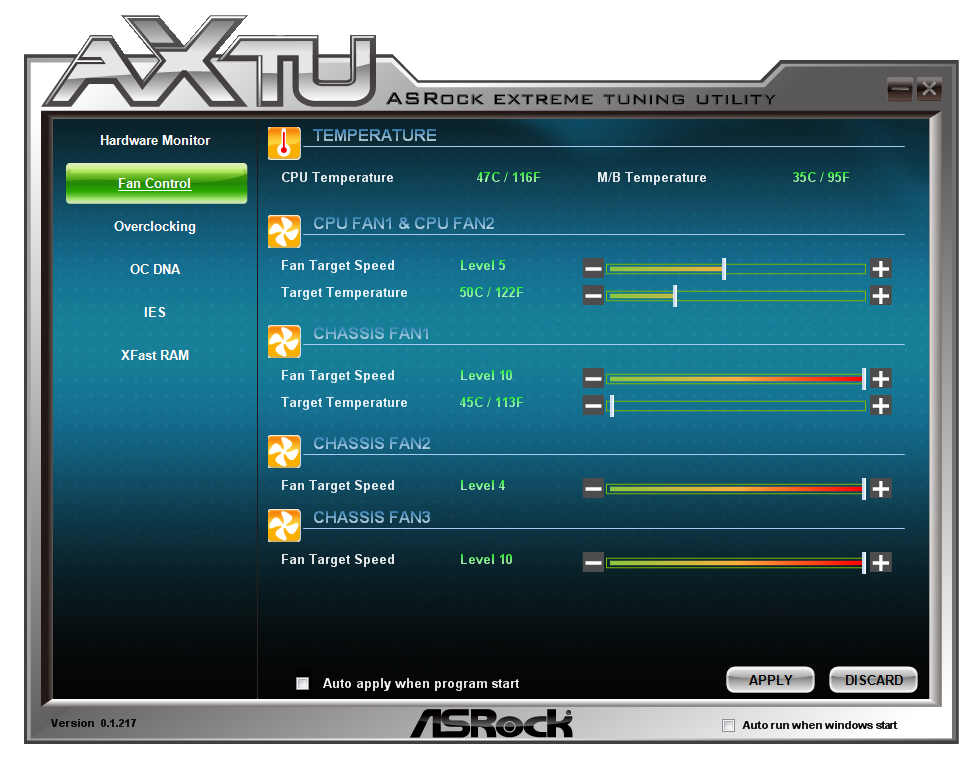
Fan controls in AXTU are similar to those found in the BIOS, with certain fans being given options of a target temperature, and all of them having a ‘target speed’ from Level 1 to 10 which dictates how the fans ramp up. This is by no means any definitive fan control – other manufacturers provide better controls, such as dynamic testing and combination fan/temperature analysis. There is definite scope for improvement from ASRock.
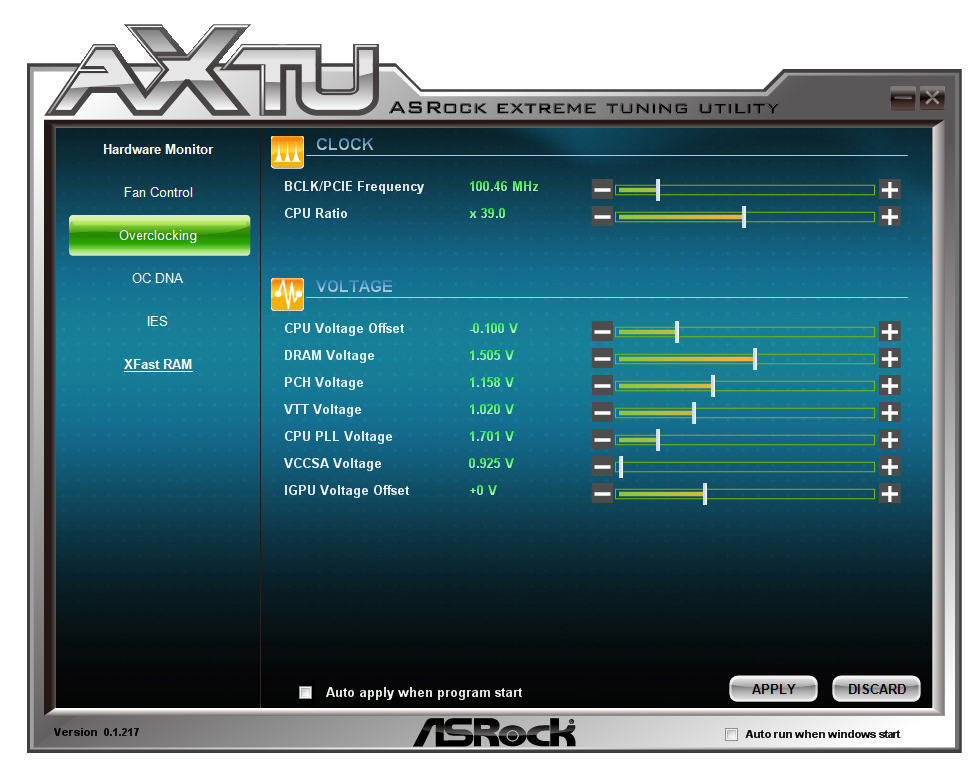
The overclock controls are also a little basic, with only BCLK control directly available without a reboot. The user can manipulate the CPU ratio and voltages, but there is no control over turbo boost ratios, or provided options for levels of overclock testing. In fact, during my testing using the version of AXTU provided on the driver DVD, the program was continuously giving errors if I tried to manipulate any of the voltages.
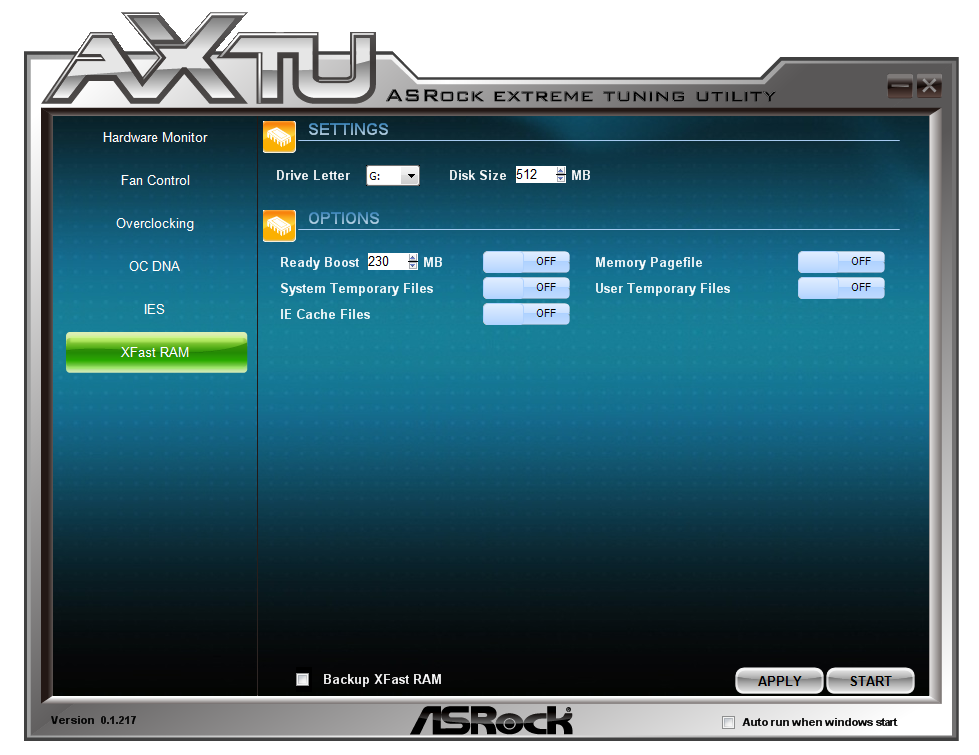
Aside from the ‘Intelligent Energy Saver’ utility that reduces CPU phase usage at the expense of potential longevity, the other main utility in AXTU is XFast RAM. The idea behind XFast RAM is to partition off part of the DRAM onboard for use as a quick cache access for the system page file, for temporary internet files, or perhaps certain programs.
XFast USB
ASRock’s XFast USB is licensed software that ASRock includes with their package, and has done for at least a couple of years now. The premise behind ASRock USB is that the Windows 7 USB driver is flawed, and only accepts basic commands. By injecting a new driver when a device is plugged in, ASRock takes advantage of a new set of commands called BOT (Bulk Only Transfer), which offer faster throughput speeds at the expense of latency. All USB controllers and devices support BOT - the step up from BOT is called UASP, which is what ASUS implement via a hardware (ASMedia controller) and software implementation. In Windows 8, the OS should be able to use the best of BOT or UASP, depending what the controller onboard supports.
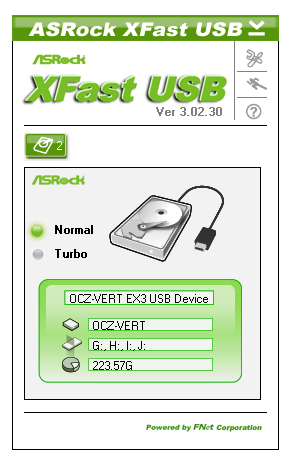
The downside to XFast USB over ASUS’ solution is that XFast is limited to one USB device at a time, and plugging in a device for the first time requires a user to remove and reinsert it to get the XFast speedup. XFast beats UASP for sequential transfers, but UASP offers many magnitudes of improvement for small file transfers, making UASP preferential for regular USB read/write activity rather than storage.
XFast LAN
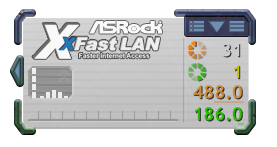
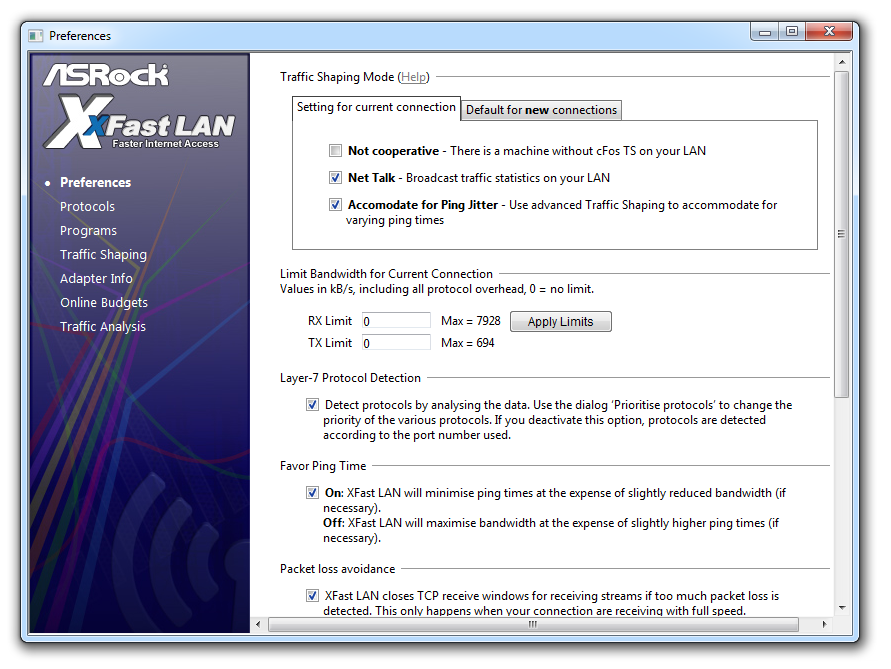
Another licensed bit of software for ASRock is XFast LAN, which is an ASRock branded version of cFosSpeed, available for around 10-15 euros. This software allows users to prioritize programs for network use, as well as monitor throughput:



Originally published at https://www.anandtech.com/show/6170/four-multigpu-z77-boards-from-280350-plx-pex-8747-featuring-gigabyte-asrock-ecs-and-evga (Wayback Machine).