
Intel's Ivy Bridge: An HTPC Perspective
- Posted in
- Home Theater
- Intel
- HTPC
- Ivy Bridge
We briefly looked at the various knobs available in the graphics control panel in the previous section. In this section, we will take a look at some of those knobs in action. In our piece on discrete HTPC GPUs, we had explained clearly about the basics of cadence detection and why it is necessary. We had also included a gallery with screenshots of various GPUs playing back the Spears & Munsil Wedge Pattern. The 2:3:2:3 cadence is undoubtedly the most common pattern. The pictures below show the effect of the film mode detection knob on the wedge pattern clip. If you refer back to the gallery, you will find that all GPUs other than the GT 430 had trouble with properly identifying the cadence and performing deinterlacing appropriately. The Intel HD Graphics 4000 has no trouble with this clip.

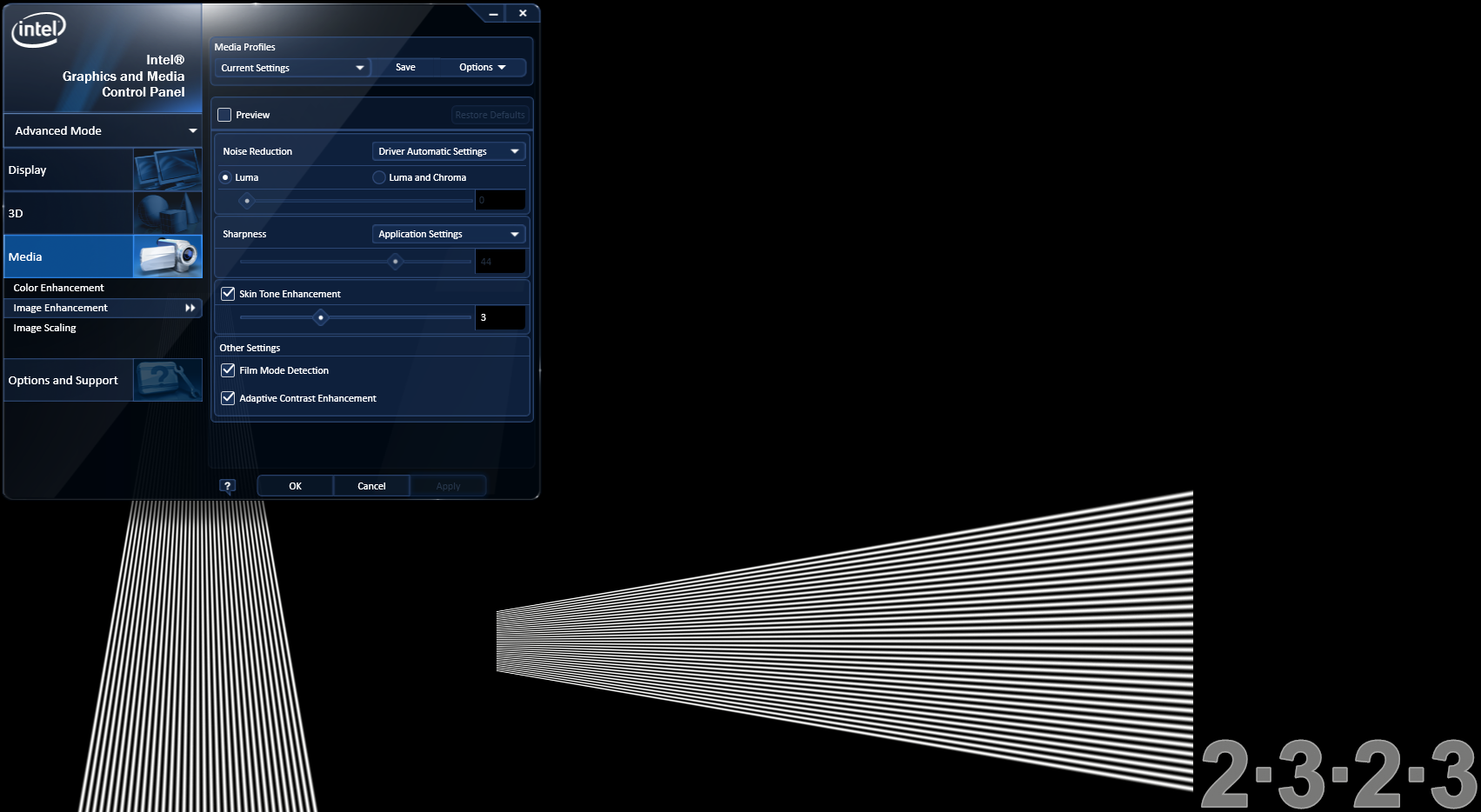
Deinterlacing works as expected in PowerDVD and also EVR-CP / madVR (which implement DXVA2 deinterlacing).

For reference, a screenshot of the non-deinterlaced version can be found as the penultimate picture here.
The quality of chroma upsampling differs from GPU to GPU, and even within the same GPU, it depends on the driver version. It is generally accepted that madVR provides one of the best upsampling algorithm implementations for rendering purposes. In fact, the end-user has the ability to opt for an upsampling algorithm of his choice. We took the HQV clip for testing chroma upsampling, and played it in both PowerDVD as well as MPC-HC with madVR. The two screenshots below show the magnified view of a particular area in the clip. The madVR quality is visibly better, but the PowerDVD version is no slouch either. There is almost no colour bleeding or any other artifacts similar to what we saw in the AMD 7750 review. The full screenshots are available here (madVR) and here (PowerDVD).

PowerDVD Chroma Upsampling

madVR Chroma Upsampling (Default Algorithm)
One of the interesting aspects of the noise reduction knob is the fact that we have separate controls for luma / luma and chroma. The gallery below has the feature in action.


Adaptive contrast enhancement works as advertised, enabling HD 4000 to comfortably score the maximum possible points in that section of the HQV benchmark.


Originally published at https://www.anandtech.com/show/5773/intels-ivy-bridge-an-htpc-perspective (Wayback Machine).