
The Sony Ericsson Xperia Play: Where Do You Want To Take Your Gaming Today?
I'll admit upfront that I'm not a fan of user interface eye candy, which in my experience hampers more than helps me to use a handset (specifically, to get to the programs and settings I need to access in as straightforward and speedy a manner as possible), not to mention the incremental processing burden it puts on the CPU and GPU, and the consequent decrease in battery life. I'm one of those folks who immediately reverts any Windows XP or Vista system I build or inherit to the entirety of the 'Classic' interface theme, for example. With that said, I acknowledge that I may be in the minority; that HTC's 'Sense' and Motorola's 'MotoBlur' interfaces are viewed as desirable by the bulk of Android users.
Speaking of 'skins', I had previous experience with the Xperia X10 mini, which employed Sony Ericsson's 'Timescape' homescreen and application UI tweaks. Judging from the above comments, you can probably imagine what I thought of it. And based on my perusal of an Engadget review of the Xperia Play published in late March, I was bracing myself for more of the same (although there was some encouraging news; Engadget indicated that Timescape use was now a user-selectable option, not a default configuration). Yet, when my unit arrived from Anand and I powered it up, I was pleasantly surprised to be greeted by a generic Android homescreen, with no Timescape launch icon to be found anywhere:
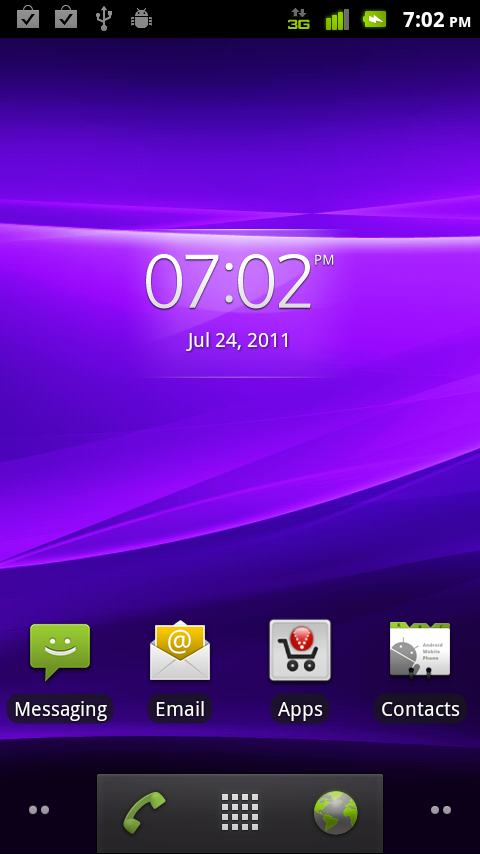
Engadget had tested an international version of the Xperia Play, which seemingly includes a different software build than the U.S.-targeted hardware which started showing up a couple of months later. Apparently, I'm not the only one who's loath of 'skins', after all.
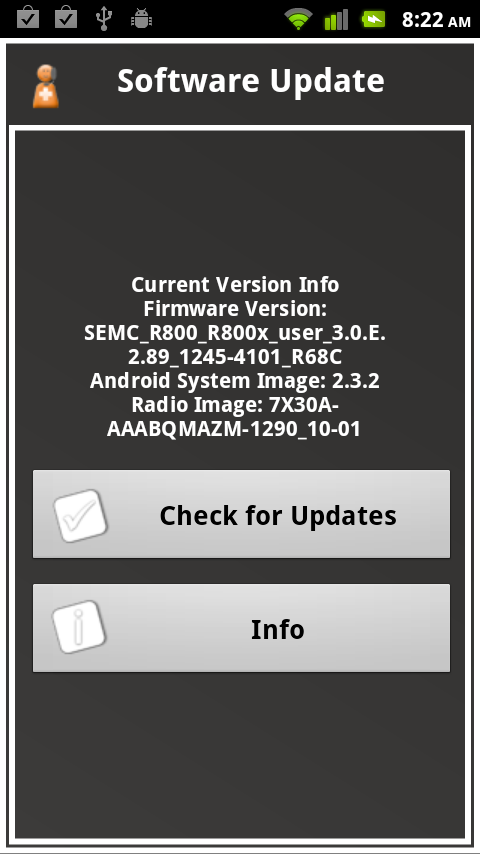
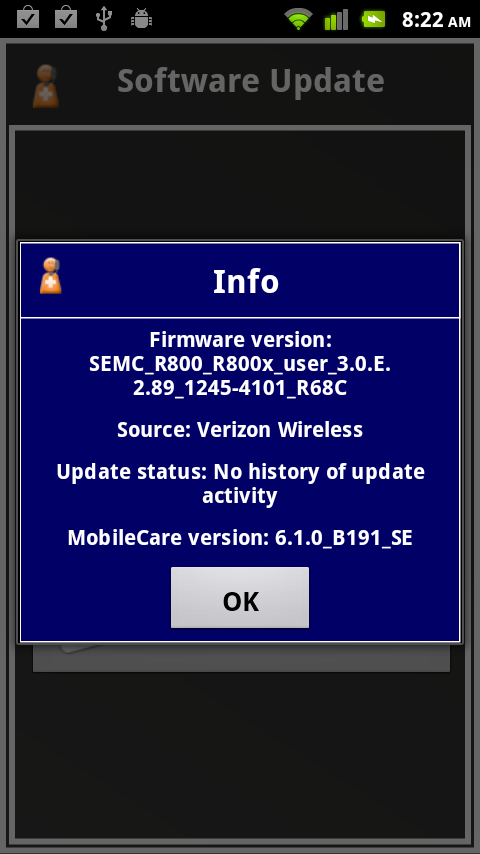
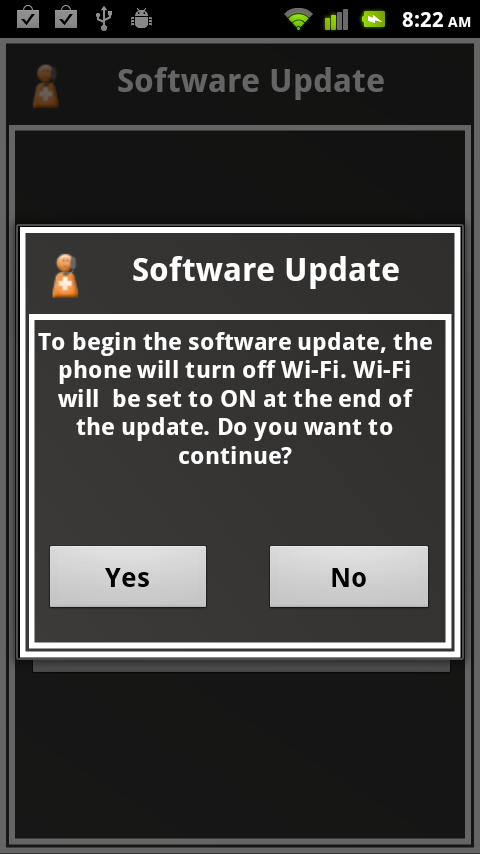
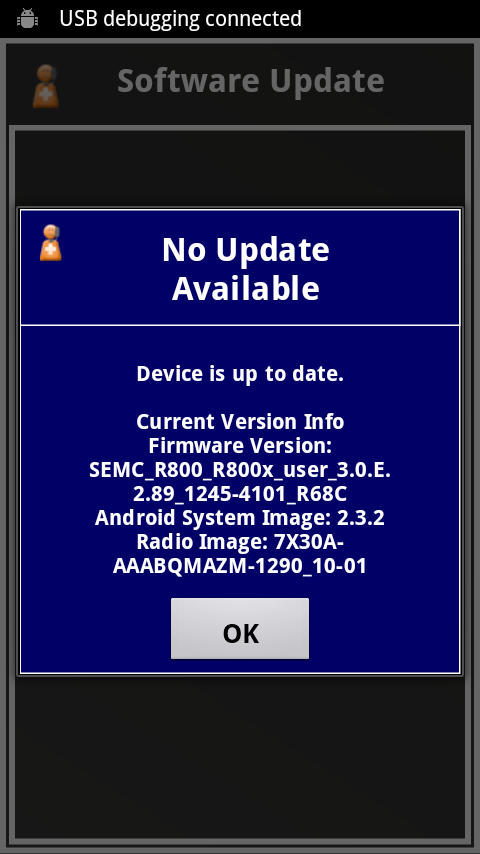
The Xperia Play supposedly embeds DLNA capabilities, as a conceptual alternative to having a HDMI output, but I was unsuccessful at wirelessly streaming content from it to my PlayStation 3 (which couldn't find it on the network). It turns out, as a bit of Internet research uncovered, that the initial production firmware didn't enable DLNA capabilities; a recently released update had added DLNA support along with a few other features, such as stereo soundtracks for video and a landscape-orientation home screen display option. However, when I checked for updates within the Xperia Play's settings menu, none was reported as available:

Originally published at https://www.anandtech.com/show/4583/the-sony-ericsson-xperia-play-where-do-you-want-to-take-your-gaming-today (Wayback Machine).