
Back to the Mac: OS X 10.7 Lion Review
Another heavily-publicized feature of Lion is Versions, which keeps older copies of files as you save new ones and allows you to go back to previous copies to compare, restore, and copy-paste things you didn't mean to change. Unlike Resume, applications will need to be changed to support this functionality.
In a Versions-supporting program like TextEdit or Preview, you'll notice that the normal "Save" or command-S function is now called "Save a Version" instead. There's no special command you need to know to save Versions - if the app supports it, this happens automatically.
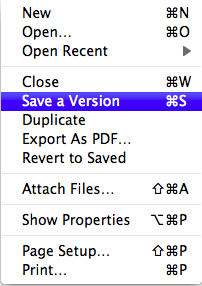
When you want to go back and look at your previous versions, select the Revert to Saved option in the menu to open the Versions interface.
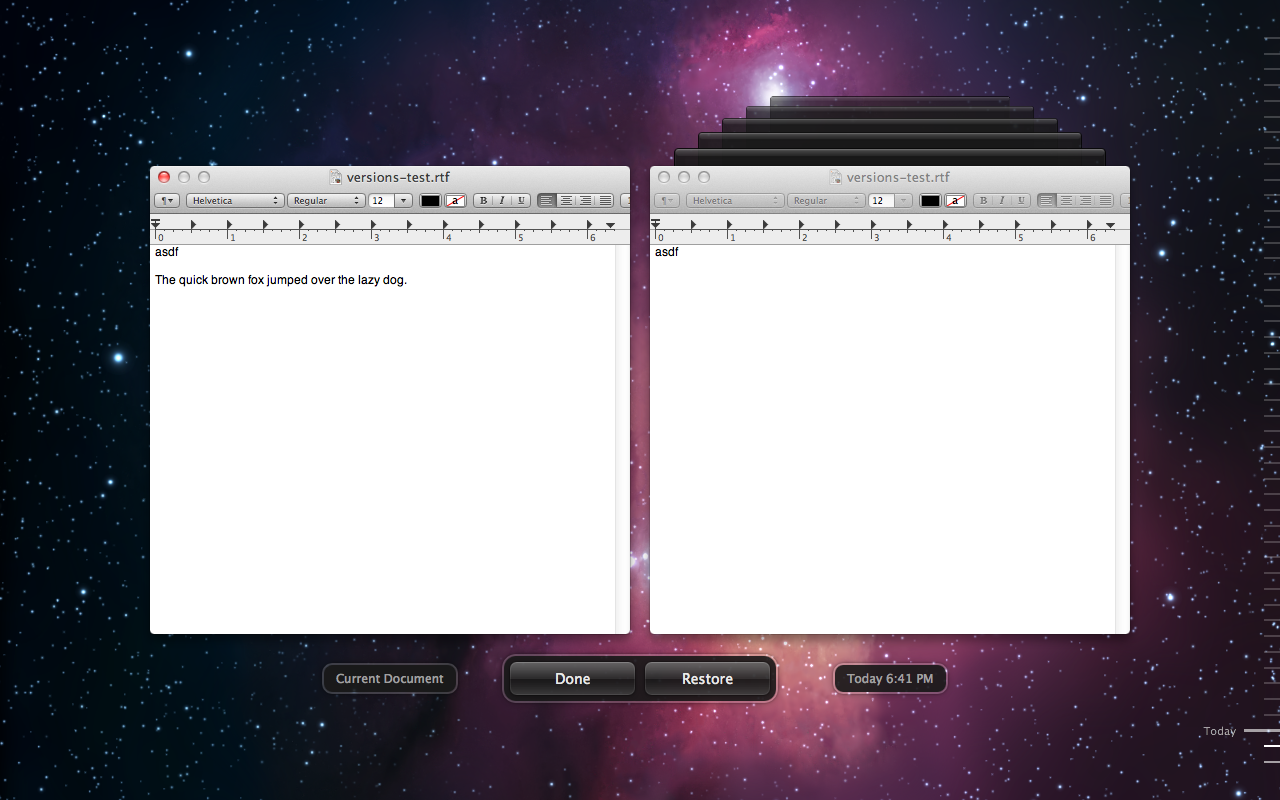
You'll be presented with a very Time Machine-esque interface that will let you browse through your previously saved copies, compare them to your working copy, and restore an old copy to be your new working copy.
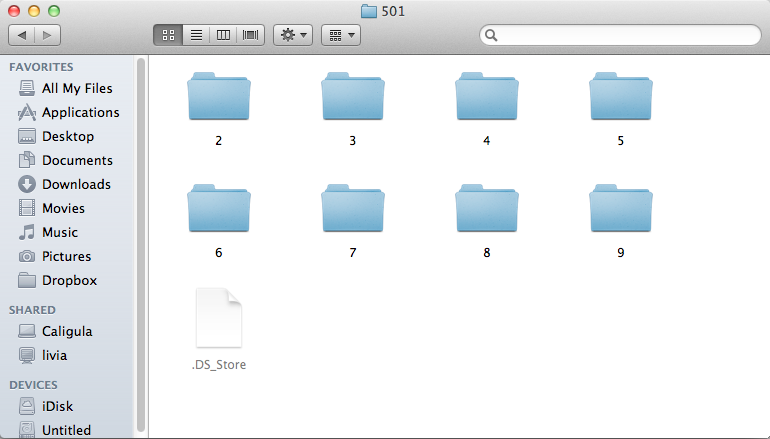
So how does this work? Versions stores its data at the root of your OS volume in a hidden and locked-down folder called 'DocumentRevisions-V100". Files are saved using the UID for each user account (the UID is a unique number assigned to each user account at time of creation, and is normally hidden from the user. All UNIX and UNIX-like operating systems use UIDs for user accounts). In the screenshot below, "501" is my account's UID, and the numbered folders each correspond to an individual file.
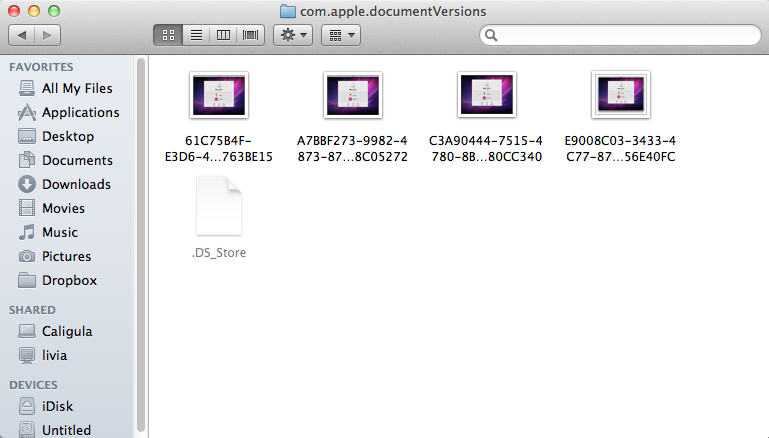
Drill down into any of the folders stored here, and you can see where OS X is keeping the older copies of your files.
Whenever you delete the source file, all stored versions of it are also deleted, so don't try to use Versions to recover accidentally deleted files - that's not what it's for, and you'll still need to be careful about what you do and don't keep.
It's not immediately obvious how many files OS X will store versions for, or how much disk space this hidden folder will take up if you let it, but disk space seems to be the limitation here - I was able to save 63 versions of an individual file without overwriting any older copies. Given Apple's desire to hide the seams and inner workings of OS X from regular users, I feel confident in saying that (1) OS X won't allow this system folder to take up so much space that it impacts OS performance or storage of regular files, and (2) there's probably some sort of safeguard present that will eventually begin deleting older versions of things as disk space runs low. This is how Time Machine works, and Versions is obviously taking cues from that feature.
Originally published at https://www.anandtech.com/show/4485/back-to-the-mac-os-x-107-lion-review (Wayback Machine).