
H67 – A Triumvirate of Tantalizing Technology
- Posted in
- Motherboards
- Sandy Bridge
- H67
Overview
ASRock’s H67 lineup consists of 6 boards, ranging from $100 to $140, in both micro-ATX and mini-ITX form. The H67M-GE/HT comes in at $120, and even comes with a USB 3.0 Front Panel with space for an SSD in there. After a blast with the board, I can safely say ASRock were aiming for the midrange.
Of note, the ASRock board falls down on the single thread benchmarks compared to the P67. On further inspection, it seems that in single threaded mode, the full 4x turbo was not being applied, but rather a 3x turbo was in place. It did hit the 4x turbo on occasion, for a minuscule amount of time here and there, but due to the 3x turbo implementation, the ASRock board falls behind. I emailed ASRock about this, and they responded that this is how the H67 is meant to work, which leads to the conclusion that, if the other H67 boards behave similarly, there are more stringent rules on what constitutes a single thread process on the H67 chipset from Intel themselves.
Visual Inspection
Typically, when I see a blue and white motherboard, I think Gigabyte. However, with Gigabyte moving towards a black livery on their high end boards, it leaves another company to barge in on the space – enter ASRock. Maybe blue and white ports are cheaper to produce or something.
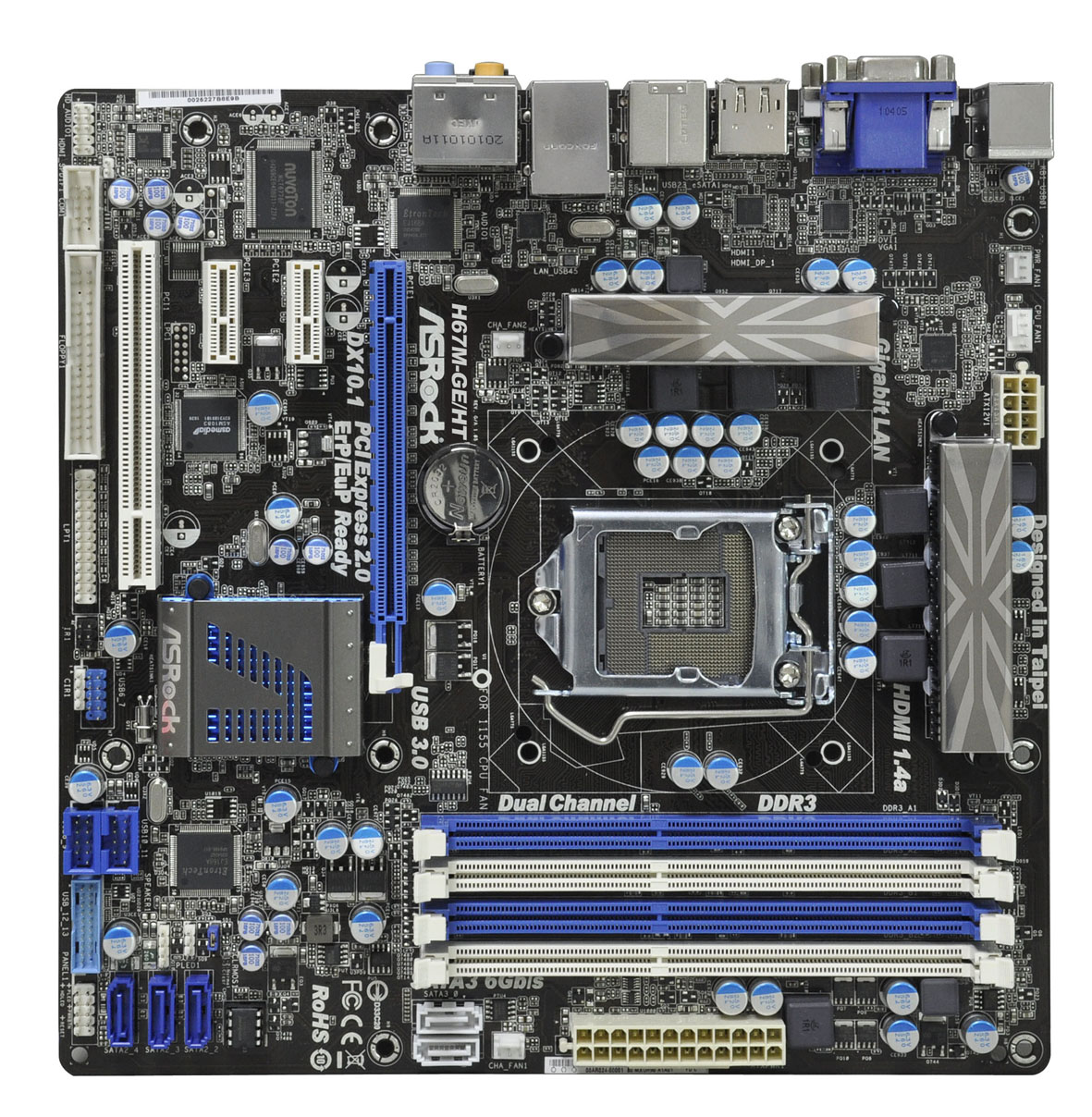
One of the first things to notice about this H67 board compared to any others are the small VRM coolers. The board offers a 4+2 digital VRM setup, four fan headers (three three-pin, one four-pin), and standard mounting holes for your 1155/1156 CPU coolers. There are also mounting holes for socket 775 coolers, making that old cooler last even longer. There is enough space to mount a number of large air coolers, or your favorite all-in-one water cooler.

The low profile chipset cooler is used, so as not to interfere with large PCIe x16 cards. With a dual-slot PCIe x16 card, there is still access to a PCIe x1 and PCI slot; however I would have preferred one of the PCIe x1 slots above the PCIe x16. There are five SATA ports on board – two SATA 6 Gb/s (white) and three SATA 3 GB/s (blue). The SATA ports are sticking out of the board, contrary to what we have seen with the P67 boards so far – they are also facing each other, potentially making wiring more difficult if all 5 ports are being used.
We were not expecting debug LED and power/reset buttons on this $120 board, and true to form, none are provided. However, as you will see on the ECS board which comes in at $145 later in this combination review, they do come in on some H67 products. In our P67 reviews thus far however, the cheap ASRock P67 board had the debug LED and power/reset buttons and the more expensive ASUS/Gigabyte boards did not. This time, we are not so lucky. But with H67, maybe we do not need them. We will look into this later.
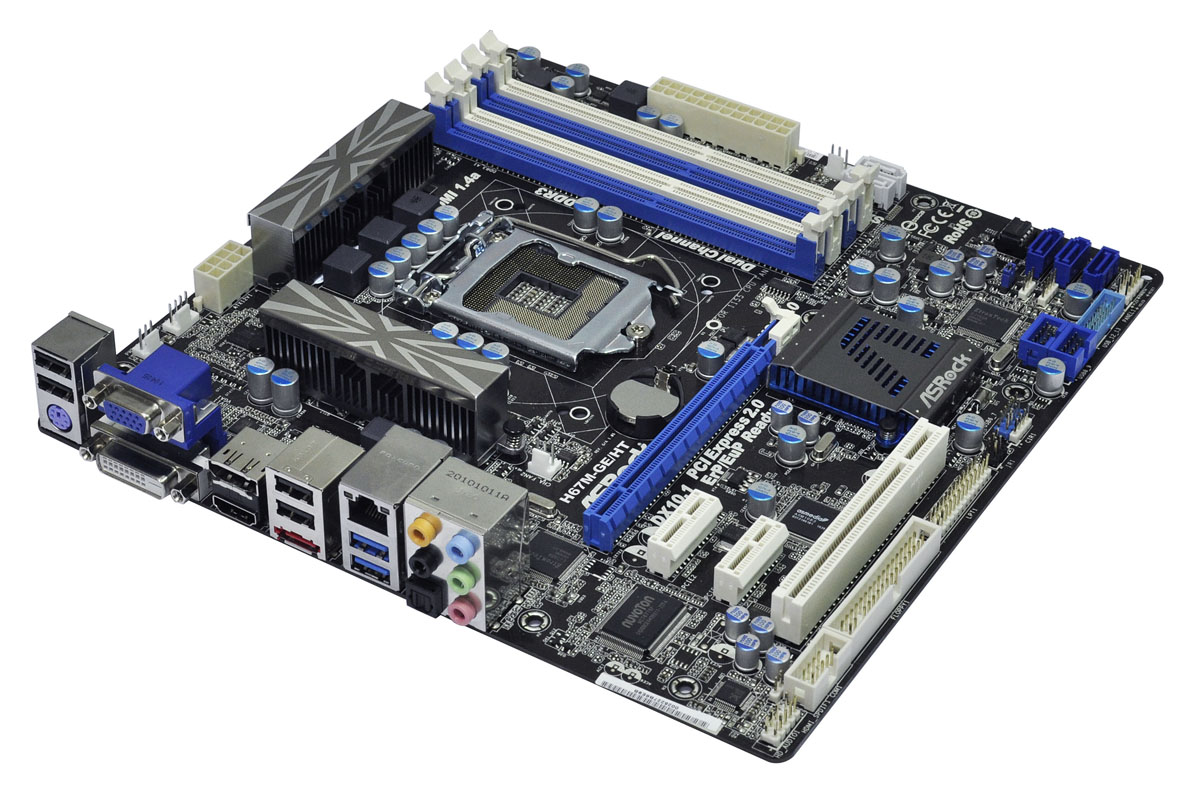
In terms of legacy connectors, we still have the floppy connector here, and the PS/2 port on the back panel. Onboard ports come in the form of 3 USB 2.0 headers, one USB 3.0 header, and an extra firewire port.

The back panel is not exactly brimming with connectivity, but we are looking at four USB 2.0 ports, two USB 3.0 ports, gigabit Ethernet, eSATA, audio, and quad display outputs – DisplayPort, HDMI, DVI-D and D-Sub.

Originally published at https://www.anandtech.com/show/4241/h67-a-triumvirate-of-tantalizing-technology (Wayback Machine).