
Corsair Graphite Series 600T: Cool and Quiet
- Posted in
- Cases/Cooling/PSUs
- Corsair
- 600T
Installation and Cable Routing
I love my Antec P182, but working in that case proved to be a very special kind of hell. If you have a graphics card as long as the Radeon HD 5870 or longer, you pretty much have to remove the top drive cage, which means you're stuck using the bottom cage, which orients the drives in the worst way possible. I have small hands and it was still a nightmare to cable up and install drives. God help me when I have to replace a drive.
The 600T, on the other hand, was freakishly easy to get everything set up in. It helps to have a power supply with modular cabling (and if you're considering spending $160 on a case, you may want to go ahead and step that up too) because it allows you to do the installation in steps.


My first step was installing the motherboard. I already had the heatsink (a Xigmatek Dark Knight S1283) mounted to the board, and popping the I/O shield and then motherboard in proved reasonably easy. Corsair provides enough space above the motherboard proper to route cables, but you can also install a liquid cooling system with dual 120mm fans on the radiator if you are so inclined. Suffice it to say, getting the 8-pin auxiliary power cable routed behind the board and plugged in was about as easy as I could ask.
From there, everything else was just as simple. Pop out two drive panels and slide the optical drives in, and they snap and lock into place. Installing the hard drives was also easy, although if you have a 2.5" SSD like I did you'll have to futz around with trying to pop one of the pins out of the drive tray to get it installed. Installing the SSD was probably the most confused I got during the entire operation; Corsair doesn't include very useful instructions with the case and while most of it is self-explanatory, documentation that's a little more thorough wouldn't hurt.
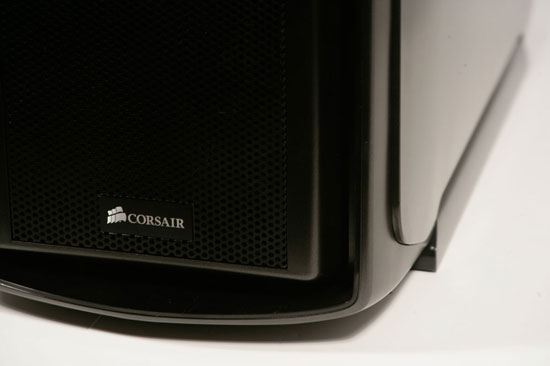
Where I did run into trouble was in routing cables. While they do route to the back of the tray very nicely and easily, that whole region is going to turn into spaghetti in short order. Corsair includes zip ties, but they aren't reusable like the ties in the back of the P182's tray are. As usual the most egregious offender is the main power cable from the power supply. Unfortunately, while the side panels are flexible and designed to bow a little bit to give you some breathing room, this means that they bow out at the bottom corners when cables are cramped in the back. I imagine a cleaner cabling job could probably be done to alleviate this, but nonetheless just a touch more space in the back really wouldn't have hurt this case.
Originally published at https://www.anandtech.com/show/4028/corsair-graphite-series-600t-cool-and-quiet (Wayback Machine).