
The Windows Phone 7 Review
Themes
Despite Microsoft’s strict UI policies within Windows Phone, you can tweak two parameters to customize your phone: the background color and the theme color. You can choose white or black for the background color, although I’d recommend against white if you have an AMOLED or Super AMOLED phone as it can significantly reduce battery life.
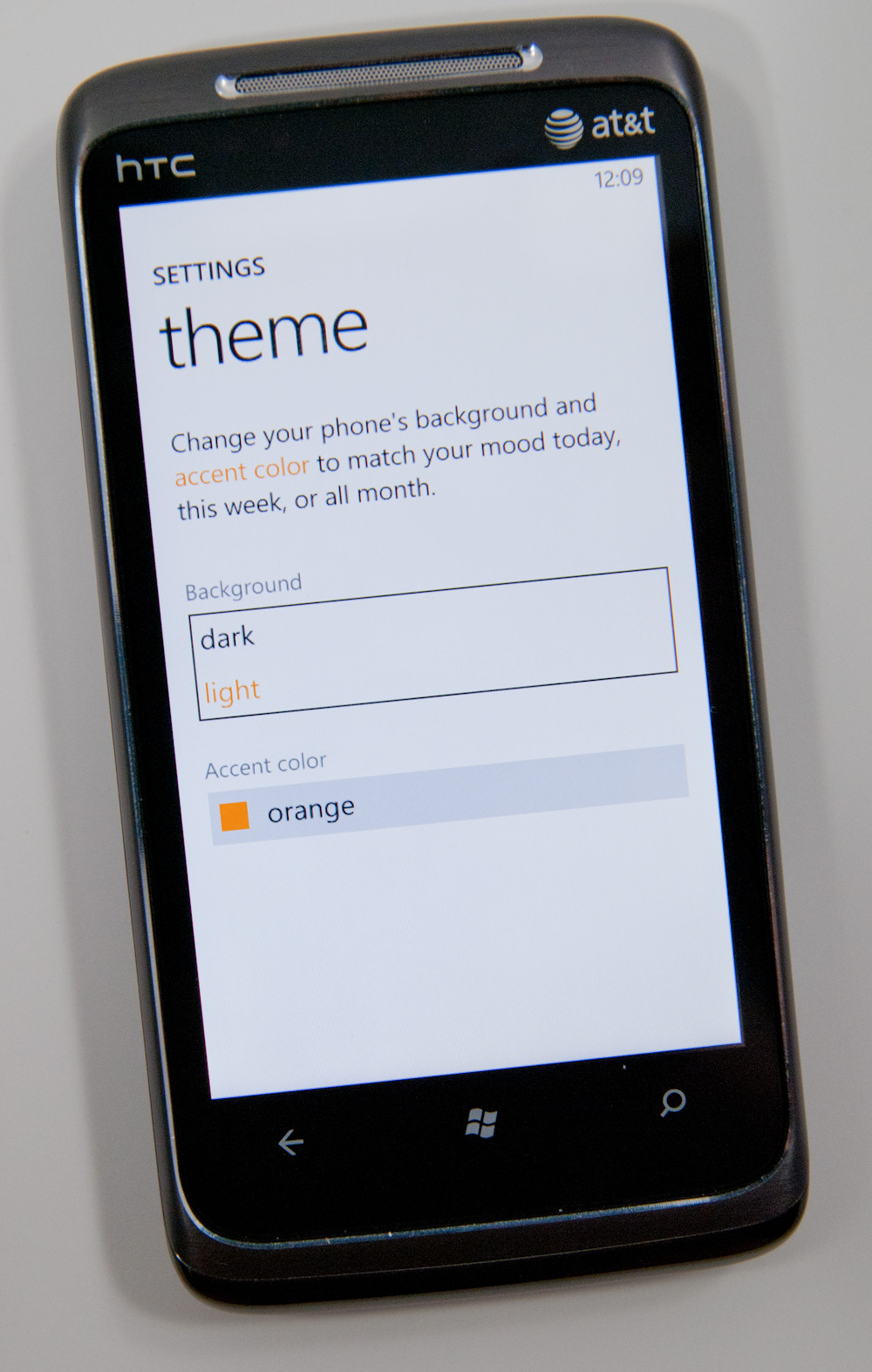
The theme color controls things like the color of your tiles, color of links and even the color of progress bars in IE. The color options are all either bold or vibrant or a little of both, and they dramatically change the look of the device.
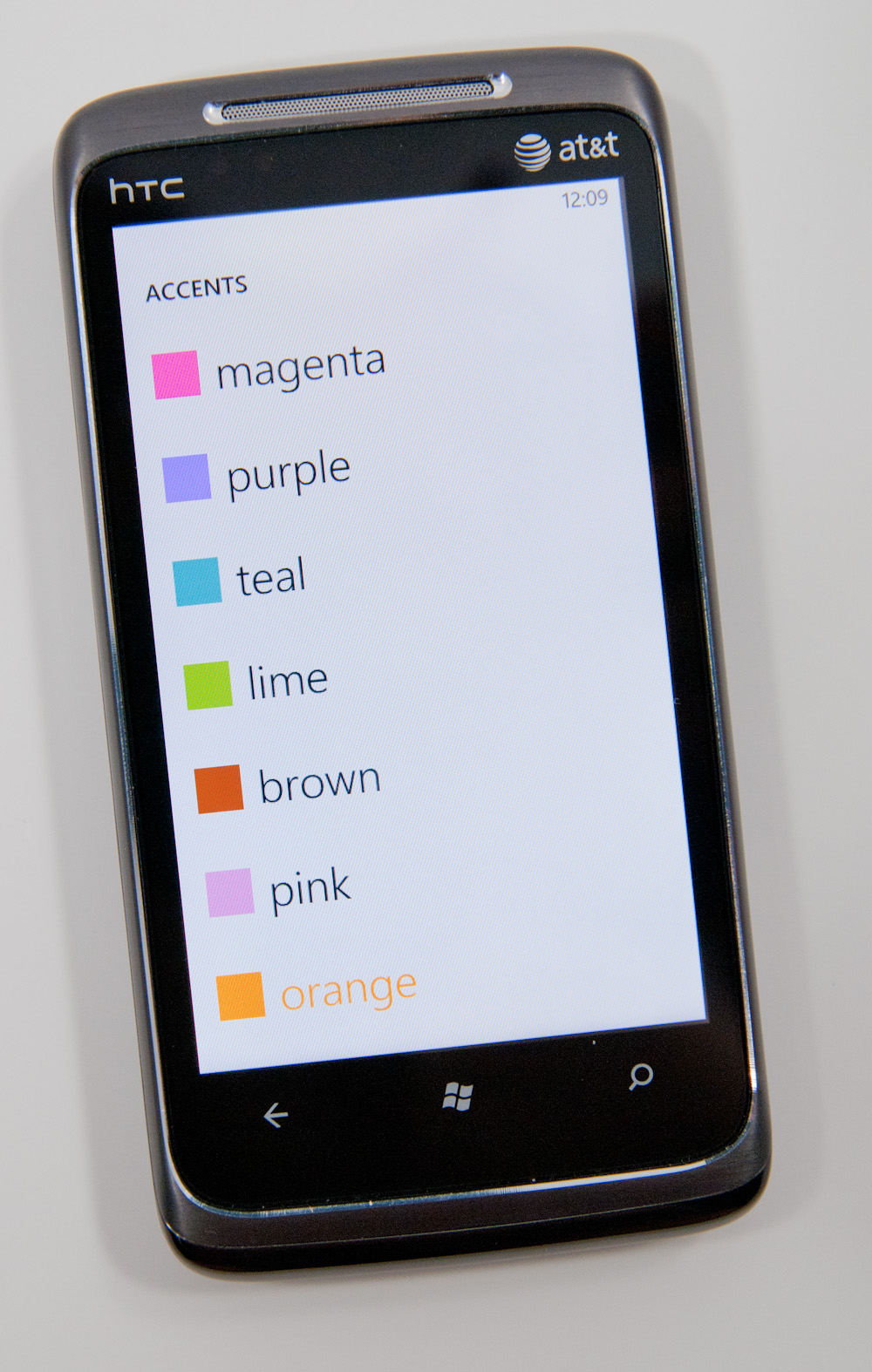
I’d say Microsoft got the personalization down just right. You can change the photos on your lock screen but everywhere else the background is either black, white or a picture automatically selected based on the content you’re viewing.


The theme colors are consistent once applied and refreshing to switch between. It’s like getting a case for the inside of your phone.
The UI customizations preserve a standard experience across all Windows Phone devices. Microsoft definitely learned from Windows Mobile.
Originally published at https://www.anandtech.com/show/3982/windows-phone-7-review (Wayback Machine).