
The Windows Phone 7 Review
Syncing over USB and WiFi
Anand talked earlier about Zune integration on the device, I’m going to expand a bit by talking about the Zune’s desktop sync integration on Windows. One of WP7’s most touted features is WiFi sync to desktop. If you’ve got the bandwidth and the wireless network, this really makes sense. The phone doesn’t sit in a dock next to the computer like early PDAs did, they sit (for me at least) on a nightstand or wherever there’s a free charger in arm’s reach. Syncing with the desktop then becomes just a routine thing that happens nightly without having to actually go plug the device in.
To setup WiFi sync, you need to first connect the WP7 device to your computer at least once. While it’s connected, inside phone settings is an option to setup wireless sync. The phone has to be connected to the same wireless network your computer is on.
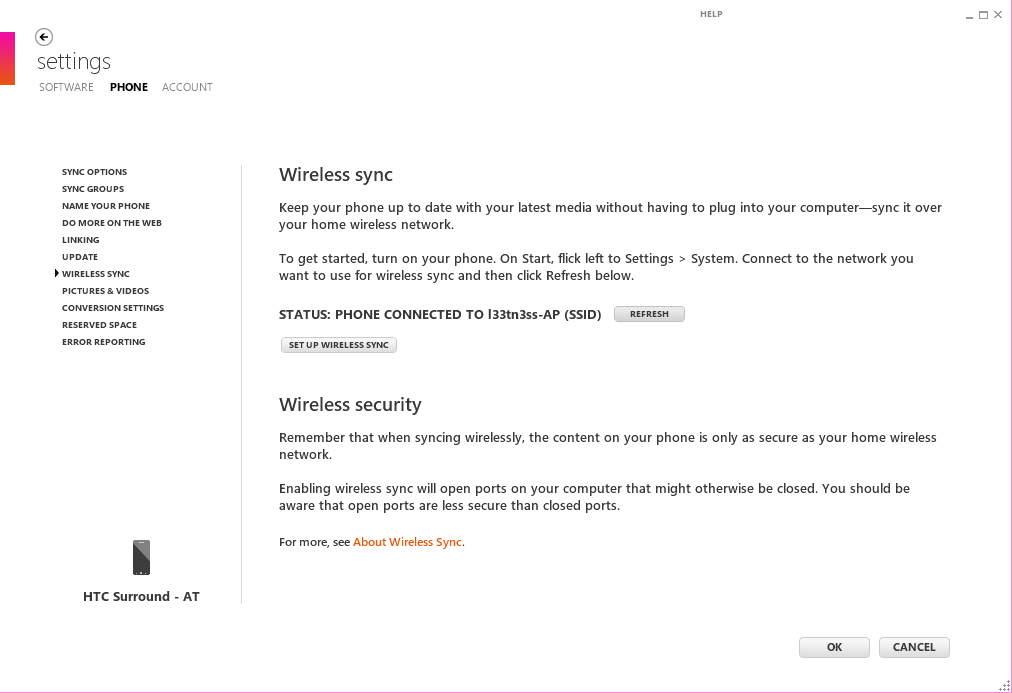
The wizard is simple and just asks whether the network you’re joined to is the appropriate one. It’ll do a simple check which I assume is provisioning the phone to only try and sync over this network, and then tell you it’s ready to go:
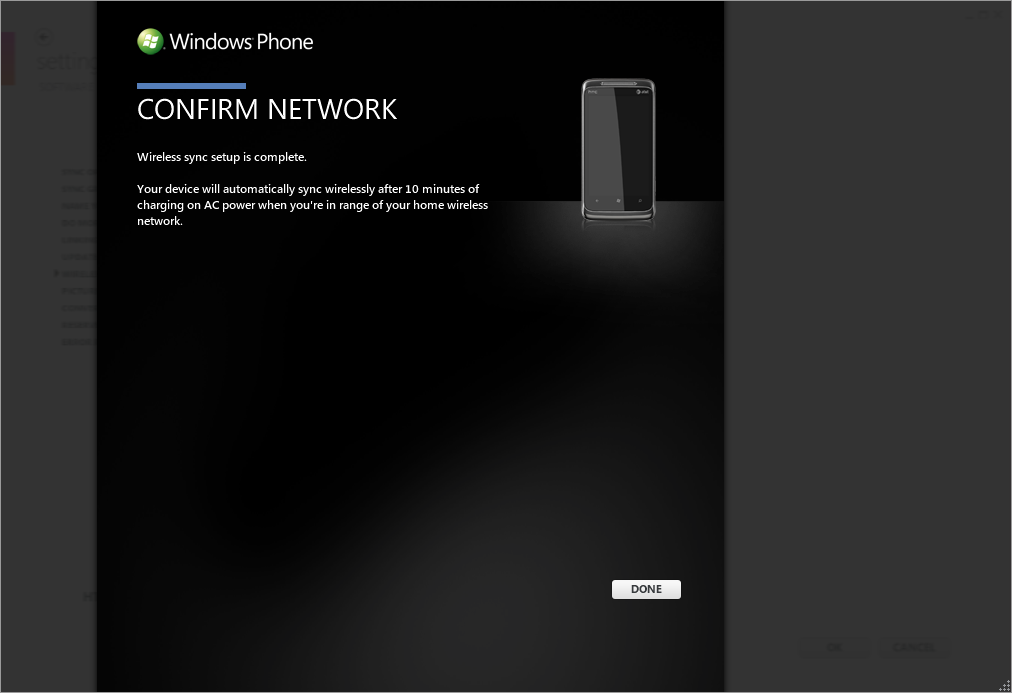
Wireless sync takes place after 10 minutes of uninterrupted charging when you’re on the right wireless network. I say uninterrupted because the first time I set this up, I waited with the device plugged in and used the phone - sync didn’t happen. It has to be idle on your desk for 10 minutes, and then sync will happen automatically.
There’s also no way to manually trigger a wireless a sync from the phone or Zune interface. It just happens on this 10 minute schedule, and by appearances checks for changes every 10 minutes or so as well while plugged in. While the device is syncing, there's little indication that a sync is in progress unless you try and fire up the Zune hub or take a photo. Unplugging the device during wireless sync seems to halt the sync elegantly.
What’s best about this process is that all same data that gets synced over USB makes it over wireless. Photos, videos, music - it all happens. There aren’t arbitrary restrictions about file size, and it’s decently speedy.
By default, Zune takes copies of all your photos and videos and backs them up inside the pictures folder on the desktop. The folder is given the same name as your phone, and the entire camera roll gets stuffed inside. Remember, this is the only way to get videos off a WP7 device.
Music gets dragged from the collection pane into the phone, and syncs the next time the device connects.
I’m pretty impressed with how well wireless sync works on WP7, and it’s awesome to see this not requiring a hack or lots of effort to get working. It’s also decently speedy - I was on HTC Surround connected at 65 Mbps with an 802.11n network, and saw throughput of about 24 Mbps peak when syncing.
Originally published at https://www.anandtech.com/show/3982/windows-phone-7-review (Wayback Machine).