
Motorola Droid X: Thoroughly Reviewed
FM Radio
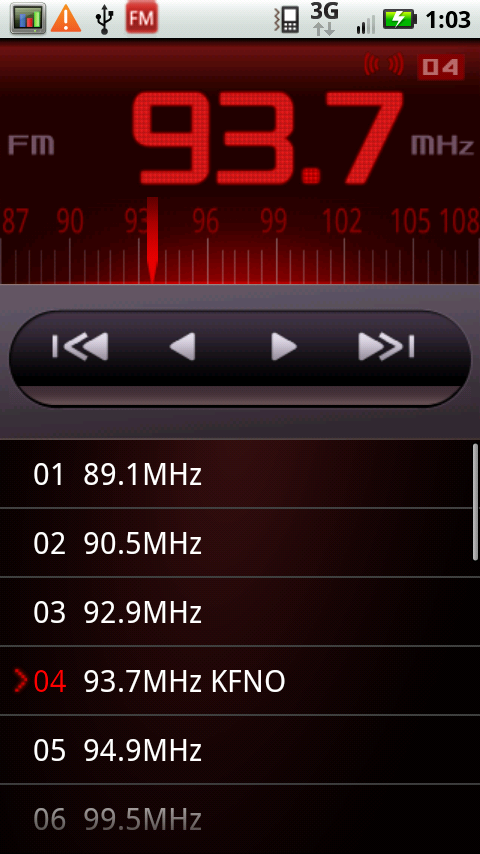
The X, like the EVO and a number of other smartphones also doubles as an extremely expensive FM radio.
|
FM Radio
|
||
 |
 |
|
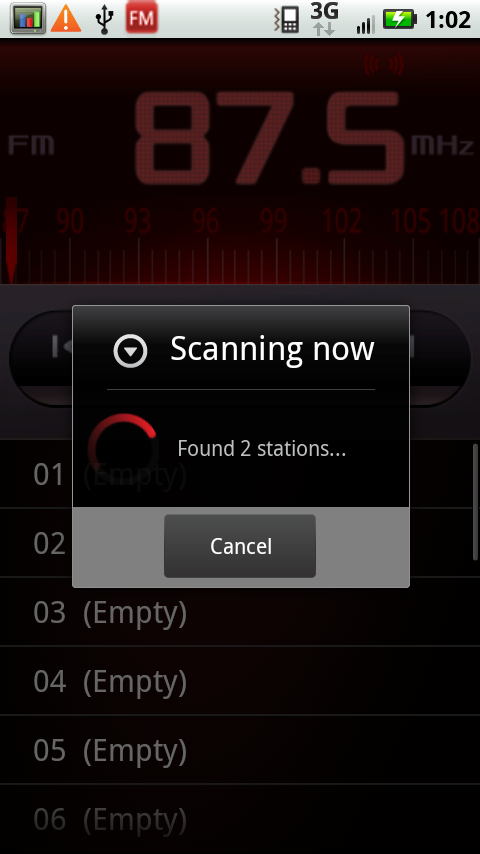
The application is a bit different and has the same masculine red-robot theme to it that the whole Droid brand does. It works well and even tunes the radio data broadcast names and info. There was also a scan and auto create presets feature. It didn’t find one or two stations that I could tune manually, but that’s forgivable.
Skype Mobile
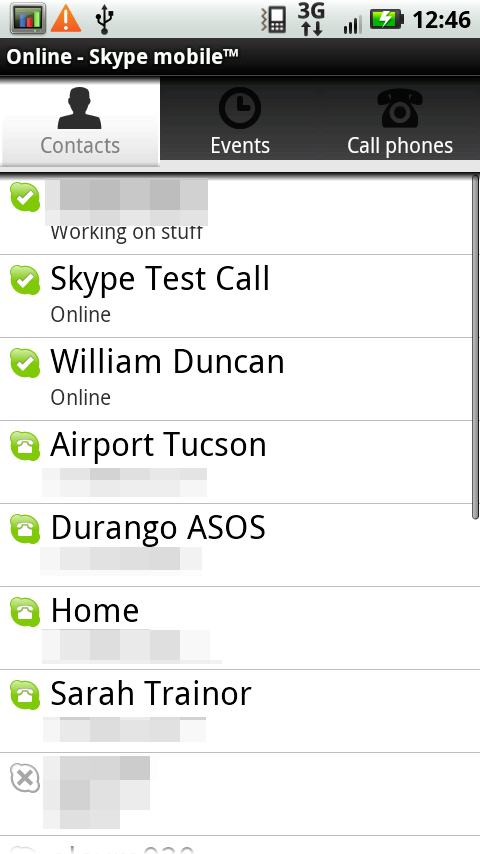
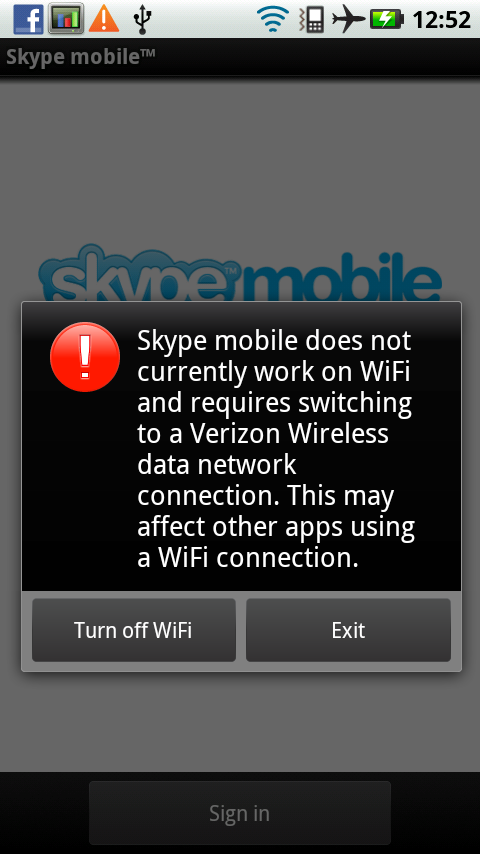
The X bundles Skype Mobile, a Verizon exclusive for BlackBerry and Android smartphones. The situation is relatively interesting. While skype to skype calls are free, and skype always is ready to receive calls, the implementation seems to be little more than a skype number and dialer - calls actually go over Verizon’s 1xRTT network same as any other voice call. Turn the cellular radio off, and you’ll find pretty quickly that you can’t place calls over WiFi data. As a result, call quality over Skype is exactly the same as a normal cellular call on CDMA.
|
Skype Mobile - Works only over Verizon Wireless
|
||
 |
 |
|
It works, but what everyone is really waiting for is bonafide Skype (with real VoIP) on Android. Complete with video calling support.
Keyboards on the X
While we’re on the subject of what software comes preinstalled on the X, we might as well talk about the keyboard. The X comes with two keyboards, Swype, and the Blur customized multitouch keyboard. In effect, I’d argue that the X comes with the best keyboards I’ve seen preloaded on an Android device yet.
Multitouch Keyboard
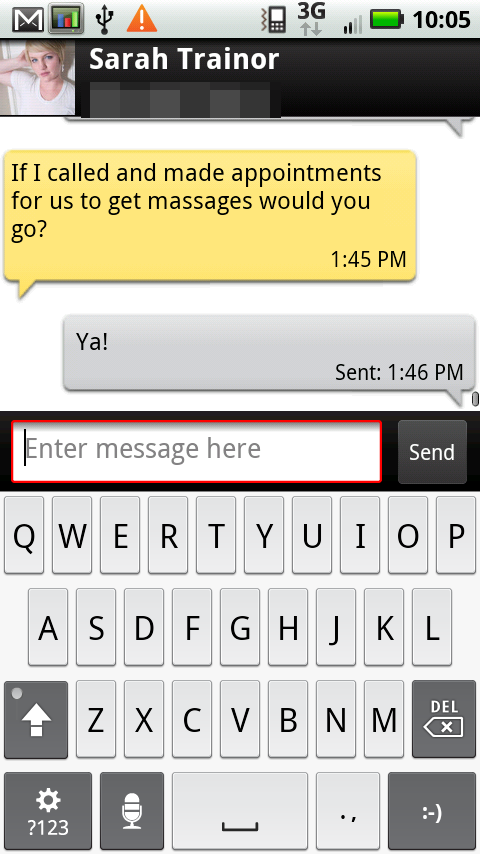
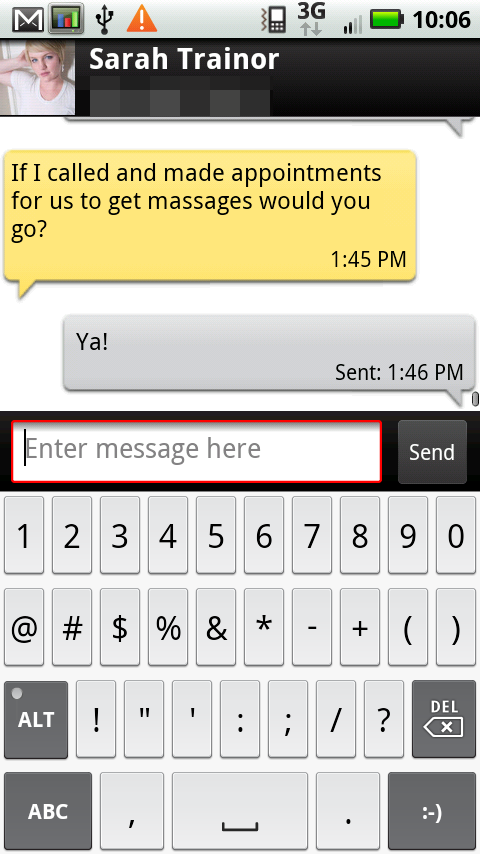
Before I dive into Swype, let’s talk about the default selected Blur multitouch keyboard. In a word, it’s awesome.
|
Default Multitouch Keyboard - Characters, Symbols
|
||
 |
 |
|
The combination of being relatively clean, basic, visual, and the larger screen size makes the multitouch keyboard excellent. I found myself typing on the X just as fast as I could on other devices right out of the box, despite not having a hardware keyboard. To some extent, the Blur keyboard is seems to derive key placement inspiration from iOS, but has slightly taller keys.
I’ve talked with a lot of people who love the HTC Sense keyboard - I found that although it was better than the default Android keyboard, it still was far too visually busy and distracting. This is one place where I think Motorola has actually added something valuable to Android on the X - a multitouch keyboard without more extras that just make it visually confusing.
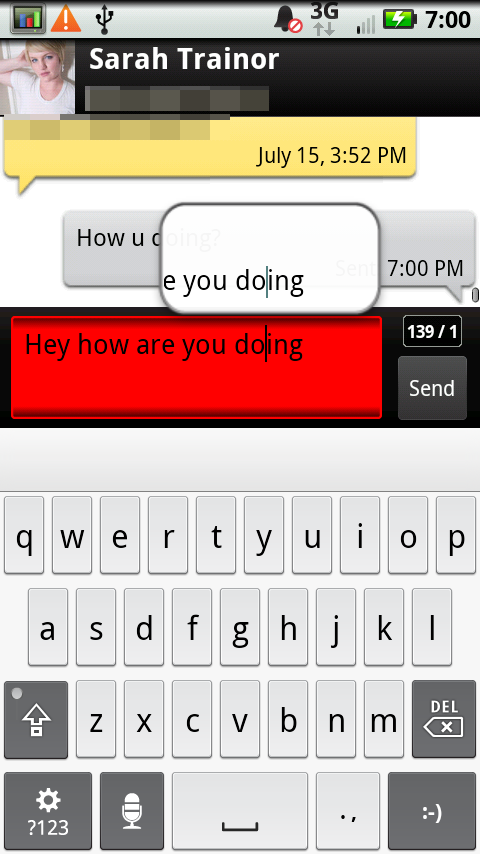
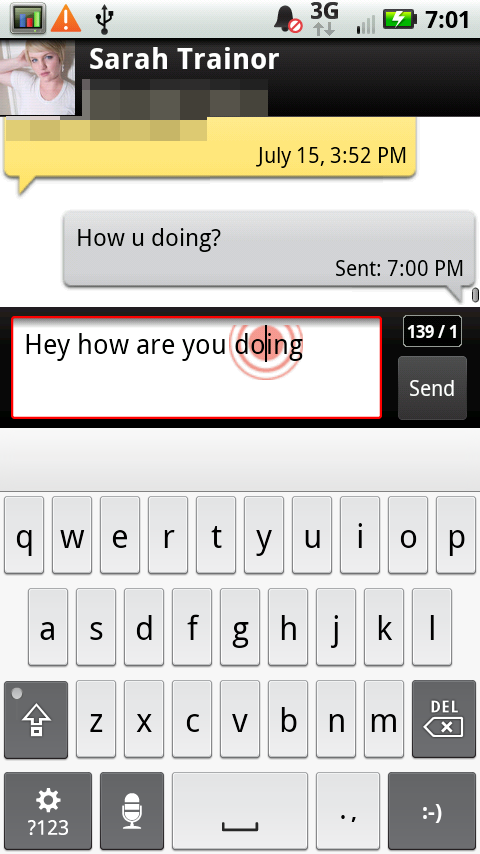
There’s a few other things that the Blur interface adds to text input. Start typing, and for the first couple of keystrokes, you’ll see a red circle with others around it - it’s a symbol that begs you to tap and hold.
|
Magnification, Press Gesture - iOS inspired much?
|
||
 |
 |
|
Do just that, and you’ll get the eyeglass-like cursor place tool exactly like what iOS has. If you long press without the red circle being present, you’ll get the normal pop up to edit text and change the input method.
Honestly, I think this is perfect. It’s a ripoff of iOS, but even Jobs acknowledges the value of copying from great artists. In this regard, I think the Motorola customization offers something valuable.
Originally published at https://www.anandtech.com/show/3826/motorola-droid-x-thoroughly-reviewed (Wayback Machine).