
ASRock Core 100HT-BD : Bringing HTPCs to the Mainstream Market [UPDATED : Noise Issue]
Most users of the Core 100 HT-BD will probably not need to play around with the BIOS. That said, the unit carries the AMI L1.32 BIOS, and does provide a good set of features for the enthusiasts to play around with.
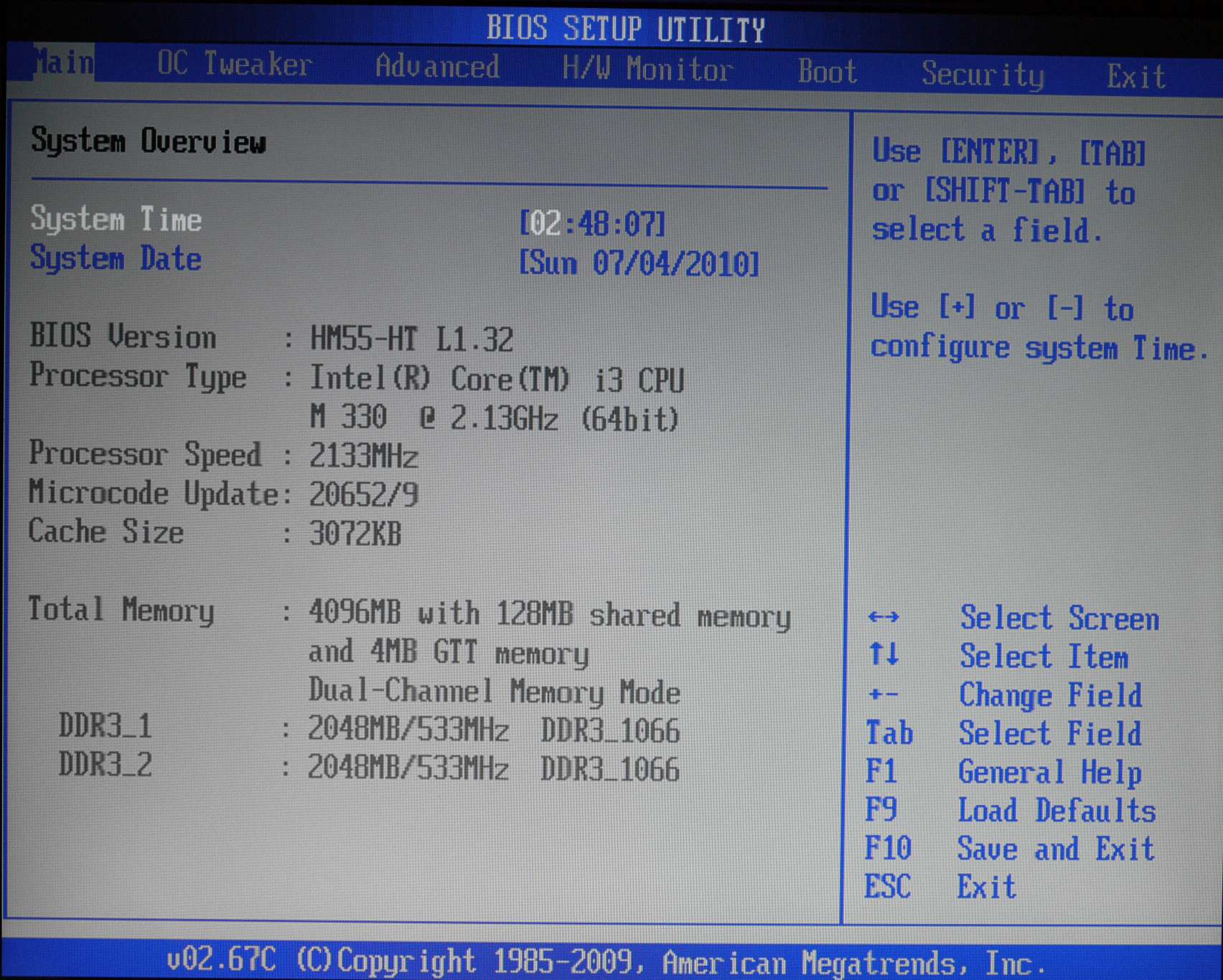
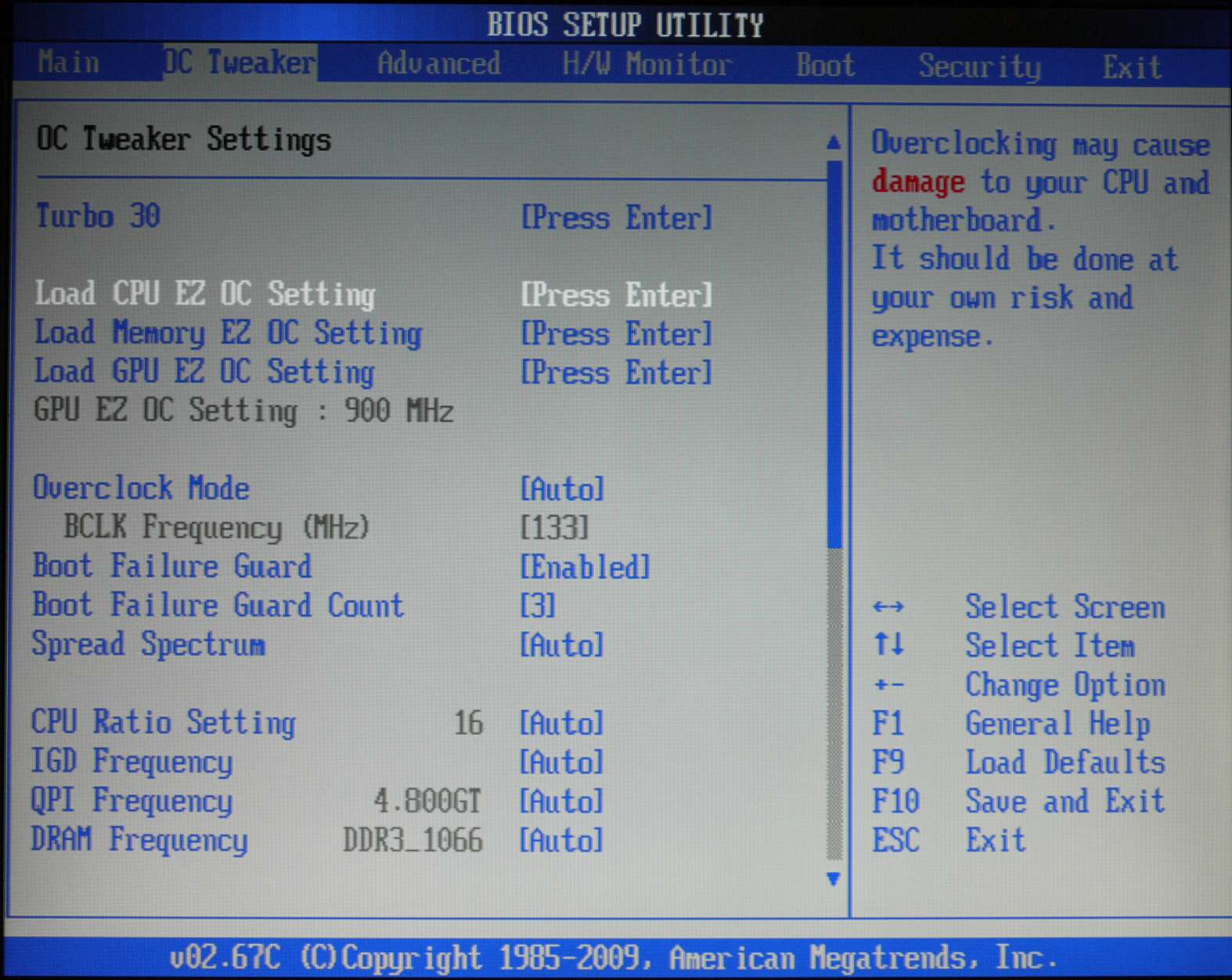
First off, we have the OC Tweaker option, which has more features compared to the overclocking Windows utility that ASRock supplies. There is a Turbo30 option to increase the system performance in a transparent manner. In our testing, we found that overclocking doesn't deliver any improvement for HTPC workloads, so we didn't test this aspect too much. One point of note is that the GPU easily overclocks to 900 MHz from the stock 667 MHz. This improved the Windows Experience Index score sometimes (depending on the Intel graphics driver version).
In the 'Advanced' section of the BIOS, most users would be interested in the Instant Flash utility which enables BIOS updates from a flash driver without booting into Windows. Of more usefulness is the 'Good Night LED' feature which turns off the really bright blue LED in the front when the unit is in 'Standby' mode.

The 'H/W Monitor' section allows one to modify the CPU and chassis fan settings. The default 'Auto' option worked very well, and managed to keep the unit idling around 45C. The BIOS page seemed to always indicate a higher temperature compared to the Windows utility. On booting into the OS and entering into 'Idle' mode, the power saving options kick in, bringing down the temperatures.

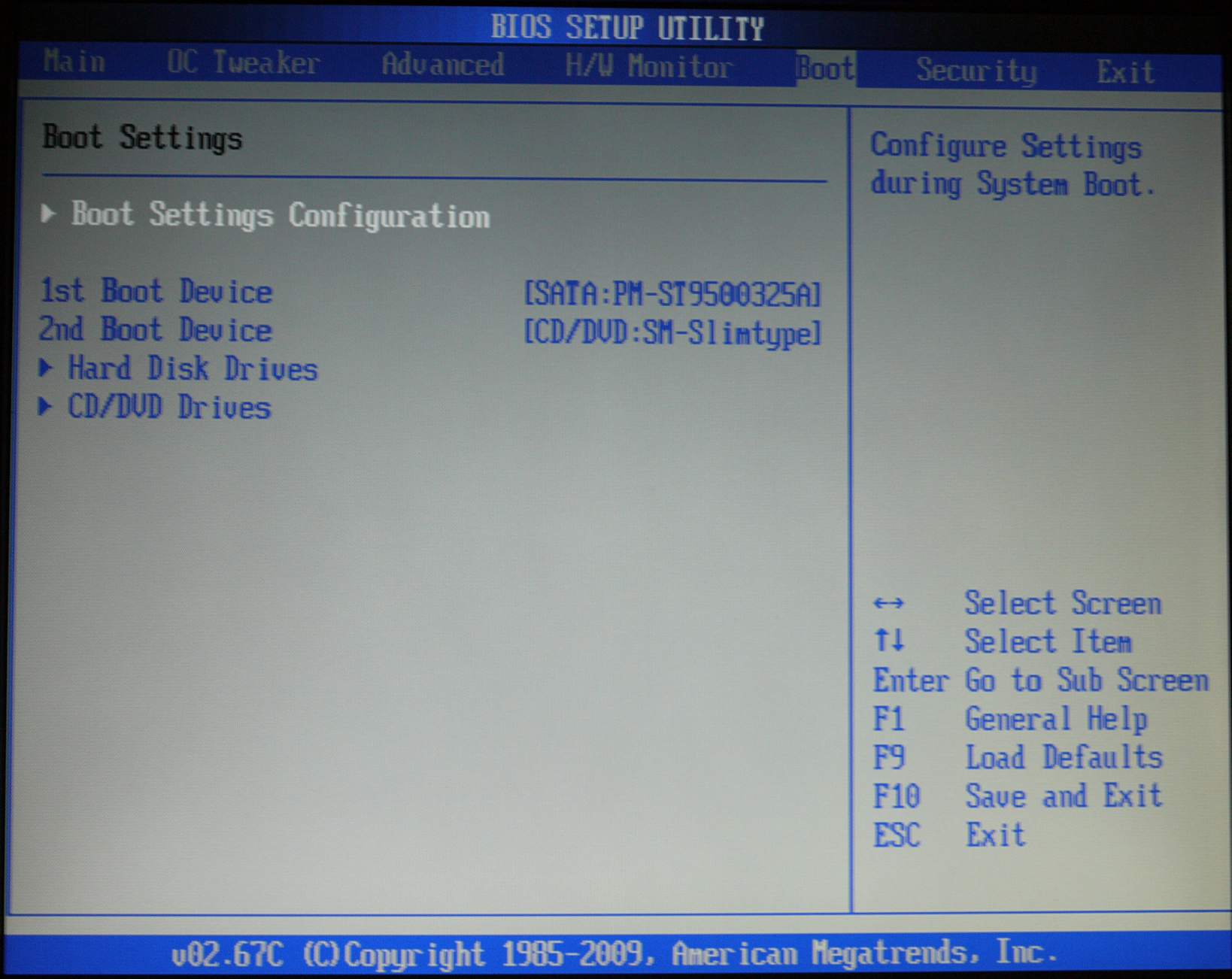
The Boot section allows you to choose the boot device and boot order. Booting from USB devices is indeed possible, but the menu entry in the BIOS appears only if the USB device is connected to the unit.
Originally published at https://www.anandtech.com/show/3824/asrock-core-100htbd-bringing-htpcs-to-the-mainstream-market (Wayback Machine).