
A Taste of Froyo: Google Android 2.2 Explored
Application Specific Updates
Gallery
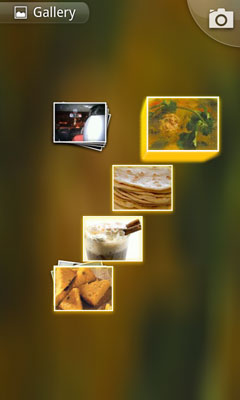
The Gallery app now supports pinch-to-zoom gestures. When you pinch and zoom on an album, the pictures scroll across the screen giving you a preview of its contents. The order of the scrolling can be manipulated depending on how you pinch the screen. Google seems to have taken a page directly from Apple as the iPad has a similar feature in its Photos app. Although it’s a nice addition to an already well-made app, its implementation is rather awkward and leaves much to be desired.
Camera
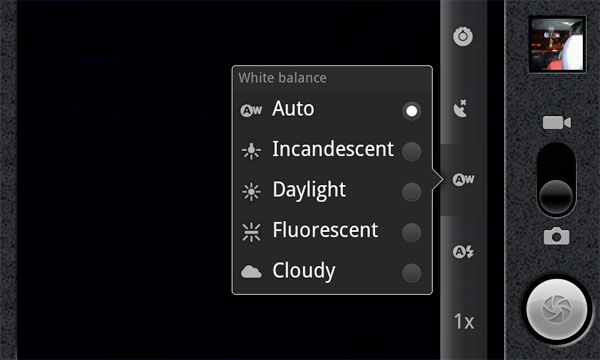
The Camera app now has on-screen controls for focus, exposure, geo-location, white balance, flash and zoom. All the controls are orientation aware (regardless of whether automatic orientation is enabled) and change smoothly when you switch modes. Compulsive photographers who’d like to have greater control while taking pictures will find this extremely handy. I found the new controls quite useful at times, especially for those quick shots where time is of the essence.
Gmail
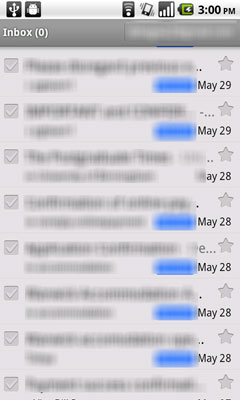
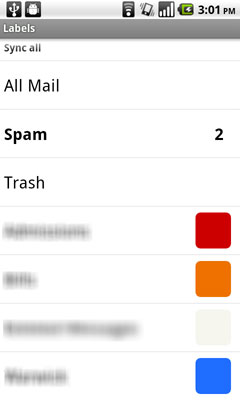
The Gmail app now supports fast account switching, thanks to a little button on the top right corner of the app. Google’s also (finally!) added previous and next buttons to quickly scroll through threads. The app also adds support for colored labels and allows users to cut, copy and paste text from emails. Another handy addition is the ability to install .apk files directly from emails. Thanks to these new features, the Gmail app is vastly more usable in Froyo.
 |
 |
Android Market
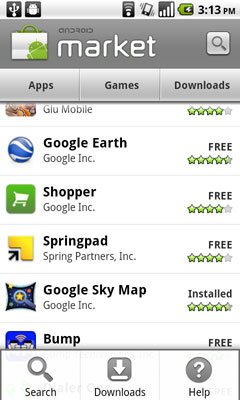
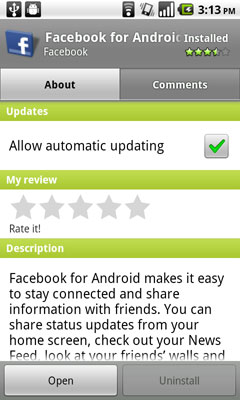
The Market app at long last added the ability to update all installed apps simultaneously. The interface has now been tweaked to have two tabs, one for the description and the other for comments.
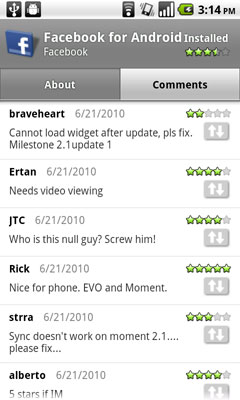
You can also set rules to automatically update apps whenever an update is made available. It’s a great feature if you have a lot of apps installed on your phone and something that is still lacking from iOS.
 |
 |
YouTube
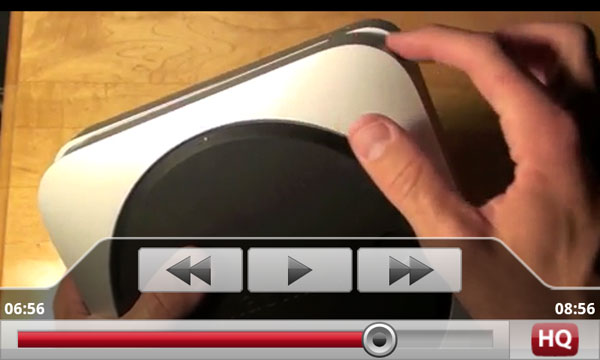
The YouTube app remains largely unchanged, except for that little HQ button that lets you toggle the video quality. While some have found the default video quality on v2.1 and v2.2 to be almost the same, but non-HQ clips seem to appear worse on Froyo.
Browser
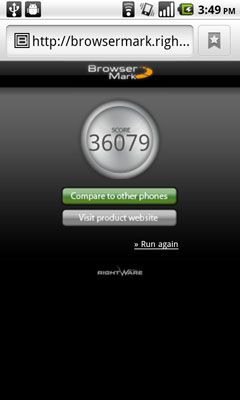
Froyo’s browser adds the new V8 Javascript rendering engine that promises a 2x performance boost from Éclair (v2.1). I’m happy to confirm that these claims are largely true and the browser performance is absolutely stellar! The new broswer managed an amazing score of 36079 in the BrowserMark test with its closest competitor, the iPhone 3GS scoring a far 26897.
Originally published at https://www.anandtech.com/show/3782/a-taste-of-froyo-google-android-22-explored (Wayback Machine).