
Desktop CPU Comparison - September 99
- Posted in
- CPUs
Quake 3 Arena Test Settings
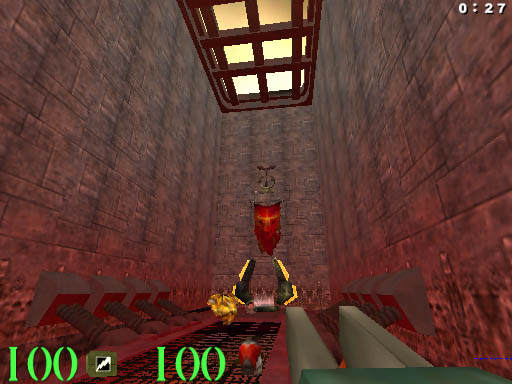
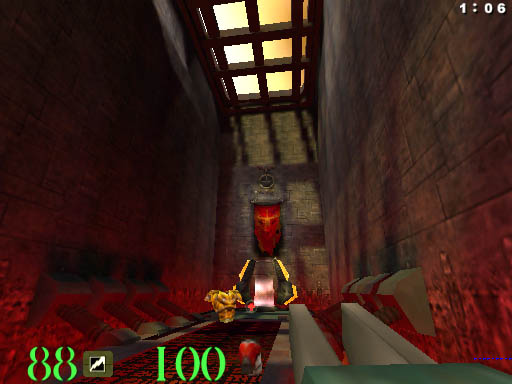
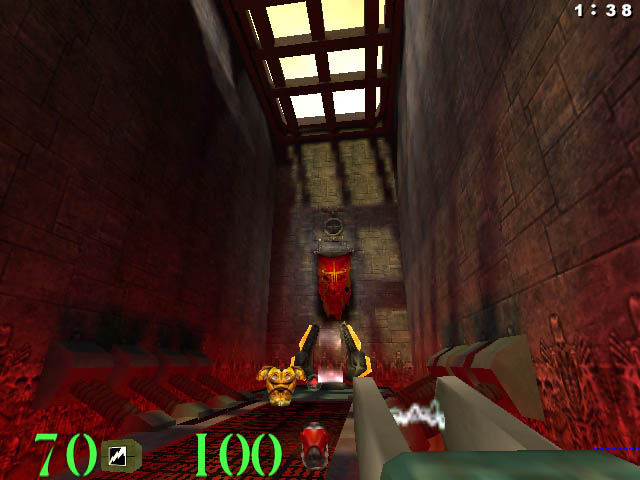
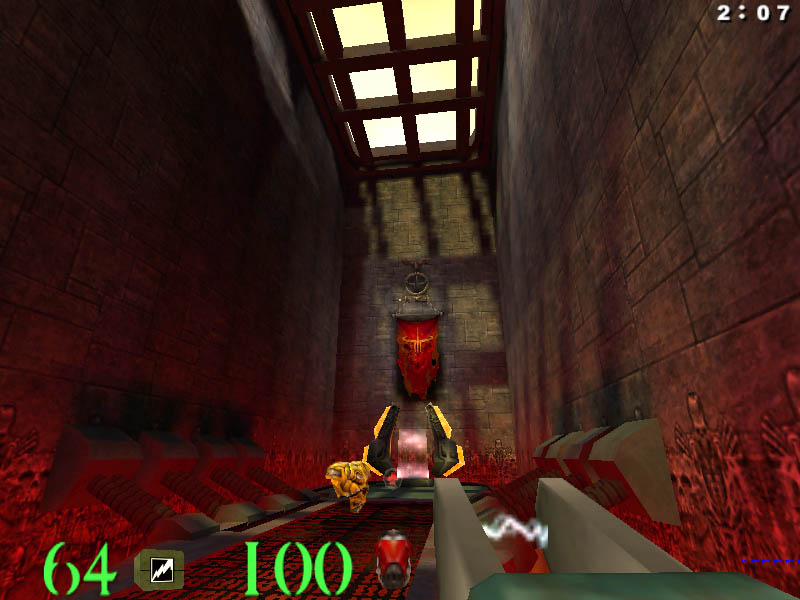
The four different image quality settings for Quake 3 Arena Test were Fastest, Fast, Normal and High using q3demo1.dm3. To run the test, bring down the console by hitting '~' then type in 'timedemo 1' then hit return and type 'demo q3demo1' and hit return.
Screenshots of the four settings are provided below:
Click to Enlarge
Fastest Setting
Fast Setting
Normal Setting
High Setting
Originally published at https://www.anandtech.com/show/368 (Wayback Machine).