
AMD's Radeon HD 5870 Eyefinity 6 Edition Reviewed
- Posted in
- GPUs
Setting Up Six Displays
Getting three displays lined up and perfect is enough trouble, setting up six is beyond frustrating. Ahead of its visit to me in NC, AMD shipped down six Dell P2210H 1080p displays and a pair of stands from Atdec. One stand supports four monitors, while the other supports two.
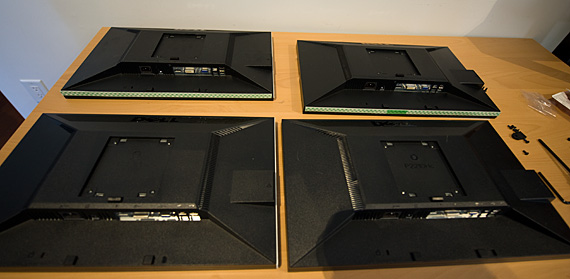
AMD had been flying around the country setting these Eyefinity 6 systems up for reviewers and thus had a bit of experience in doing this. I yielded to their expertise, which recommended putting double sided foam mounting tape along the edges of the monitors. We did so on the first four displays:
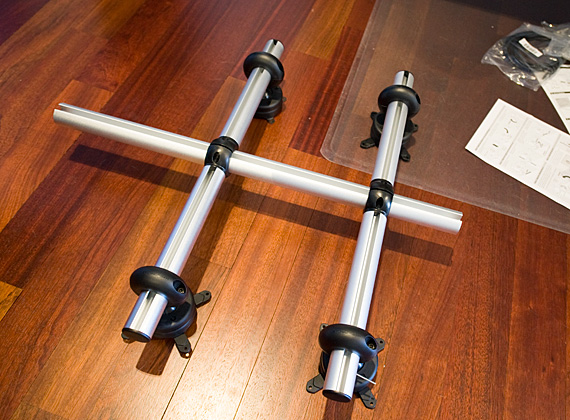
Meanwhile, we assembled the mount for the four displays. While this might sound simple, it's not. You have to figure out the right distance each display will be from one another as well as the right height. Adjusting these variables is easier said than done. Each display mount has two opposite facing hex screws that must be loosened and tightened by the same amount. There's one adjustable mount per arm that holds two displays, and then one mount per display. Oh and each of the four display mounts is on a ball that can be loosened and adjusted to make sure the displays are all square with the user.
Each one of these variables must be adjusted independently. Incorrectly positioning even one of these mounts will prevent your Eyefinity 6 setup from looking flawless (and at this point, you should just conceded that it is going to be flawed).
At this point AMD recommended sticking the four panels together before mounting them to the arms:
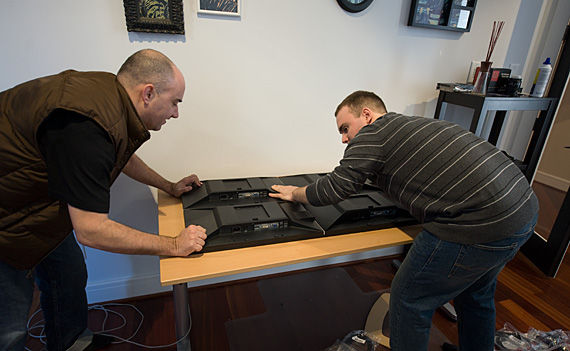
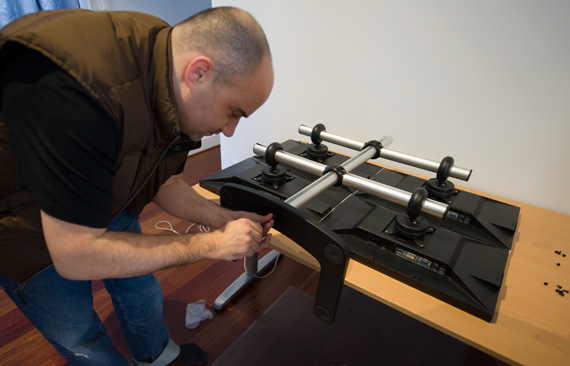
By sticking them together first, it would make the mounting process a bit easier...at least that was the hope. Next we mounted these four displays to the first stand and assembled it:
And we have 2/3 of our Eyefinity 6 setup complete:
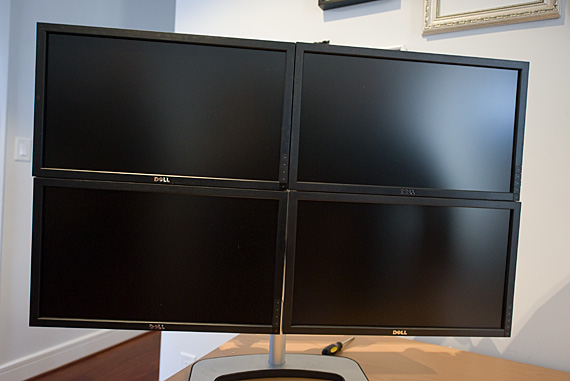
Er...so maybe it's sort of slanted, and has a handful of gaps in between the panels. The sticky tape did help, but it's not magical sticky tape. According to AMD, this was one of their better achievements on the trip and believe me when I say that this wasn't rushed. Setting up a cohesive group of six displays takes a great deal of patience and precision. If you get frustrated easily, you may want to just buy a projector instead to fulfill your large gaming needs.
With four setup, it was on to the next two.
Originally published at https://www.anandtech.com/show/3621/amds-radeon-hd-5870-eyefinity-6-edition-reviewed (Wayback Machine).