
The Lynnfield Preview: Rumblings of Revenge
- Posted in
- CPUs
The LGA-1156 Socket and New Heatsinks
The LGA-1156 socket, as its abbreviated name implies, is designed to interface with Land Grid Array packaged CPUs. The pins are located in the socket itself. To install you set the CPU in the socket, lower a clamp and then fasten the clamp in place with a lever.
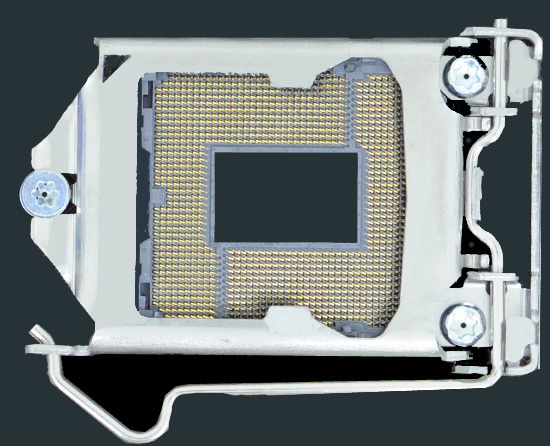
The LGA-1156 Socket
I wish I could provide a more detailed motherboard pic but a quick Google search should yield good results. The entire plate that holds the CPU in place actually lifts up and to the right in the picture above. The notch at the left of the plate slides under the screw you see on the left side and the lever at the bottom secures it in place. It works pretty well in person.
The new socket requires a new cooler. The four mounting holes are closer together on the LGA-1156 socket than they are on LGA-1366 boards, but further apart than LGA-775. It’s just different enough to require a brand new cooler, or at least a new mounting bracket.
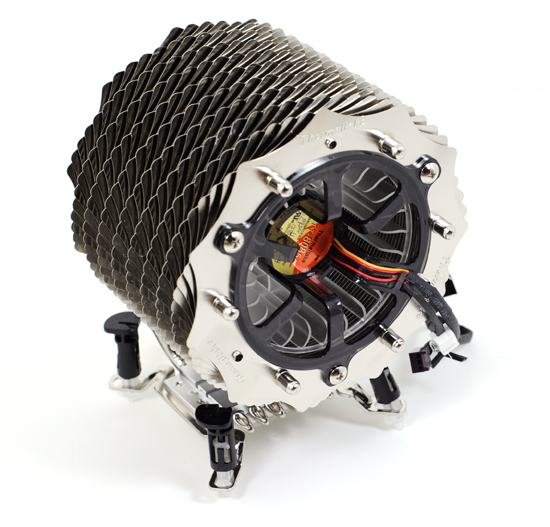
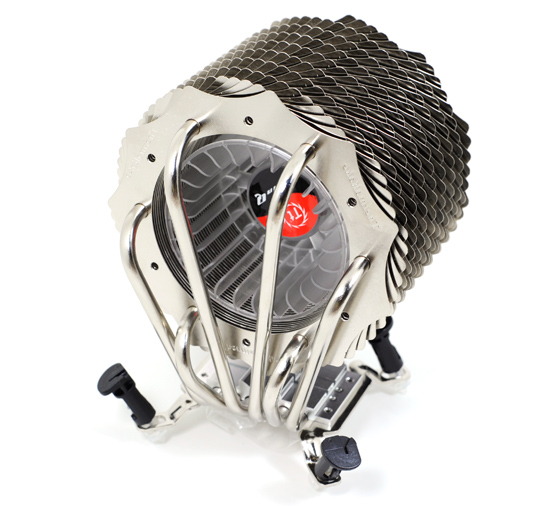
Thermaltake's SpinQ: Our first LGA-1156 cooler
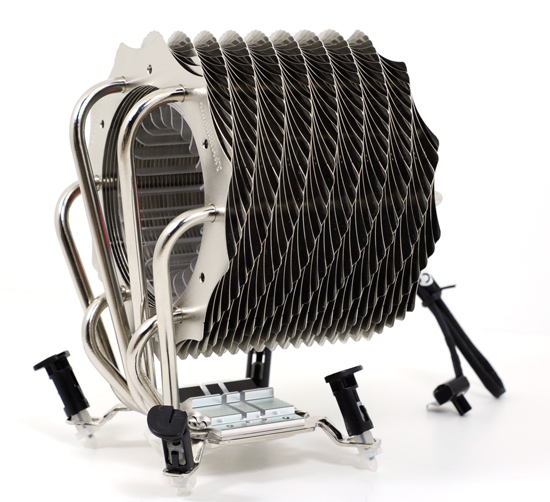
Thermaltake sent over its SpinQ which will ship with an adjustable LGA-1366 bracket that can be used on both LGA-1156 and LGA-1366 motherboards. Each peg can slide back and forth to get the right positioning before locking it down, allowing the cooler to work on both platforms.
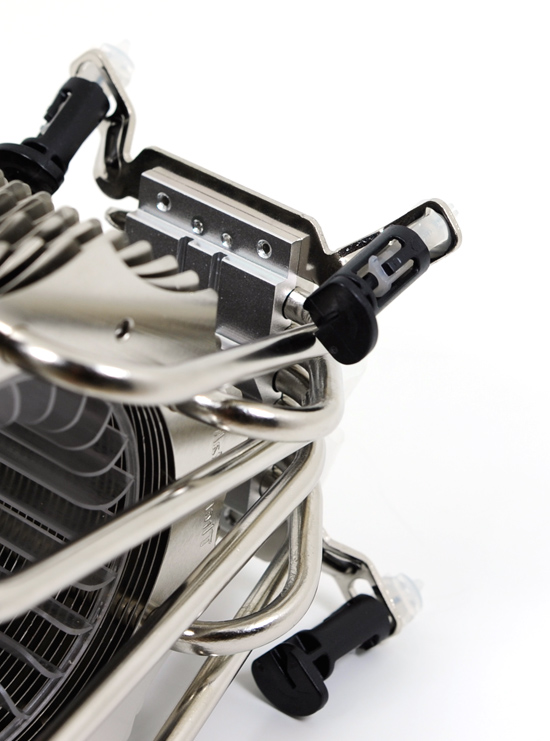
Oooh, adjustable mounting pegs
The cooler performed just fine in our tests and looks painful so try not to sit on it.
Originally published at https://www.anandtech.com/show/2773 (Wayback Machine).