
Velocity Micro Edge Z55: Core i7-940 with CrossFire 4870
- Posted in
- Systems
Problems
We don't always have much of substance to put in our "Problems" section, but being one of the earliest launch systems of Core i7, we had our fair share of trouble with the Z55.
When our system first arrived a few days before the November 17 launch date, we eagerly delved into testing. As with romance, at first everything seemed wonderful; then problems started to appear. Though stable enough to complete a 3DMark run, Prime95 would crash the system in less than an hour (sometimes within 5 minutes). Though high, temperatures were within the range of operation, and regardless thermal throttling should kick in for CPU heat issues. We tried a number of small tweaks and spent some time on the phone with Mario at Velocity Micro, the builder for our system. Ours was the only review system reporting problems, and after stepping through some other ideas, they decided the most expedient solution to save us troubleshooting time was to get us another system. In speaking with Mario, we were impressed with his knowledge and VM's test methodology.
While waiting, we decided to wipe VM's BIOS settings and start from scratch. After hours of testing, we had the system rock-solid at 3.3GHz, but only at low memory speeds (600MHz). The system became very unstable at higher rates. While building us the new system, Mario informed us he saw an identical problem with a certain batch of RAM. However, the new system that we received had identical batch numbers to that of our "old" system.
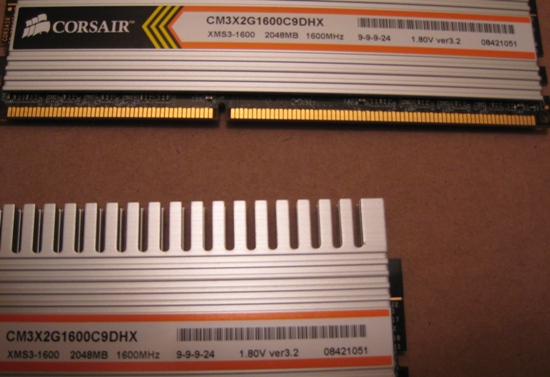
Once we received our new system (which by this time was shipping to hundreds of customers), we expected our problems to largely disappear. However, as soon as we booted up we had a new set of issues. This is the screen we were greeted with:
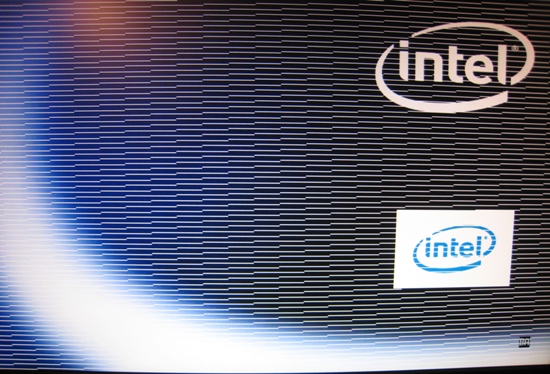
Or more like this, later on in the boot cycle:
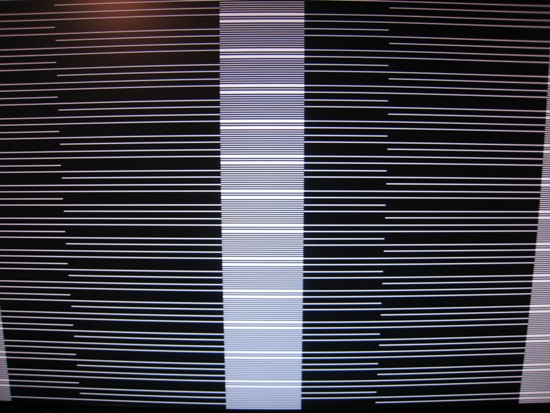
Great. Diving back into troubleshooting, the first thing we tried (after removing one of the 4870s) was altering the PCIe Latency Timer setting in the (updated) BIOS, which Mario had previously told us is very problematic with ATI cards and specifically CrossFire setups. A setting of 192 stabilized the system, but we were still getting a little screen corruption and crashing in CrossFire mode. Scavenging and swapping in the two cards from our previous system seemed to solve our problems, and system testing was started. Midway through our benchmarking, however, we noticed some performance issues, and that CrossFire was no longer showing up in the Catalyst Center. A quick look in Device Manager showed one of our cards with a yellow exclamation point - it was disabled due to a "Code 43" error. Our CrossFire setup was only using one 4870!
Forcing the video card back on, reinstalling the ACPI driver (a suggestion found in several forums on the Code 43 topic with ATI cards), a few reboots, and a 10" desk fan pointing into the chassis to alleviate any heat problems stabilized the system enough to collect some results on the 8.11 drivers.
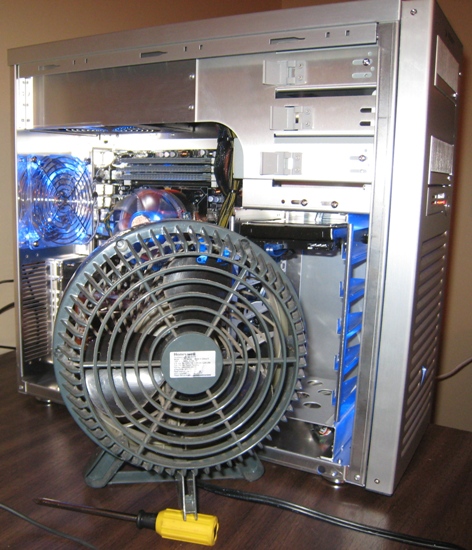
However, with the host of problems we'd run into, and being a new chipset platform, we also wanted to try the latest and greatest drivers, and installed the 8.12 beta from ATI. In general, they made the system a little more predictable but it still exhibited some problems, particularly in 3DMark where we saw some graphics corruption.
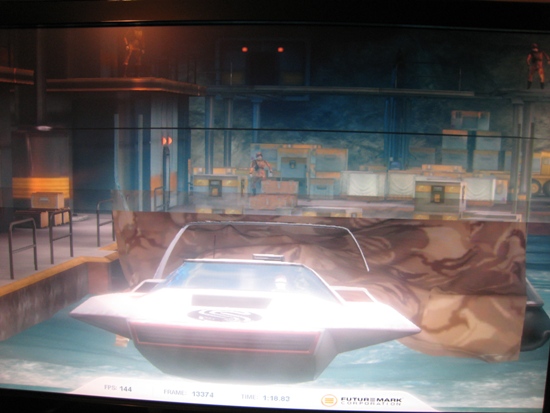
Overall, it seemed like the system had a lot of potential, but couldn't follow through when it came to stability. Whether this was caused by the early nature of the hardware (very likely), inadequate CPU cooling (also likely), or something else, the fact remains that anyone buying a new high-end system would be very unhappy if it failed to run properly. Then again, it's called the bleeding edge for good reason.
Originally published at https://www.anandtech.com/show/2683 (Wayback Machine).