
ASUS Eee PC Take 3: The XPerience
- Posted in
- Laptops
Windows XP
One of the shortcomings of the Eee (or strengths, depending on which side you're on) is its Linux-based operating system. While ASUS went to great lengths to streamline the installation and include useful apps, the reality is that most consumers are familiar with Windows XP, are more comfortable with it, and can easily install new applications on it. At the same price point of $399, and with the extra goodies, the XP version is likely to take the sales lead.
Drive Usage and Performance
So, how much space will XP cost you? What about memory usage? And how much bloat is ASUS giving users with their standard installation?
 |
The base install weighs in at about 3.0GB (out of an available 3.7GB). Memory usage is only 186MB, with very few running processes - only 30. Kudos to ASUS for not overloading the install with "value-added" software. Microsoft Works is included for word processing tasks, which is nice. We opted to remove it to save space on the primary drive, as well as other Windows components that aren't used. How much did that buy us?
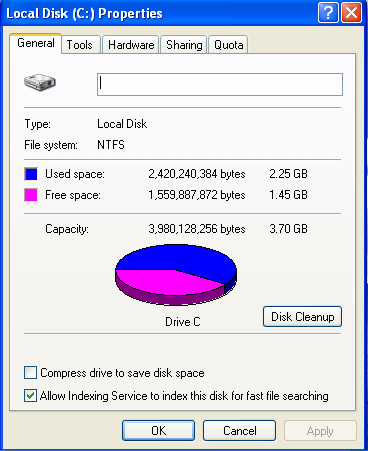
That's better! We still have the 4GB SDHC card as well, which many users simply leave in the card reader all the time. If you want additional storage, flash memory is relatively cheap as well. A 16GB SDHC card runs around $65 online, which would be sufficient for storing quite a few movies, audio files, pictures, etc.
Windows Startup
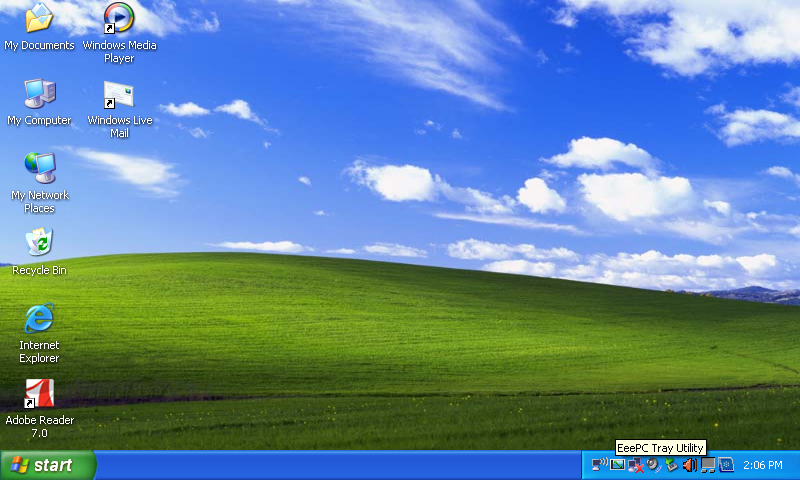
What kind of environment are we greeted with on first boot?
 |
 |
 |
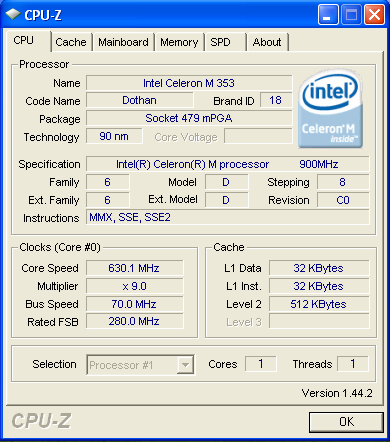
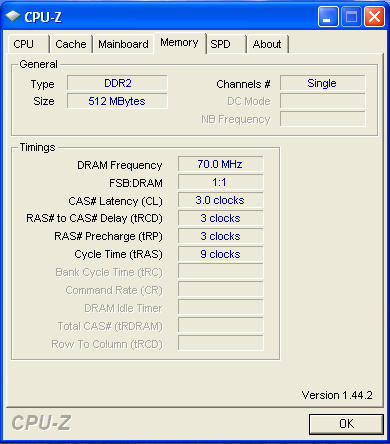
As noted before, this is a fairly clean install with just a few additions. Note that the 900MHz Celeron M processor is still underclocked to 630MHz (70MHz FSB). We'll say more on that later.
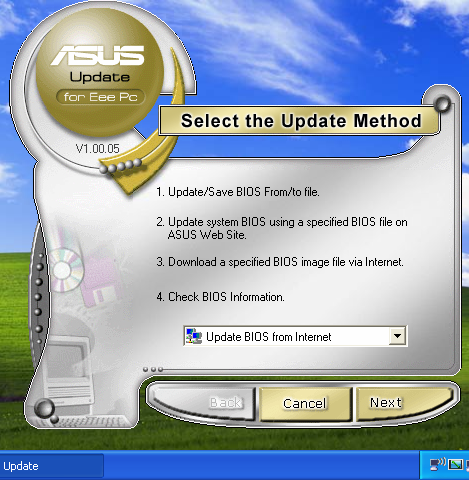
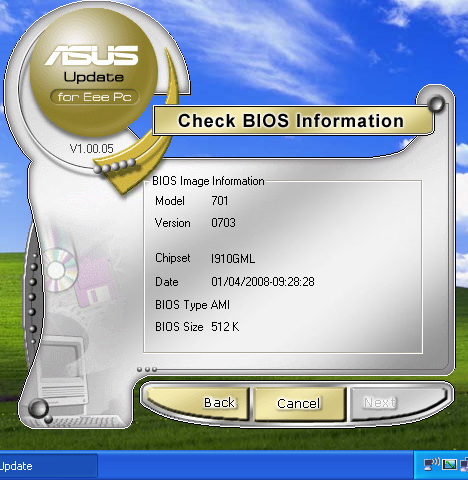
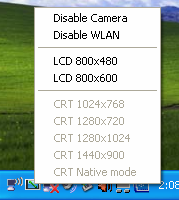
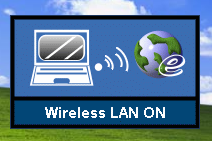
ASUS' update software is included, which will fetch and install new versions of the Eee's BIOS. They also include a tray utility that allows easily setting the resolution back to 800x480 (not selectable from the Intel driver options), as well as disabling the built-in 0.3 megapixel camera or wireless LAN.
Internet Explorer was a little "busy" when first started.
 |
Some users don't mind additional toolbars, favorites and Messenger icons, etc., but especially on a screen this small, we favor real estate, and pared it down.
 |
Originally published at https://www.anandtech.com/show/2509 (Wayback Machine).