
Apple's MacBook Pro with 128GB SSD: Performance and Battery Life Investigated
- Posted in
- Mac
Swapping Drives in a MacBook Pro
To swap drives in the MacBook Pro simply remove all of the exterior screws (including those behind the battery and memory expansion cover), pull up the keyboard and start working on the drive itself.
There's clamp that helps keep one side of the drive secure in the MacBook Pro; it's held in place by two Torx screws. With the clamp removed you can pull the old drive out, disconnect and peel off the cables stuck to the drive and transfer its screws to the new drive.
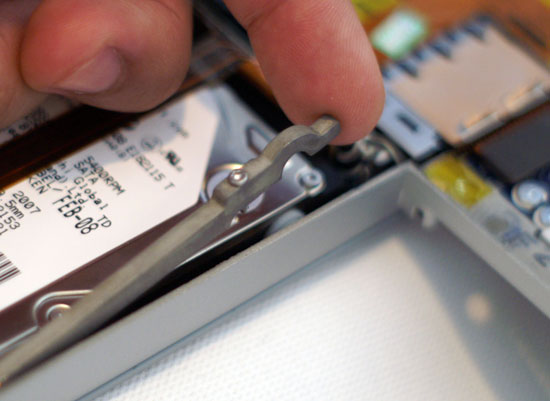
Remove this once you've cracked open the Pro
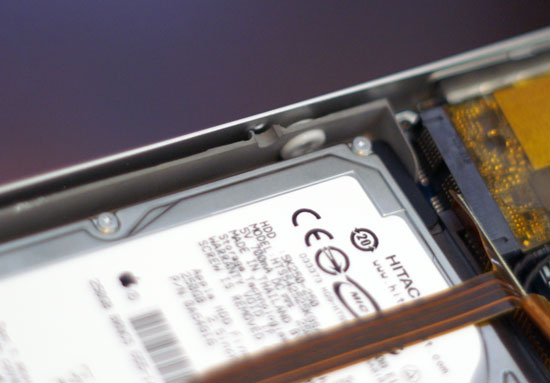
Lift the drive out, right side first
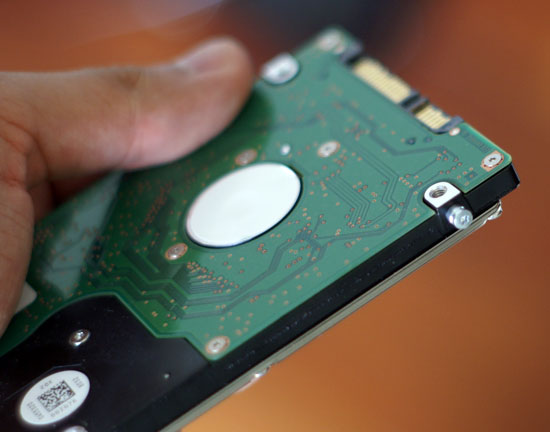
These screws on the left side of the drive need to be transfered to the new drive
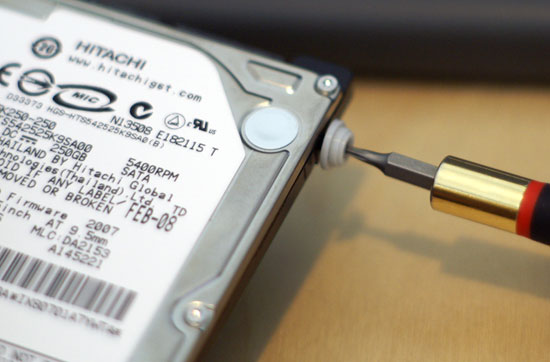
...as do these screws + rubber case
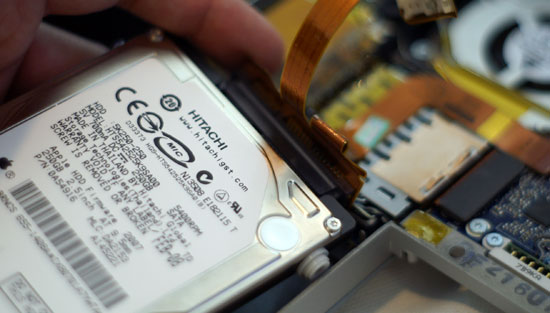
Removing the sata cable
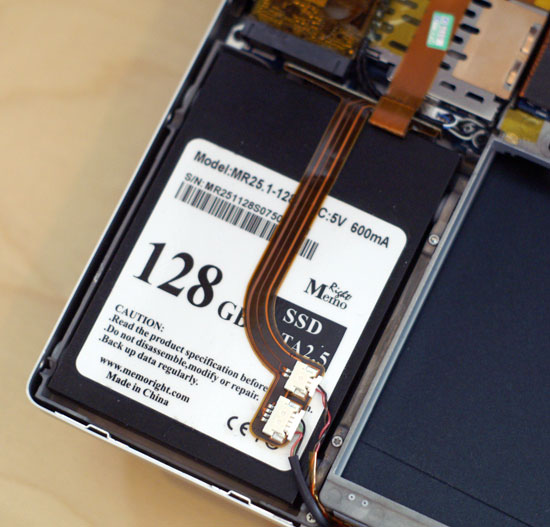
The new drive in place
The Test
| CPU | Clock Speed | L2 Cache | Memory | HDD | Graphics | |
| MacBook Pro 2.5GHz | Intel Core 2 Duo (45nm Penryn) | 2.5GHz | 6MB | 2GB DDR2-667 |
Hitachi Travelstar 5K250 (5400RPM) Memoright MR25.2+128S (SSD) |
NVIDIA GeForce 8600M GT 512MB |
Originally published at https://www.anandtech.com/show/2504 (Wayback Machine).