
Samsung 245T: LCD Prime
- Posted in
- Displays
Appearance and Design
The Samsung 245T takes the traditional approach when it comes to appearance. The frame is a glossy black plastic with a matte black stand. Some might go as far as calling the stand clunky looking -- it reminds us of the original Dell 2405FPW stand -- but it does everything that's required. The only truly noteworthy omission is that there is no cable management system at all, so the cables just hang loose off the back of the monitor -- nothing a few zip-ties won't fix, if that's a serious concern.
 |
 |
At the bottom right of the LCD, there are six buttons for accessing the on-screen display (OSD). Skipping the power button at the far right, which functions exactly as you would expect, the left button is a shortcut for enabling/disabling MPA. MPA stands for "Motion Picture Acceleration" and enabling it hopes to improve pixel response times. We'll find out later if it actually makes any noticeable difference in gaming as well. The second button brings up the main menu, and the next two buttons navigate through the menus. Pressing the menu button also exits out of submenus, while the fifth button (Source) acts as an enter button. When no other menus are active, the third button is a shortcut to cycle through the seven available color modes: Custom, Text, Internet, Game, Sports, Movie, and Dynamic CR. The fourth button also functions as a quick access to brightness levels, and the source button switches between available inputs -- note that if nothing is connected to an input, you can't switch to it without going through the full OSD menu. The Auto button is only useful in analog modes, where it will auto-adjust the screen size and centering, and the final PIP button turns on/off picture-in-picture.
 |
 |
 |
 |
As mentioned earlier, the 245T supports the usual assortment of tilt, pivot, rotate, and height adjustment functions. You can see the range of motion available in the above images.
 |
 |
 |
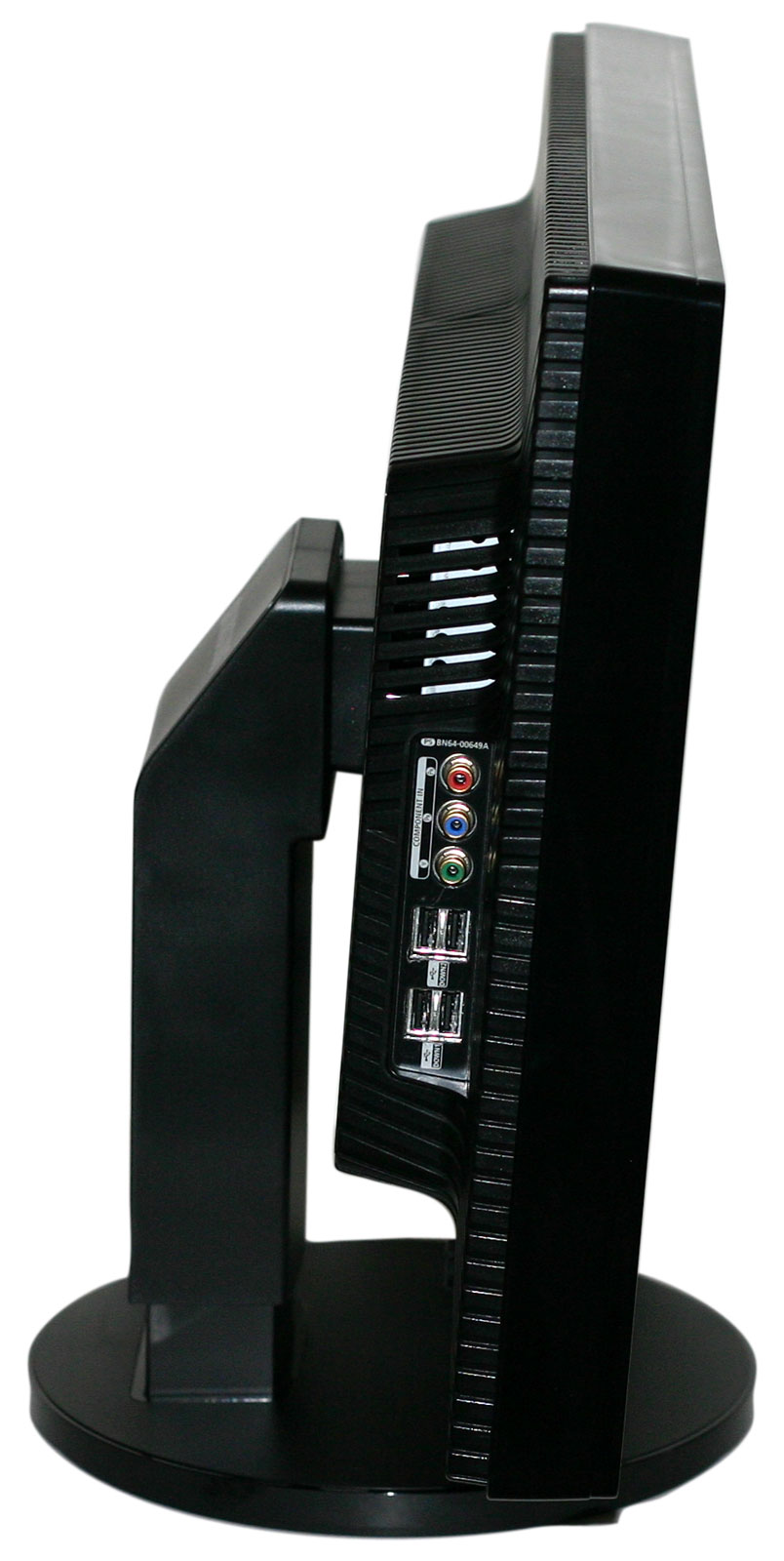
Most of the input ports all face downwards on the back of the display. The exception is the component input ports, which are on the left side of the display next to the four USB ports.
 |
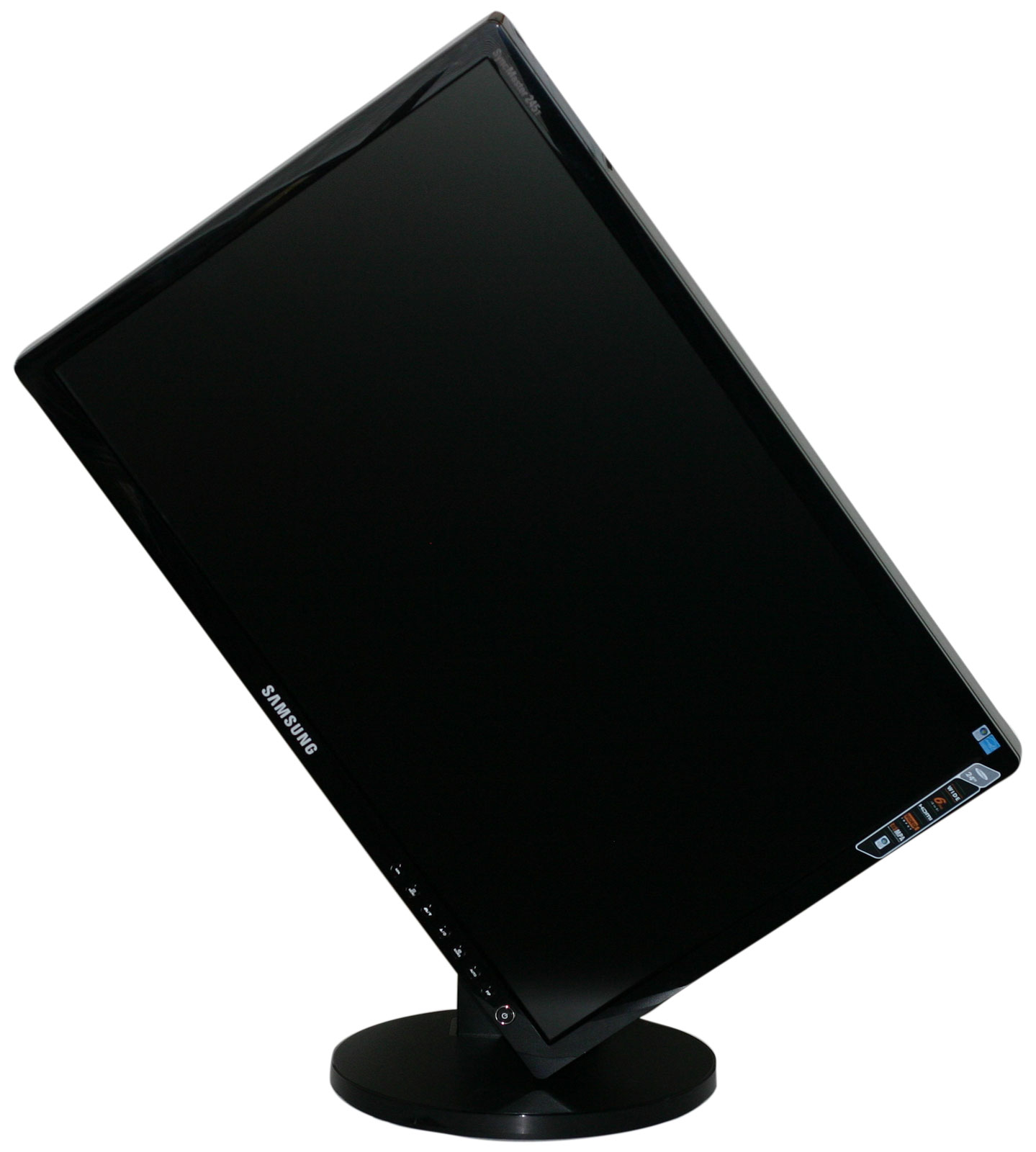 |
One nice feature of the stand is that it does allow you to raise the panel high enough that it can easily rotate into portrait mode. With some LCDs, we have found that you have to tilt the panel backwards as well as raising it to maximum height before you can rotate the display. If you find yourself frequently using portrait mode, the Samsung 245T would be a very good choice. Note also that the lack of cable management makes it easier to pivot the display.
We created a gallery showing all of the OSD menus and submenus, which you can access below. Most of the OSD functions are straightforward, but there are a few items worth pointing out.


First, there are multitudes of color adjustment options available. Not only can you adjust RGB levels, but you can also tweak hue and saturation via six color controls. We tend to find that amount of control more overwhelming than anything, but it's easy enough to ignore it and if you actually need such functionality it's there. Unfortunately, the second noteworthy item is a black mark; panel resolution scaling only offers two options: Wide or 4:3. "Wide" would be more appropriately named "stretch", as it will attempt to stretch any resolution to fill the entire screen -- without regards to aspect ratio. 4:3 on the other hand will fit any resolution into a 4:3 aspect ratio -- including 16:9 and 16:10 aspect ratios, even digital ones. What this all means is that sticklers who want 16:9 films not stretched vertically will be out of luck; similarly, people who connect an Xbox 360 or PS3 may be disappointed with the slightly stretched widescreen resolutions. What's missing from the scaling options are 1:1 (i.e. no stretch at all, giving black borders on all sides at lower resolutions) and proportional scaling (i.e. a 720p input would scale to fill 1920x1080, leaving black borders on the top and bottom edges) -- both of which are found on competing LCDs.
Update: The aspect ratio options are similar to what we found on the Samsung 2493HM when using the other input sources. In other words, 1:1 stretch is available on VGA connections. We no longer have the LCD, so we can't test the other inputs, but you can read the Samsung 2493HM review for more details.
Originally published at https://www.anandtech.com/show/2440 (Wayback Machine).