
Apple's iPhone: The Future is Here
- Posted in
- Smartphones
- Mobile
Syncing on a Mac and on a PC
There's this group of people that absolutely hate iTunes as an application, while I don't find myself in that category my feelings on the application are as follows:
By no means is iTunes the best application in the world, and honestly it's not nearly one of Apple's greatest efforts, but it's the easiest thing to use to sync with your iPod (and now iPhone) and thus I make do. If you asked how I'd make it better I wouldn't be able to give you a straight answer, I just know that iTunes isn't the pinnacle of simplicity that Apple has achieved with other apps.
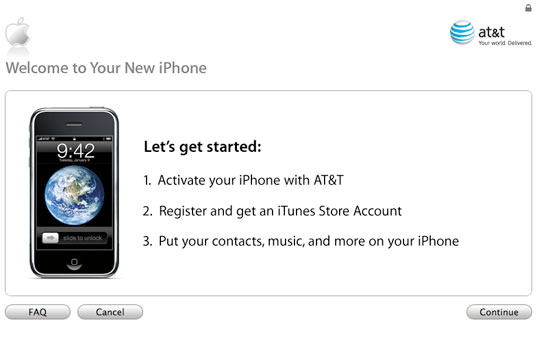
Using iTunes to activate your iPhone is a brilliant idea; I absolutely hate sales pitches when it comes to anything technology related, and I know very few people that love going through the process of signing up for a new cell phone plan. You buy your iPhone and the rest you do from the comfort of your own chair, on your own terms.
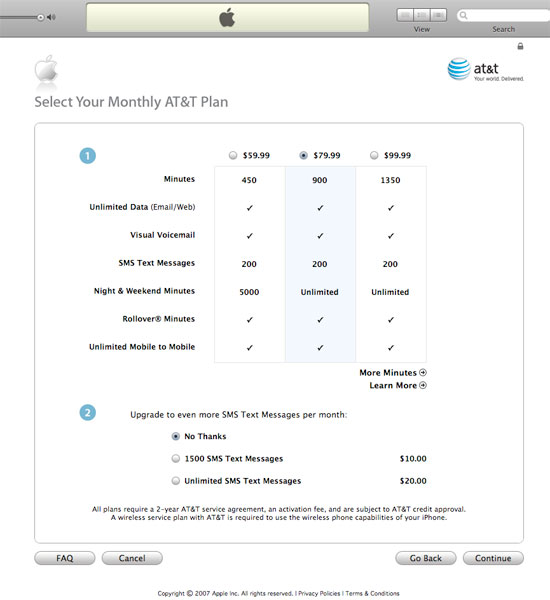
The setup process is simple and works the same on Macs and PCs, all you need is iTunes 7.3. Input some personal information, including your SSN (assuming you didn't get a credit check at your AT&T store and were given a special code) and you're off to selecting your plan:
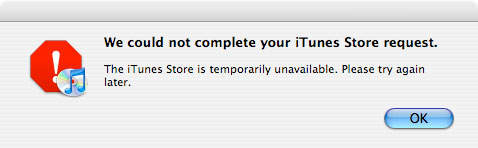
Like many on launch day, I got an error telling me that my activation would take longer to process but I eventually got a confirmation email with my new number.
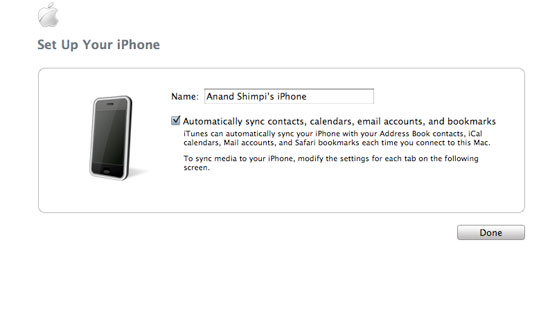
Despite being an application originally made primarily for MP3 organization, iTunes does a good job of acting as a sync manager. First of all, if you've got an iPod chances are that you've got iTunes installed, in which case moving to the iPhone doesn't require any additional software. Secondly, you just tell it what you want to sync and in some cases where your content is located, and voila it's copying data over to your iPhone.
You don't have to eject or do anything special to disconnect your iPhone, just pull it out of its dock and you stop the sync. My single complaint about iTunes as the iPhone's sync manager is that as soon as you plug in your iPhone, iTunes switches to it within the application. Normally Apple does a good job of not letting other applications or dialog box steal focus unless you give it to them, but iTunes' handling of the iPhone just isn't one of those situations.
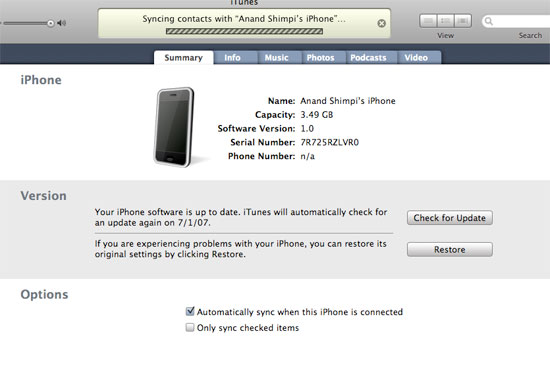
iTunes, stop demanding my attention
It's not a huge problem but it's one worth complaining about (just like the iPhone's SMS application isn't ground breaking, but it's worth praising). Don't misunderstand, iTunes itself doesn't steal focus under OS X, but within the application focus switches automatically. If I'm scrolling through some MP3s, realize I forgot to plug in my iPhone and rectify the situation, iTunes will kick me out of my MP3 library and make me look at its iPhone screen. Great.
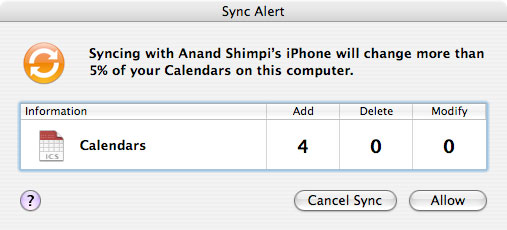
iTunes looks out for you
I'm actually surprised at how well the syncing process works under Windows, it's virtually identical to it under OS X. Granted you don't have iPhoto, but iTunes will sync to Outlook just like it does to Mail under OS X. The biggest issue by far is that the iPhone presently doesn't support 64-bit versions of Windows. Maybe Apple has a thing or two to learn about the PC community, but generally the early adopter crowd is what you'll find spending $500 - $600 on a new phone and there's a chance that those same people may have a few extra GB of memory in their system. Just a hunch.
Originally published at https://www.anandtech.com/show/2265 (Wayback Machine).