
Apple's iPhone: The Future is Here
- Posted in
- Smartphones
- Mobile
Pictures
The Photos button on the iPhone acts as a repository for both your synced photos from your computer, but also pictures taken with the iPhone's built in camera. The interface is purely iPhoto, and once again, it's fast, purposeful and intuitive.
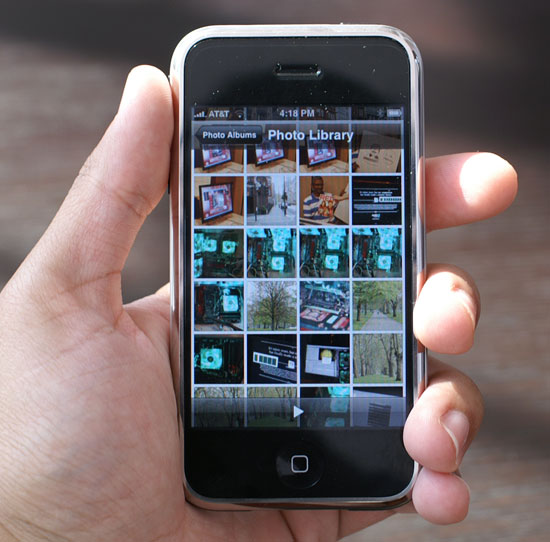
You can flick your way through the photo index, and tap on individual pictures you want to see. Viewing photos is one area where using the iPhone in landscape mode can really come in handy, and of course you can use the stretch/pinch gestures to zoom in and out of your pictures.
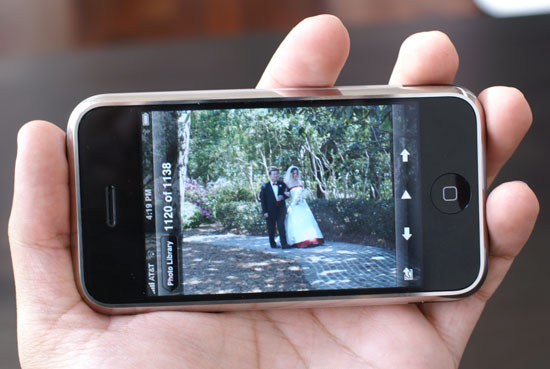
The iPhone is incredibly fast when flipping through photos, the speed is comparable to what I see on my desktop, due in part to the fact that iTunes shrinks the images that it syncs to the iPhone.
 Zoomed out |
 Zoomed in |
Stretching in action
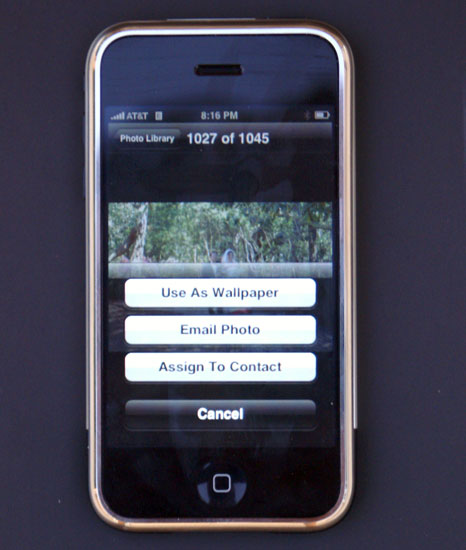
Assigning any of your photos to be your wallpaper or the picture that comes up when someone calls you is a simple tap away; emailing a photo is just as easy.
Originally published at https://www.anandtech.com/show/2265 (Wayback Machine).