
Apple's Mac Pro - A True PowerMac Successor
- Posted in
- Mac
Getting inside the case is just as easy as it was before, lift the lever at the back and remove the side panel:
Apple Mac Pro
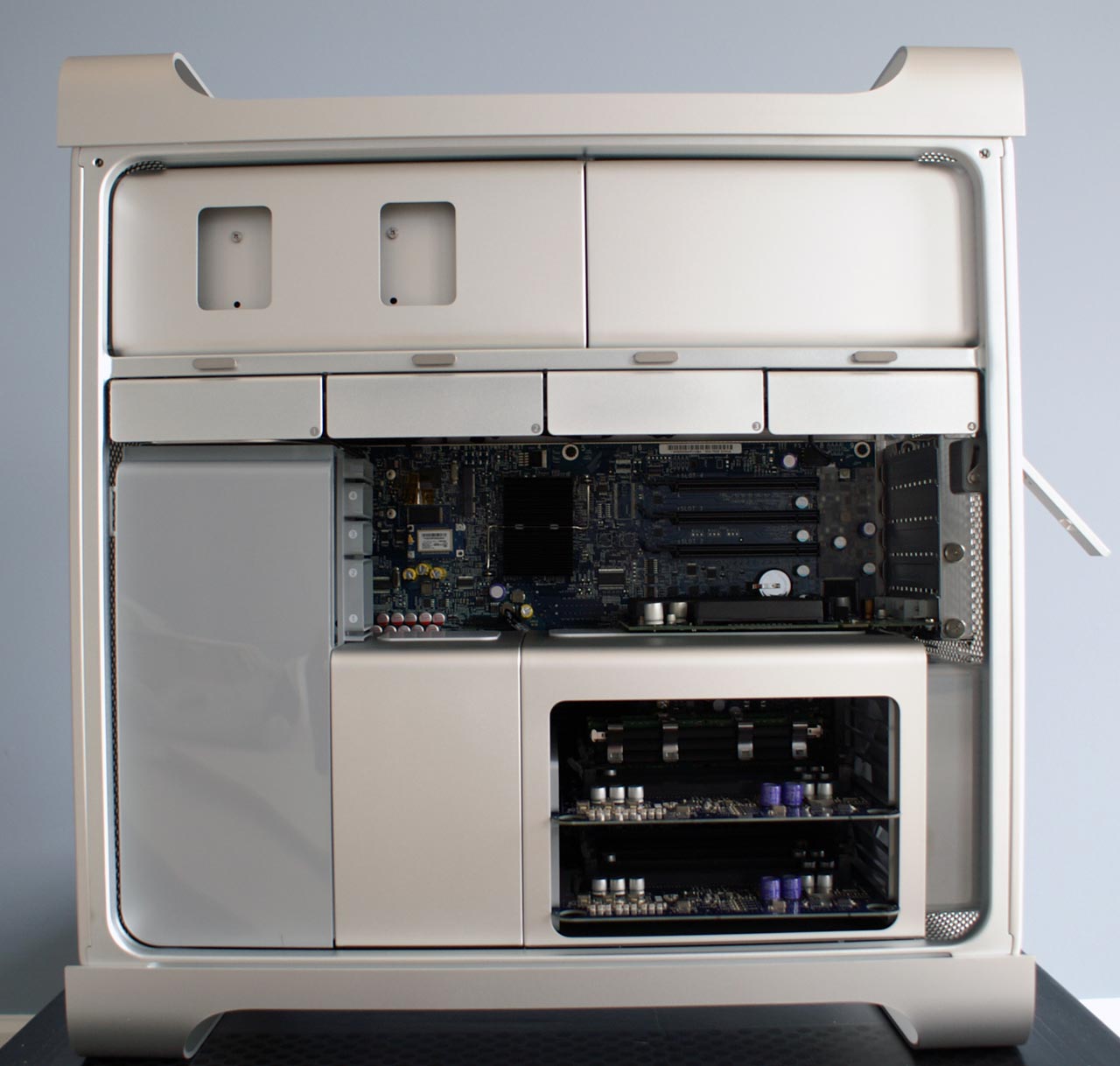
Unlike its predecessor, the Mac Pro has no plastic guard covering the internals and helping channel airflow around the case. Instead, the components are even further compartmentalized; all you can see are the FB-DIMM riser cards, the PCIe slots and the ICH (I/O Controller Hub).
Apple PowerMac G5

As excited as we got about the two extra USB 2.0 ports we found on the outside of the case, the four removable drive bays on the inside of the chassis are manifestations of our dreams.

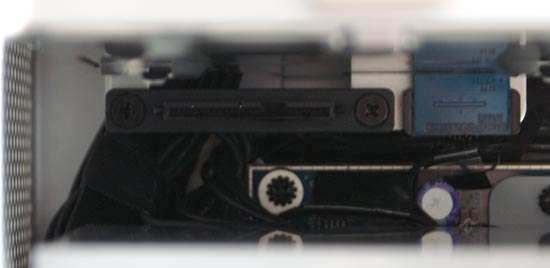
Mac Pro SATA drive bays - Click to Enlarge
The PowerMac G5, a multi-thousand dollar computer, was sold with no more than two 3.5" drive bays that were anything but easily accessible (as seen below):

PowerMac G5 SATA drive bays - Click to Enlarge

The new Mac Pro features four fairly easily removable 3.5" drive sleds; just slide them out, mount your hard drive and slide them in. You don't have to bother with cables as the Mac Pro features four independent fixed connectors that any standard SATA drive will mate to.

Originally published at https://www.anandtech.com/show/2064 (Wayback Machine).