
ASUS AiGuru S1: Skype goes WiFi
- Posted in
- Laptops
Menu Structure
We are providing a few snapshots of the phone's menu structure for reference. While these pictures do not provide every menu option they should give a good indication of the major options available on the ASUS AiGuru S1 Skype phone.
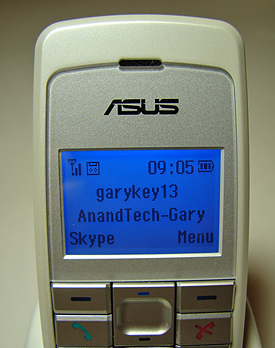
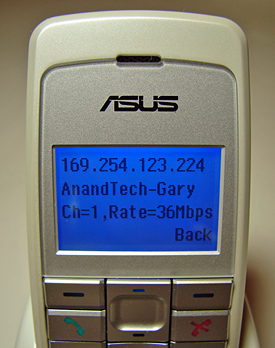
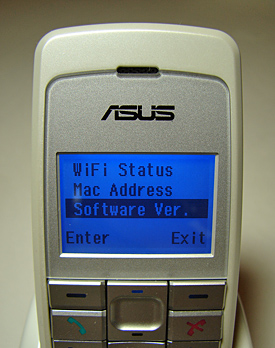
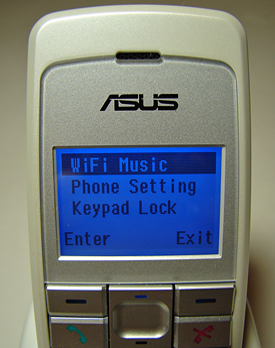
The top-left picture is the main screen where the major phone functions can be selected. The Skype option will take the user to the SkypeOnline section and the Menu option will allow the user to further configure the various phone options as shown on the two lower pictures. The top-right picture is from the WiFi status option and indicates the IP address, network identification, channel number, and current connection rate. This picture was taken at a location in the next office that was approximately 75 feet from the base station.
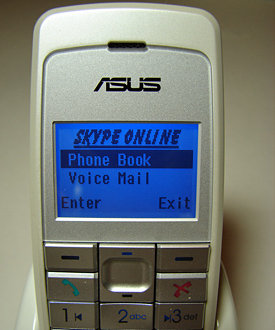
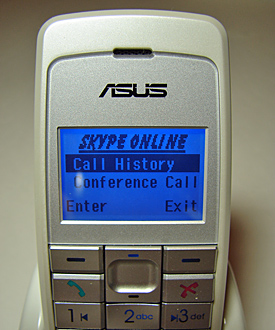
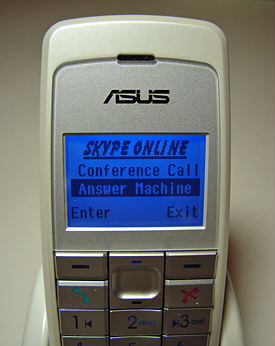
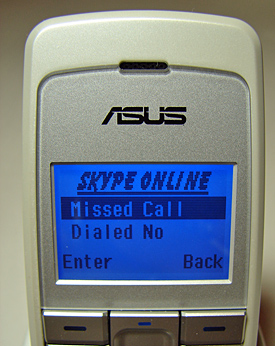
These snapshots are of the major menu options available within the SkypeOnline section of the phone menu. The phonebook option is actually the contact list, the voicemail option requires a surcharge unless you purchased a SkypeIn number, the answering machine option allows you to set up a greeting for your voicemail, and the conference call option is for creating and dialing a list of users for a conference session. The call history submenu consists of missed call, dialed numbers, and received call options. Overall, the SkypeOnline and Phone Menu options are acceptable for the majority of users looking at this phone for Skype operations. The phone is missing chat capability and the address book information does not show the true online status of the users. If nothing else, the options are a bit basic but are simple to use which is what ASUS wants to provide to the user of this phone.
We are providing a few snapshots of the phone's menu structure for reference. While these pictures do not provide every menu option they should give a good indication of the major options available on the ASUS AiGuru S1 Skype phone.
The top-left picture is the main screen where the major phone functions can be selected. The Skype option will take the user to the SkypeOnline section and the Menu option will allow the user to further configure the various phone options as shown on the two lower pictures. The top-right picture is from the WiFi status option and indicates the IP address, network identification, channel number, and current connection rate. This picture was taken at a location in the next office that was approximately 75 feet from the base station.
These snapshots are of the major menu options available within the SkypeOnline section of the phone menu. The phonebook option is actually the contact list, the voicemail option requires a surcharge unless you purchased a SkypeIn number, the answering machine option allows you to set up a greeting for your voicemail, and the conference call option is for creating and dialing a list of users for a conference session. The call history submenu consists of missed call, dialed numbers, and received call options. Overall, the SkypeOnline and Phone Menu options are acceptable for the majority of users looking at this phone for Skype operations. The phone is missing chat capability and the address book information does not show the true online status of the users. If nothing else, the options are a bit basic but are simple to use which is what ASUS wants to provide to the user of this phone.
Originally published at https://www.anandtech.com/show/2042 (Wayback Machine).