
Zalman HD-160 and Accompanying Products
- Posted in
- Cases/Cooling/PSUs
VF700-Cu-LED
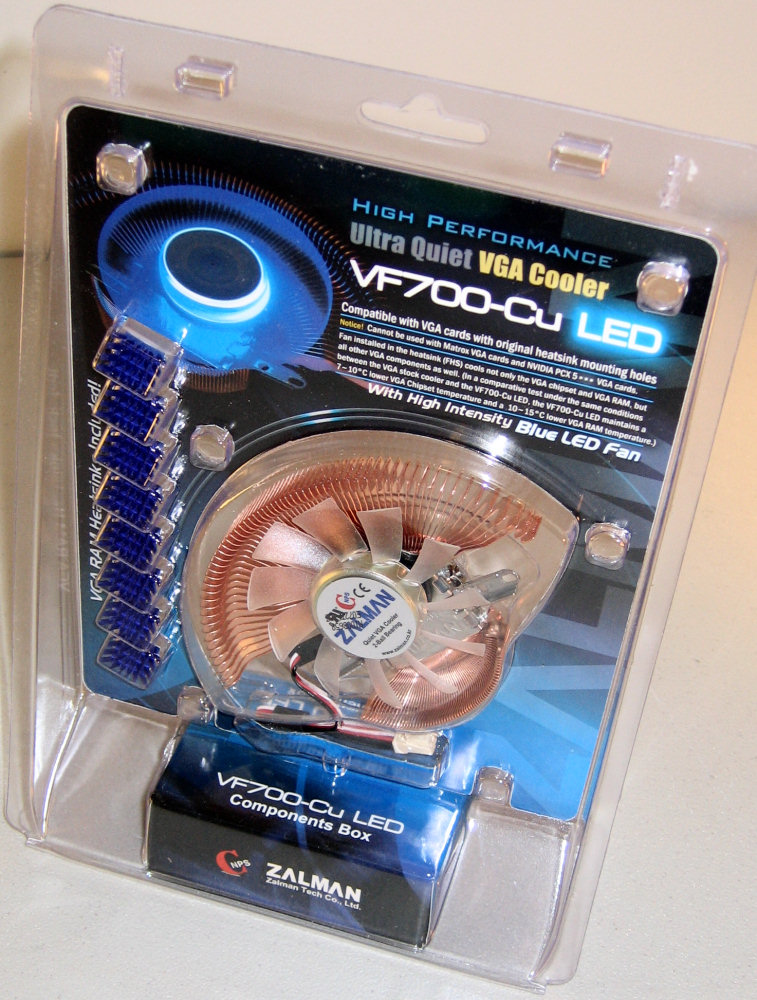
With so much Zalman equipment already in this setup, it seems almost silly not to go all-out at this point, so that's exactly what we decided to do.
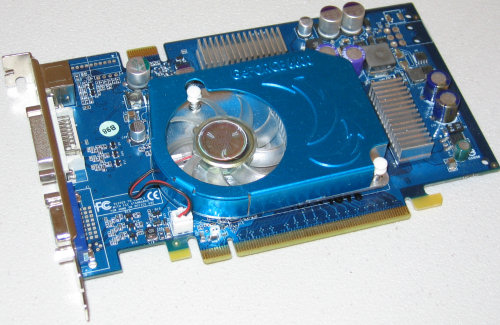
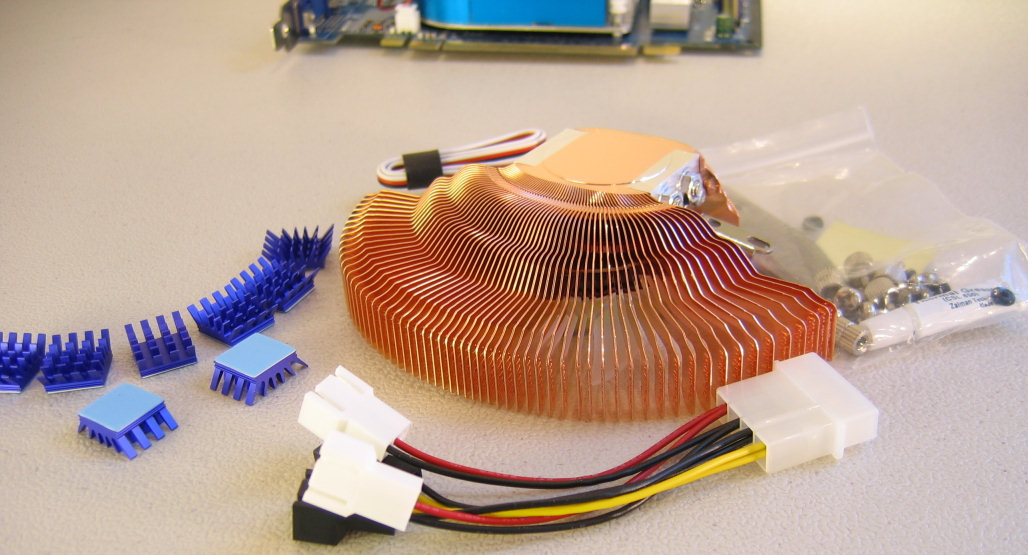
The hardest part about installing the VF700 for many cards is probably simply getting the stock cooler off the graphics card safely. Many stock coolers have a strong adhesive-style of thermal paste holding the cooler in place, which can make removing it potentially dangerous. One simply has to be careful to pull slowly and apply enough of a twisting force to prevent damaging the core of the processor.
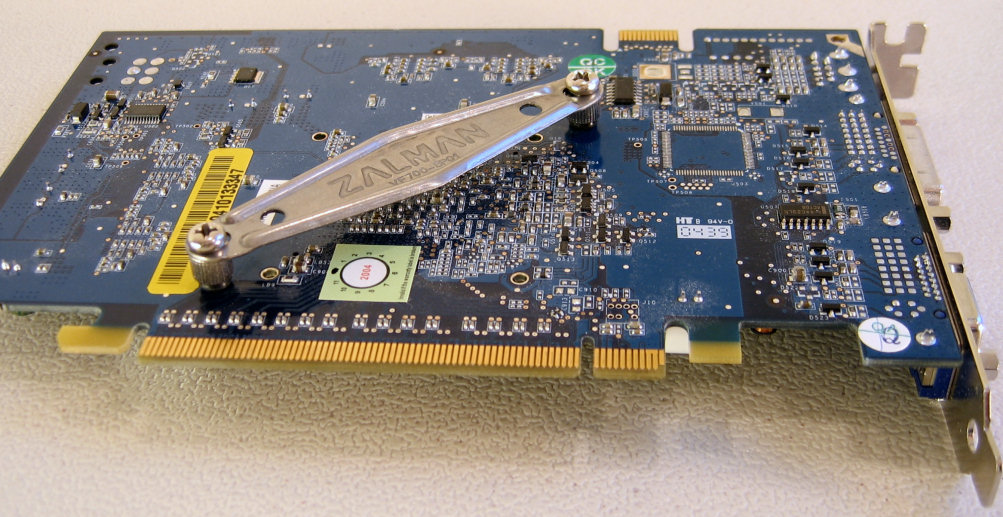
The back plate is held in place using special nuts, which are threaded on both sides. The one on the right in the following picture has already been screwed in place, while the one on the upper left corner only has one of the rubber washers installed so far.
With so much Zalman equipment already in this setup, it seems almost silly not to go all-out at this point, so that's exactly what we decided to do.
Click to enlarge.
Click to enlarge.
The hardest part about installing the VF700 for many cards is probably simply getting the stock cooler off the graphics card safely. Many stock coolers have a strong adhesive-style of thermal paste holding the cooler in place, which can make removing it potentially dangerous. One simply has to be careful to pull slowly and apply enough of a twisting force to prevent damaging the core of the processor.
Click to enlarge.
The back plate is held in place using special nuts, which are threaded on both sides. The one on the right in the following picture has already been screwed in place, while the one on the upper left corner only has one of the rubber washers installed so far.

Click to enlarge.
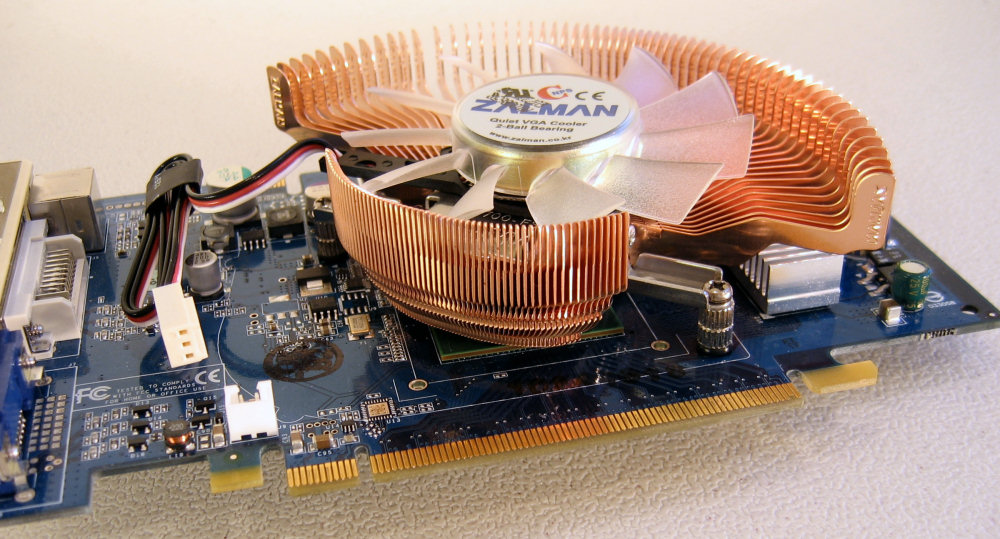
Click to enlarge.
Originally published at https://www.anandtech.com/show/1981 (Wayback Machine).