Archive 1997–2024

Asus A8N-VM CSM: NVIDIA GeForce 6150 Finally Arrives

More Features: Asus A8N-VM CSM


The 4 DIMMs support up to 4GB of ECC/non-ECC unregistered DDR memory in a dual-channel configuration. The color coding is correct here - match colors for each channel - but this places the DIMMs with no spacing in-between in a 2-dimm setup. IDE and Floppy cable connections are all at the upper right edge, which is normally the best location.
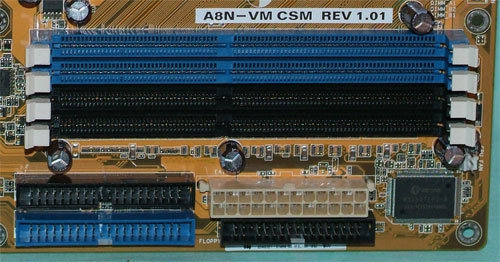
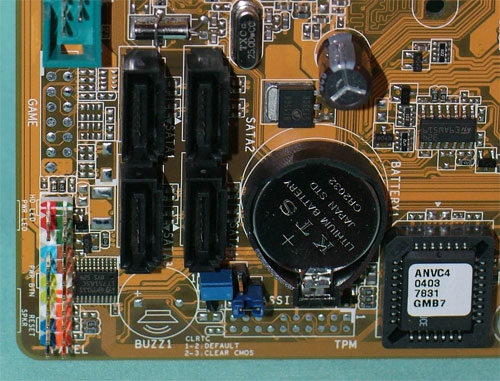
The 430 Southbridge supports 4 Sata2 ports, where the cheaper 410 supports just 2. Asus uses the full-surround SATA connector for a more durable port connection.

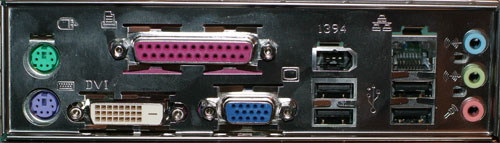
Keeping with the image of a higher end integrated chipset, Asus includes an IEE1394 Firewire port on the rear IO. You can also see the Dual video connectors in the IO ports. We tried running both ports at the same time and had no problem at all. IMPORTANT: The DVI-D port will only work with a digital display, such as a flat panel or digital TV. You cannot use an adapter on the DVI-D connection to drive an analog connection.

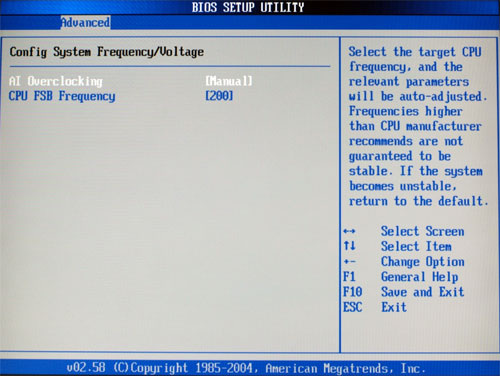
The BIOS options were surprisingly sparse on the Asus A8N-VM CSM. As you can see, there really aren't any voltage adjustments at all - no vCore, vDIMM, or chipset voltage adjustments. The board supports AMD Cool'n'Quiet, but then has no means of adjusting multipliers in BIOS. The CPU clock is adjustable, but with a very limited range from 200 to 240. The point is that there are extremely limited means to really overclock the A8N-VM.

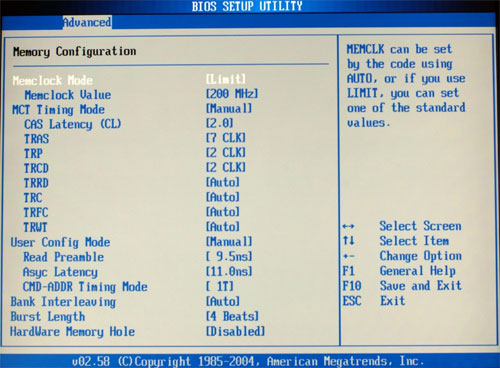
Asus provides a fairly complete selection of memory adjustments, but without the most important voltage adjustment for memory, the adjustments are something of a moot point. There are no memory voltage adjustments at all in the current Asus BIOS.

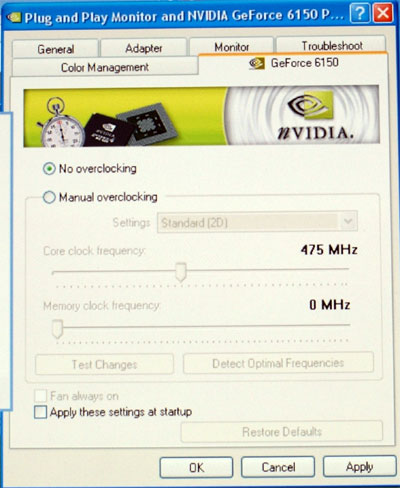
We confirmed that the Graphics Clock Frequency was really 475 instead of the 425MHz seen in the base GeForce6100 chipset. While this should provide better graphics performance, you will see that the real impact is pretty small.

Originally published at https://www.anandtech.com/show/1879 (Wayback Machine).