Archive 1997–2024

Mid-Tower Mega Roundup

Aspire X-Cruiser (cont'd)

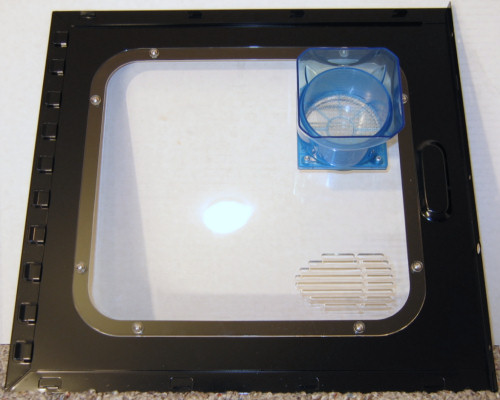
First, a quick glance at the inside of the side panel to see the CPU shroud in better detail. The shroud's height can be adjusted, thanks to its two-part design.
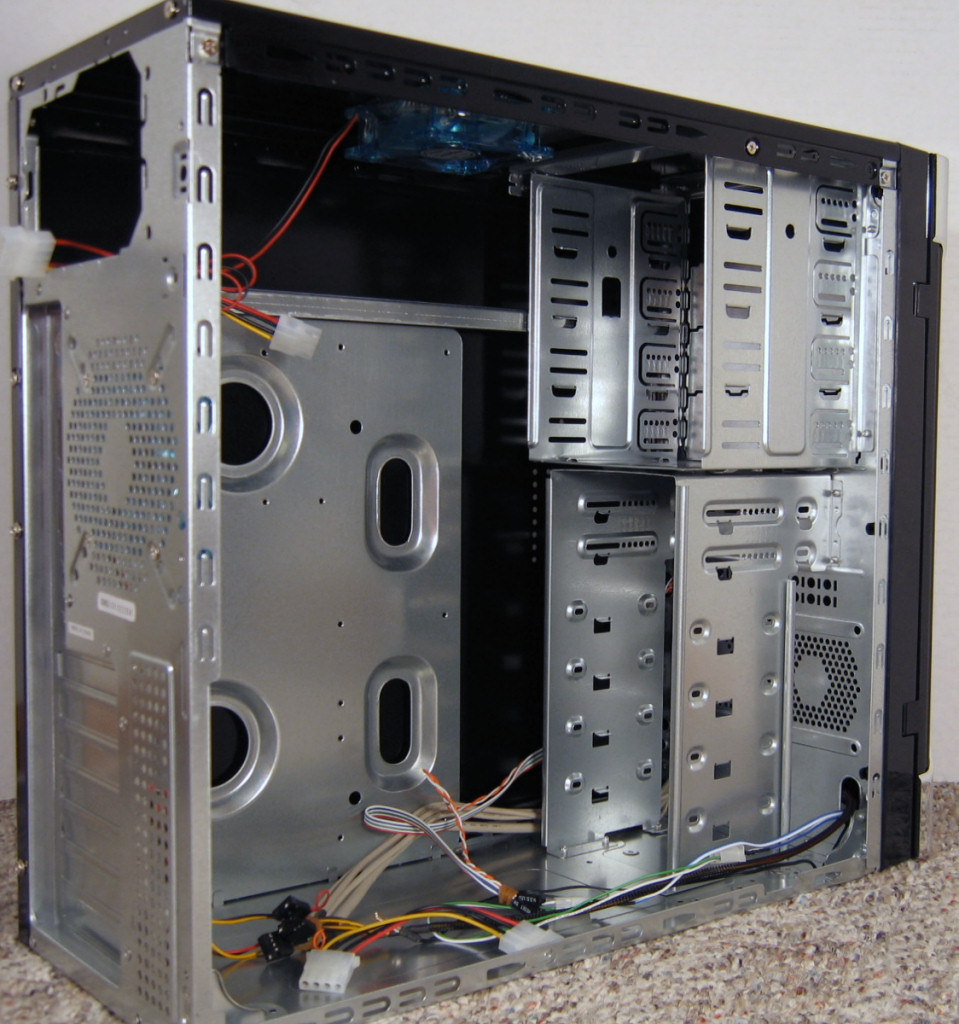
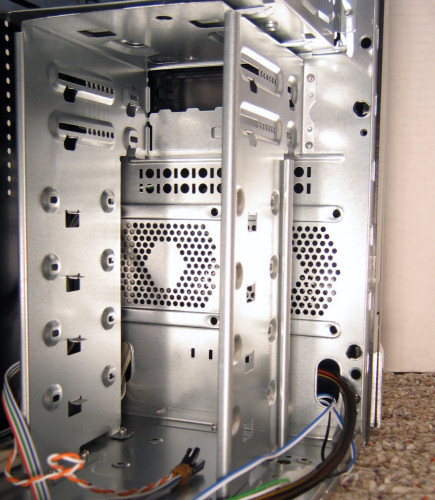
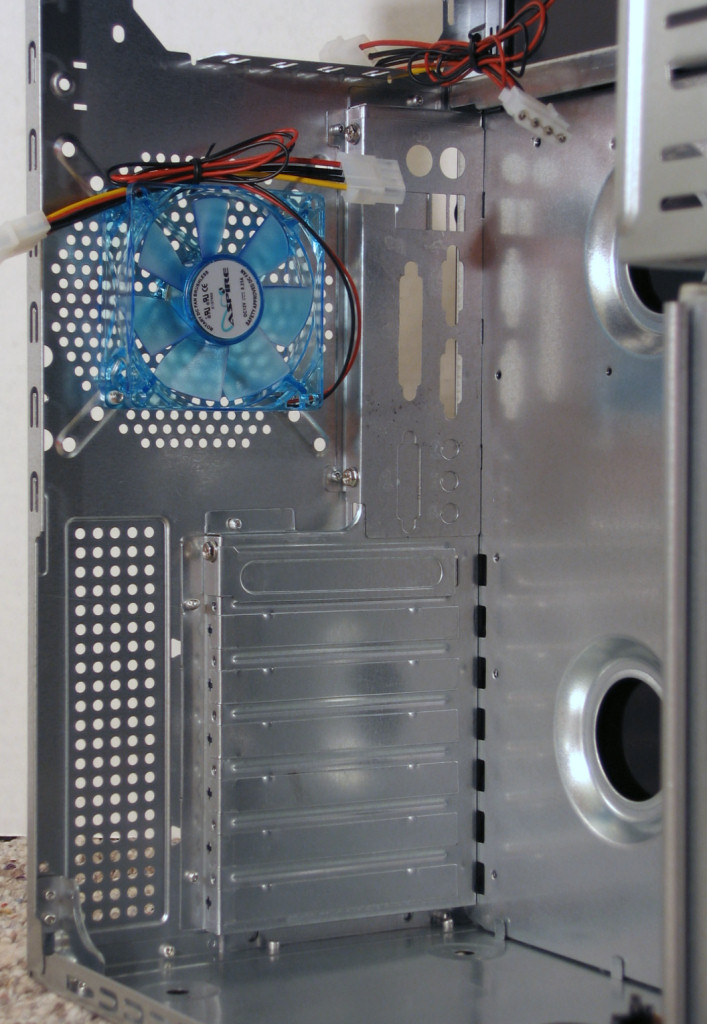
After taking off the side panel, the simplicity of the interior of the X-Cruiser is rather apparent. The motherboard tray isn't removable, nor do any of the drives have any dampening or tool-less features. This doesn't necessarily make for a bad case; it just separates it from more expensive cases and might actually make it more appealing to people who want a simpler unit.


Click to enlarge.

There are a total of six 3½” bays, two of which are external, and four 5¼” bays. In this close-up, you can see the two optional 80mm fan mounts in the front.

The rear-mounted 80mm fan is blue just like the top fan, which (as will see in a bit) has a big problem with placement. One nicer thing about the X-Cruiser is that the motherboard backing plate is removable via a bolt, something anyone who builds PCs regularly will appreciate quite a bit more than the pop-in plates, which are often a pain to work with.


Click to enlarge.

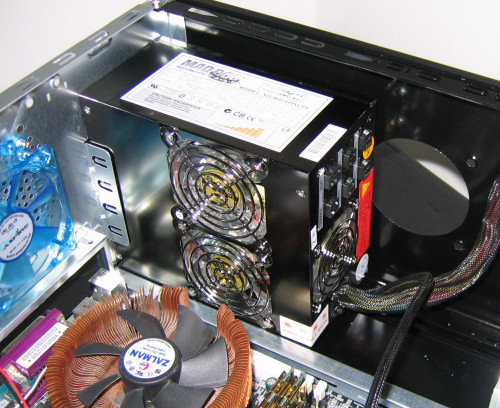
Installing our test bed went fairly smoothly, except for a problem with the top mounted fan. At first, we thought perhaps our longer-than-average PSU was to blame, so we double-checked by installing a shorter unit.

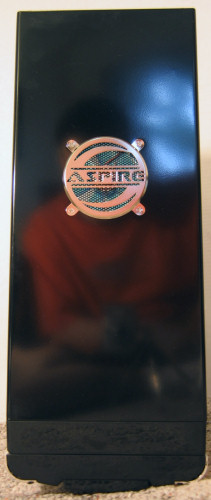
Even with a relatively standard sized PSU, the top fan mount is unusable unless the fan is mounted externally, rendering the included grill useless. With a longer PSU, such as our OCZ PowerStream, the fan is still able to get air, but the reduced opening might impact cooling performance. When a short enough PSU is used, the fan could still be used as it came in the package, leaving the top looking like this:

Notice that the reflection is clearly visible in the glossy finish of the case.

Originally published at https://www.anandtech.com/show/1783 (Wayback Machine).