Archive 1997–2024

Mid-Tower Mega Roundup

Antec Sonata II (cont'd)

Something that is often an annoyance with cases is poorly-fitting or just plain difficult to use side panels, and thankfully, the Sonata II is an exception. After removing the panels, the case is quite different looking on the inside from most enclosures.
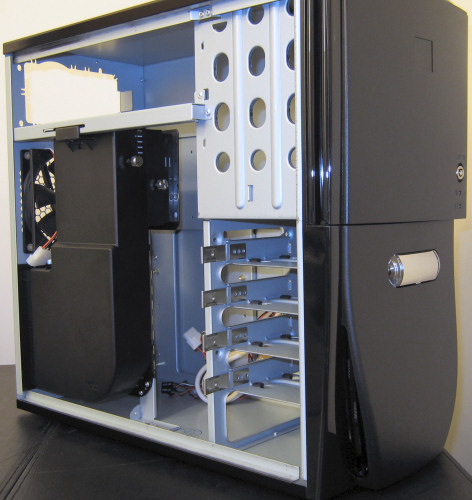
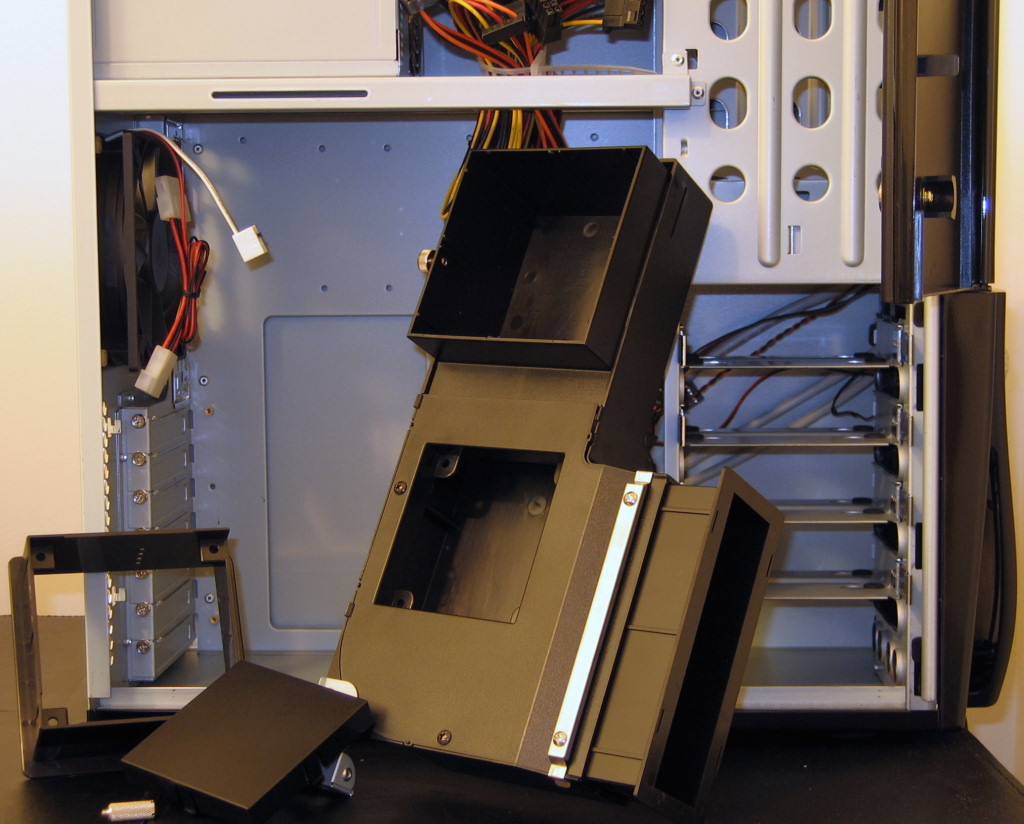
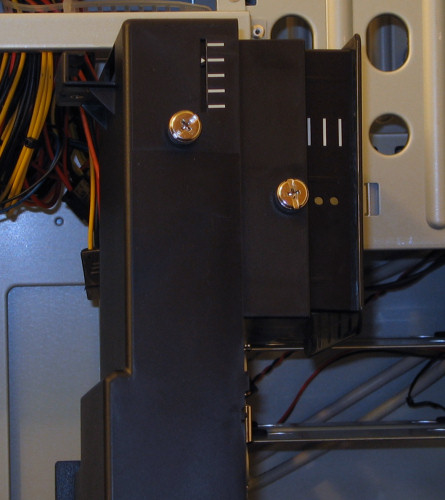
The most notable difference is the large duct that we mentioned earlier, and for a better understanding of this piece, here's a closer shot with it taken out and turned around.


Click to enlarge.

The upper part is where the additional square bracket (pictured on the far left) attaches to cool air directly to the CPU cooler better, and the smaller hole beneath can either be covered by the second square piece to the left or filled in with an 80mm fan for extra air flow directed right at the hottest expansion cards. Since an 80mm fan wasn't included for this purpose, our testing was done with the plastic piece in place. Even without any active parts directly attached to the unit, our Zalman CPU cooler benefited from the direct access to cool air, thanks to this duct.

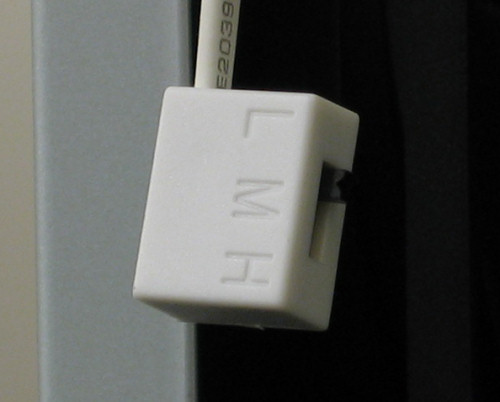
Another nice aspect of the duct is that it is very adjustable to fit a large variety of motherboards to properly place the CPU outlet. However, if there's still no way to get the unit to fit how one would like, it is totally optional and fairly easy to remove. The rear-mounted 120mm fan will still do a lot to help the case keep the CPU and components cool, and it is adjustable to low, medium, and high speeds. Unfortunately though, it is the only included fan, so when set to low, it probably won't be quite enough to keep up with the other cases in our roundup.

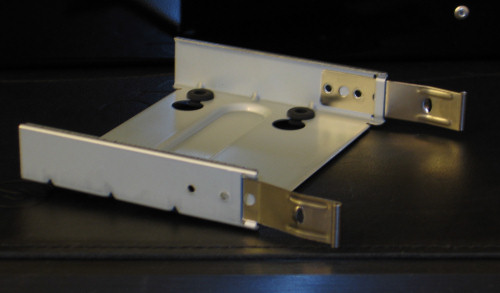
To handle the 3½” drives, the Sonata II implements vibration-deadening sleds that attach to the drives from the bottom.

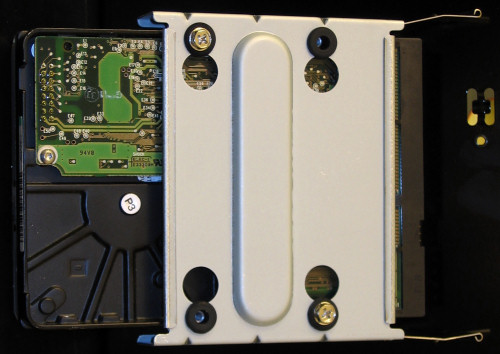
Since the rubber grommets are completely isolating the screw from the actual metal of the sled, any noise caused by the hard drives should be kept from vibrating the rest of the case. This will go a long way to keep the case very quiet under normal use, and is not something to be overlooked when considering your next purchase.

After screwing in the four screws, the sled is simply put into position until it locks in place. Notice that the Sonata II allows for four hard drives mounted this way, but up to two more could be screwed into place using the external drive sled.


Originally published at https://www.anandtech.com/show/1783 (Wayback Machine).