
The GIGABYTE MZ72-HB0 (Rev 3.0) Motherboard Review: Dual Socket 3rd Gen EPYC
BIOS
When it comes to the firmware on the GIGABYTE MZ72-HB0, it's nothing fancy, flashy, or glossed over for consumers to eyeball. It is using a basic and archaic-looking Aptio AMI firmware version, which focuses on functionality and substance over style. The GUI is basic, with a deep blue edging and scroll bar, with the help menu text in the bottom right-hand corner also in the same blue. The text is a well-contrasted black with a light grey background, which makes everything easy to read.
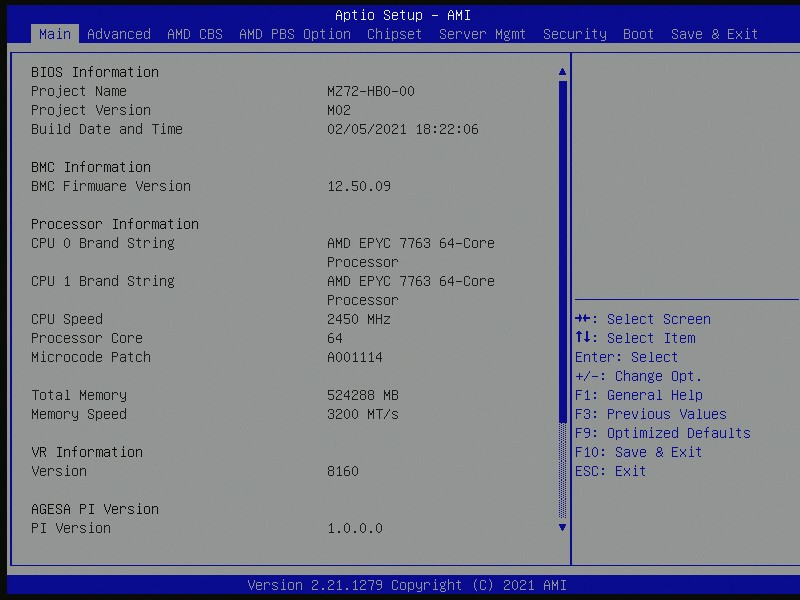
Entering the firmware, the main screen has a basic list of information that includes the firmware version that is currently being used, as well as basic information on the processors installed; in this case, two AMD EPYC 7763 64-core and 128-thread Zen 3 processors. It includes the base clock speed, as well as the core count, and also includes a combined total of installed memory with its speed in MT/s (it's great to see some vendors using the correct definition of Megatransfers per second).
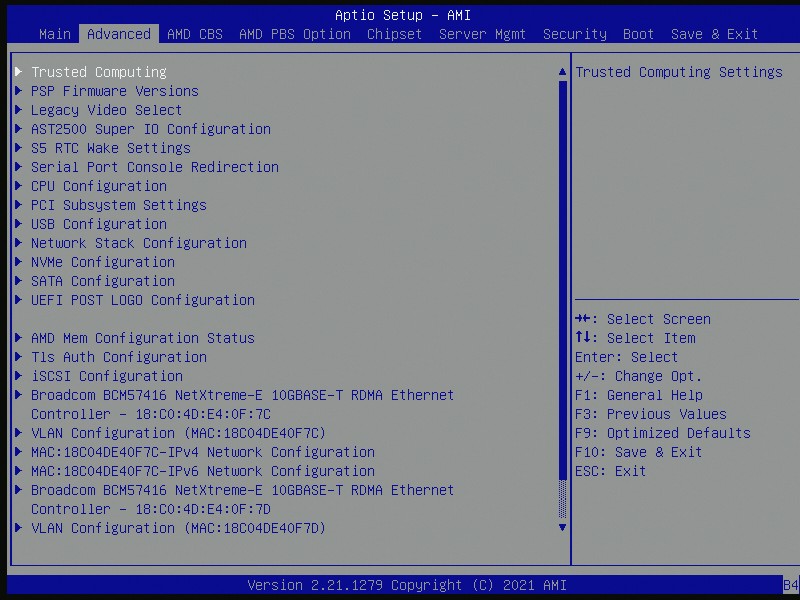
The BIOS itself has very deep and contrived menus and options for users to delve into. Along the top, there's the Advanced section with options for Trusted Computing, ASPEED BMC configuration, CPU, USB, PCI, and storage configuration. Users can also alter and customize the MAC address settings for gaining access to the system across a network using the Gigabit Management Ethernet port on the rear panel.
Other menus include the AMD CBS and PBS options for power limitations, and altering Precision Boost Overdrive settings, while the Chipset menu includes options for enabling or disabling the PCIe compliance mode. There's also a dedicated menu for Server Management, where users can also configure the BMC networking settings, as well as view FRU information. The Security menu allows users to enable a firmware level administration and user password, especially if they want to keep non-essential users out of core settings, while the Boot menu allows users to customize the boot and POST order of any installed storage devices.


Overall the firmware on the MZ72-HB0 is functional, and with options aplenty, there's a lot of substance for users of multiple disciplines, including cloud, server, and workstation users.
Software/BMC
Although the GIGABYTE MZ72-HB0 doesn't come with a software bundle per se, it does include access to its MegaRAC SP-X browser-based interface. It includes both a JAVA and neat HTML5 based user interface, and GIGABYTE adopts a more modern look than previous years of its server-focused models.
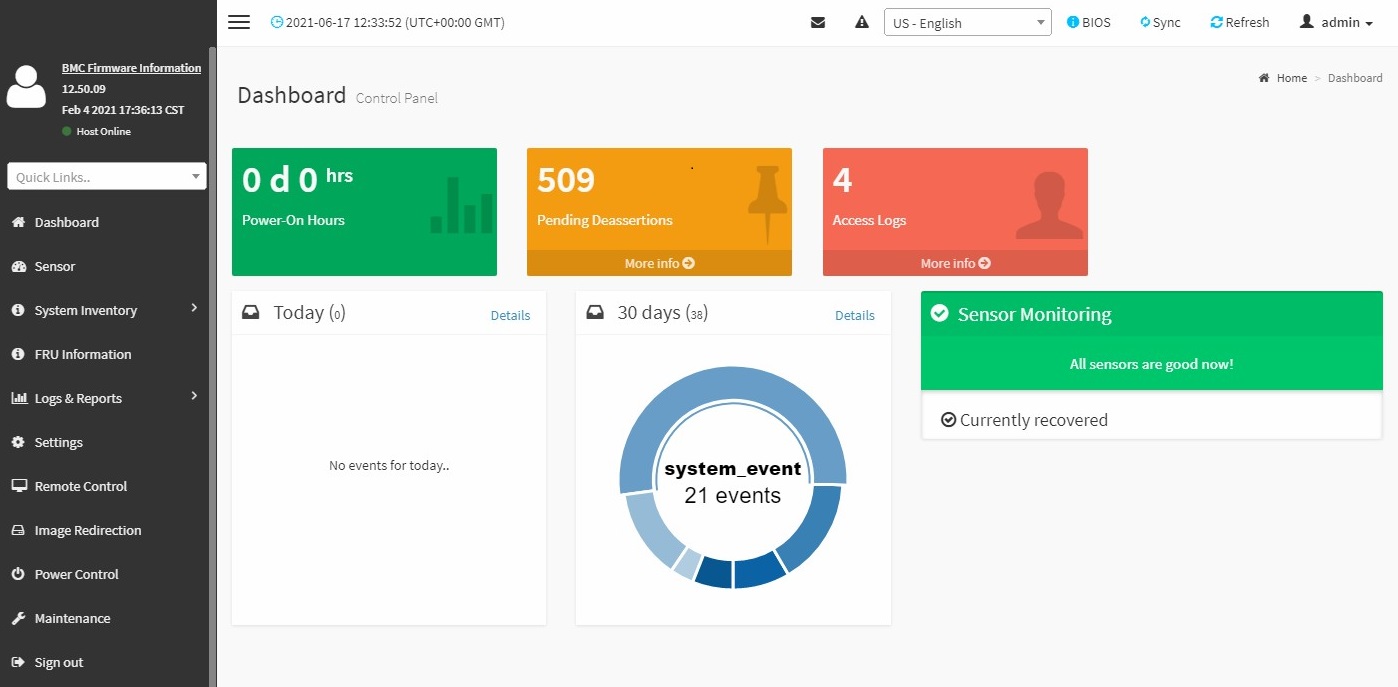
The GIGABYTE MegaRAC SP-X interface includes all the typical options of a board of this caliber should, including system inventory which shows the user's installed CPU, memory, storage, PCIe, and NIC inventories. Users can also look at the detailed information of the components in each of the subsections, as well as associated and supported technologies that can be used with the installed processor including hyperthreading, Execute Disable (XD), and if turbo mode is functioning or not. The MegaRAX SP-X interface also allows users to use BMC functionality, as well as powering up or down a system, as well as capturing BSOD, which is particularly handy if something isn't running as stable as it should.


There's also a load of security, power-related, and logging options available for users to sink their teeth into. As a board of this pedigree and for its functionality in server, workstation, and more intensive use cases such as cloud servers, it looks to be fully equipped from an access interface point of view. Users can even flash the board to the latest version of the firmware over the interface and BMC, as well as save and load up pre-saved configurations for deploying the same settings across multiple servers/systems.
Overall the GIGABYTE MegaRAC SP-X is functional, easy to navigate, has a plethora of options for users to monitor and alter, and it's very good to look at too.
Originally published at https://www.anandtech.com/show/16825/the-gigabyte-mz72hb0-motherboard-review-dual-socket-3rd-gen-epyc (Wayback Machine).