
World of Warcraft Performance Guide
- Posted in
- GPUs
World of Warcraft Video Options
There is a surprising number of options for adjusting image quality in World of Warcraft:
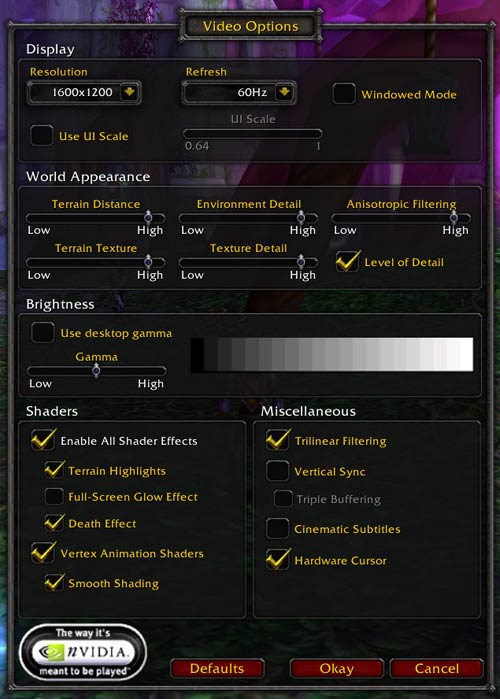
There are a handful of "shader effects" that will run on both DX8 and DX9 hardware (and are basically indiscernible between the two classes of hardware), most of which provide minor changes in image quality. There is one exception, the Full-Screen Glow Effect shader, which we found to be a bit over the top. This shader, in particular, makes WoW look a lot like a Playstation 2 game as you can see from the screenshots below.
Mouse over the image below to see Full-Screen Glow enabled.
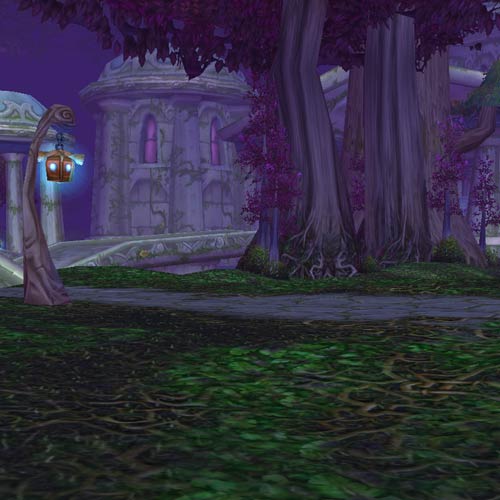
We opted not to test with the Full-Screen Glow Effect enabled.
Graphics performance in WoW is primarily limited by three settings: Resolution, Terrain Distance and Anisotropic Filtering. Not too surprising is the fact that these three settings are also responsible for the greatest impacts on overall image quality.
Any gamer is familiar with how resolution impacts image quality, so we won't go into much discussion there. Terrain distance can have a pretty big impact. Here, we have three different settings for terrain distance: the slider at the lowest setting, the 50% setting and the highest setting:
Lowest Terrain Distance
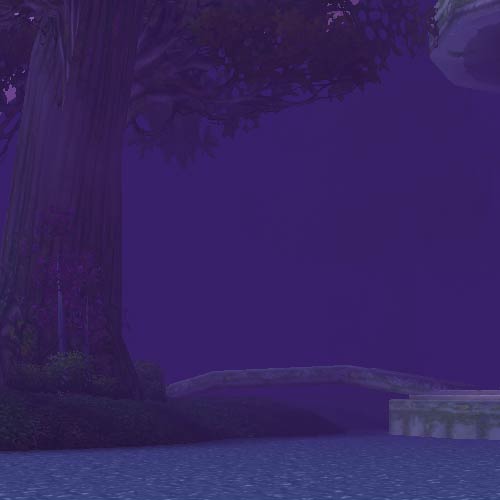
50% Terrain Distance
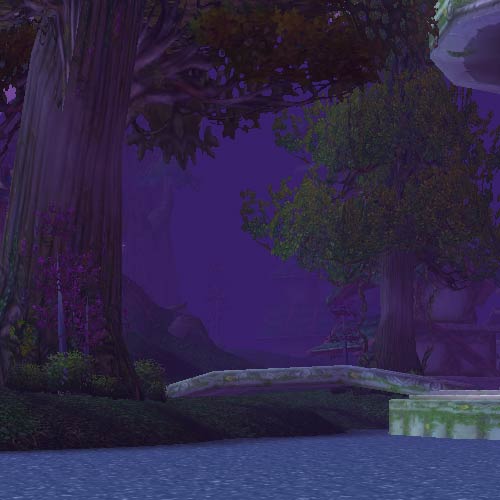
Maximum Terrain Distance
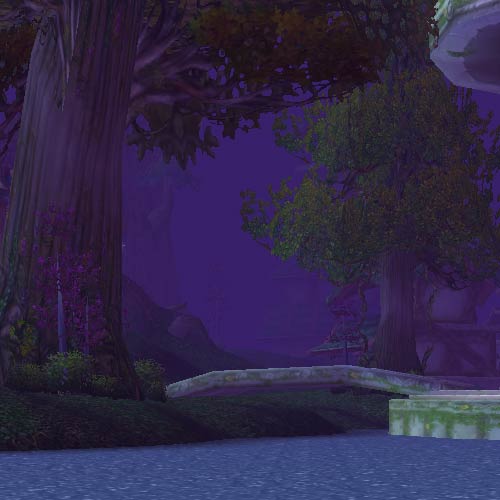
The difference between the 50% and highest settings are much less pronounced; thus, if you're unhappy with performance, this is one sacrifice that you can make that's pretty reasonable.
By now, you should be familiar with what anisotropic filtering does (if not, take a look at any major GPU launch and our review of it for a quick primer) and its usefulness in WoW is extremely well pronounced in areas where there's water.
Mouse over the image below to see the Anisotropic Filtering slider set to its maximum value.
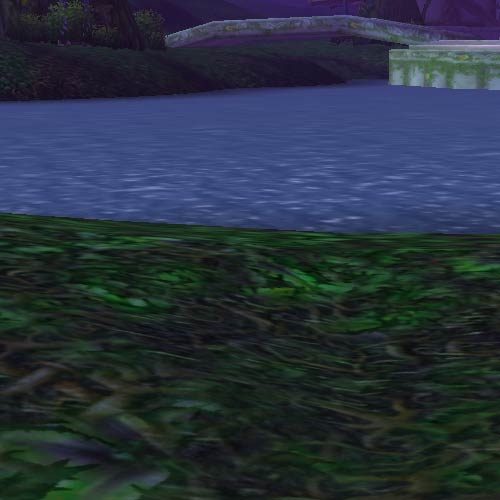
The newer cards take a much lower performance hit from maxing out the anisotropic filtering slider and they end up looking better too.
We wanted to be able to directly compare all GPUs, so we maxed out all of the sliders and options (with the exception of the Glow effect and V-Sync). The screenshot above of the Video Options screen is actually the settings that we used for benchmark (varying only resolution).
Originally published at https://www.anandtech.com/show/1649 (Wayback Machine).