
Apple's Mac mini - Tempting PC Users Everywhere
- Posted in
- Mac
Taking it Apart
Taking the Mac mini apart is pretty simple once you get the case off. An excellent video of doing just that has been circulating the net and the actual process is just as simple as the video makes it out to be.
The mini is put together much like an iPod, with plastic latches keeping the base of the chassis locked to the outer shell. Flip the mini over and use something like a thin putty knife to separate a few of the latches on each side, then just pull the two apart.
Once you're inside, there's still a little more work to do, but it thankfully requires no more prying, just a little unscrewing. The slot-loading optical drive and 2.5" hard drive are contained within a single removable assembly. There are four pegs that attach the assembly to the base of the mini, and three screws that need to be removed in order to lift it off (the fourth peg is just a peg, no screw in it).
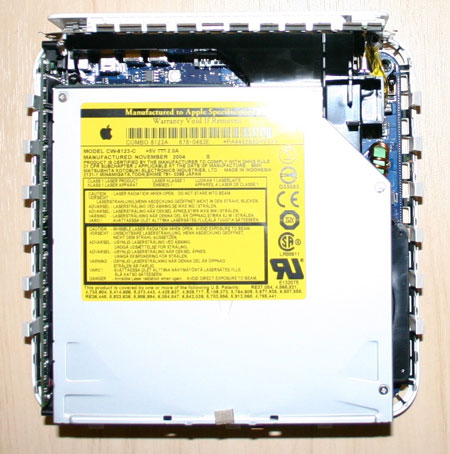
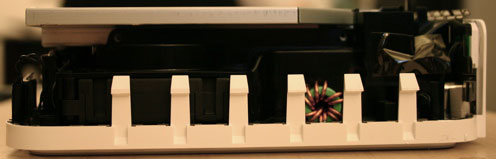
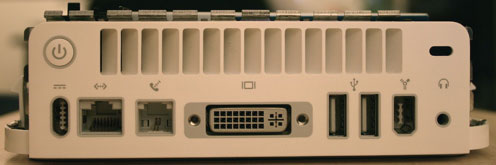
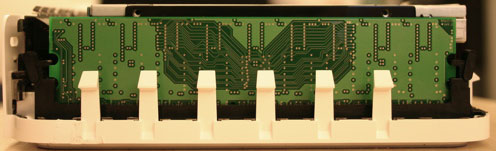
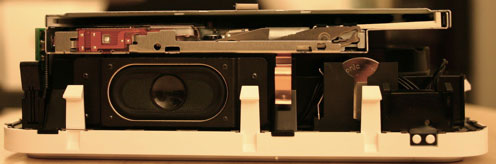
After you unscrew those pegs, the assembly simply lifts up. Apple employed a single PCB that interfaces with both the hard drive and the optical drive as you can see in the picture below:
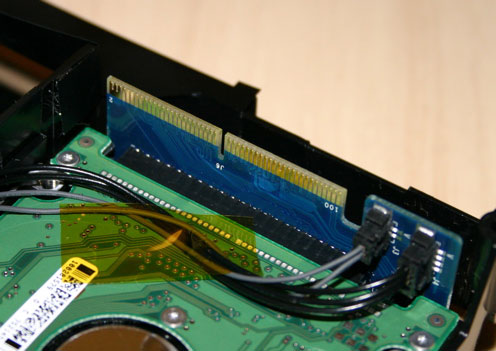
You simply have to lift the connector out of its slot in order to pull up the entire assembly from the case.
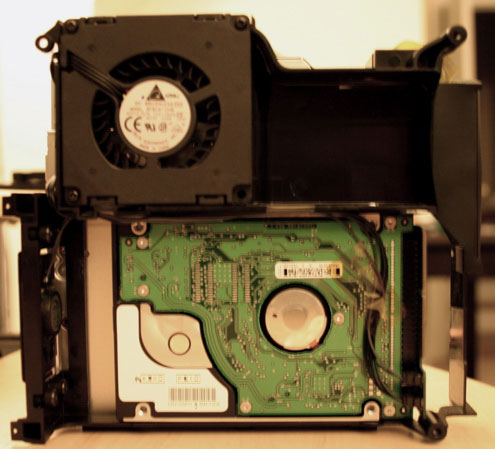
The assembly also houses the only fan in the entire system, attached to a duct that helps draw air in through the inlets at the bottom of the mini:
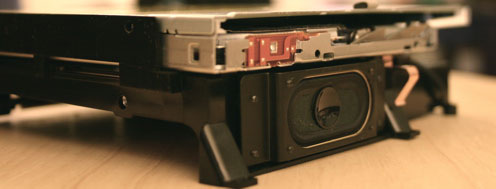
The final member of the optical drive/hard drive assembly is the built-in speaker, which is actually pretty reasonable as an entry-level sound solution. For someone who doesn't care about music too much, the internal speaker will suffice for whatever occasional audio that the user needs to hear:
Originally published at https://www.anandtech.com/show/1596 (Wayback Machine).