
MGE Viper: Another Xtreme Gamer Creation
- Posted in
- Cases/Cooling/PSUs
Cooling
The Viper has a few different options in cooling when it comes to fan placement. Our unit shipped with two 80mm LED fans. The first fan is an intake at the front of the chasses toward the bottom of the case, which is standard nowadays. We also have the option of replacing the 80mm fan with a larger 120mm fan using the provided screw holes and larger fan grill on the chassis. A larger fan will also help cool the mounted HDDs better than the 80mm fan, which will only cover two of the four possible mounts.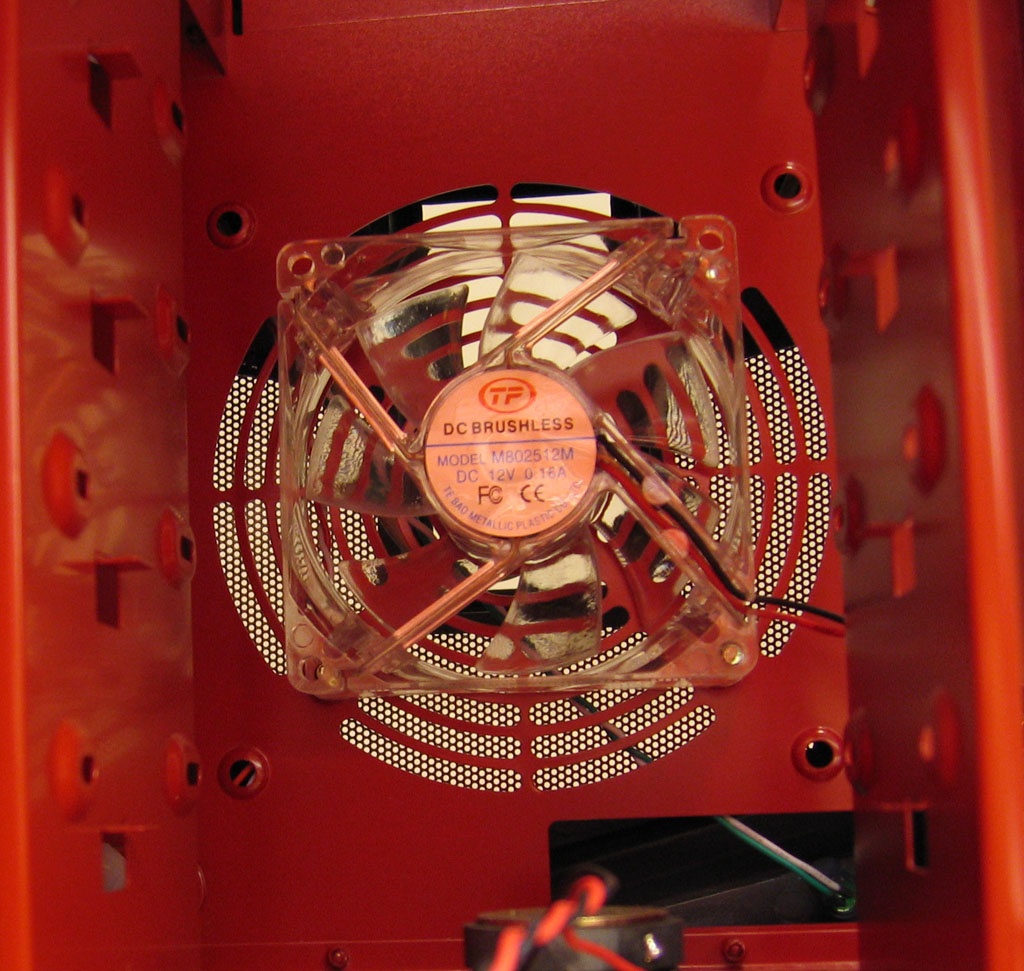
Click to enlarge.
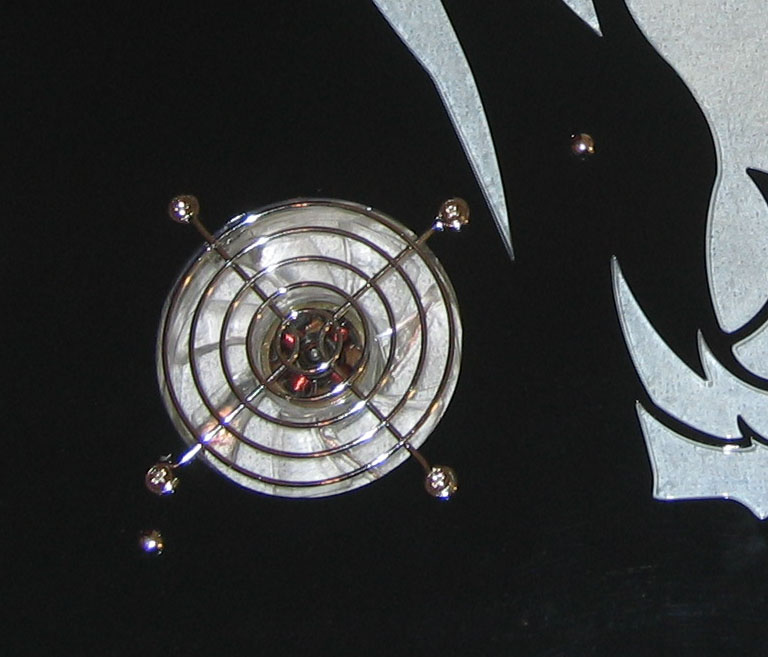
The second fan included with the Viper is also an intake and is mounted on the left side panel at the bottom left. This is also an 80mm fan and is covered by a standard silver steel grill to protect the blades from any unwanted contact. The fan is placed near the area of the expansion card area possibly to assist in exhausting warm air produced by the video card.
Click to enlarge.
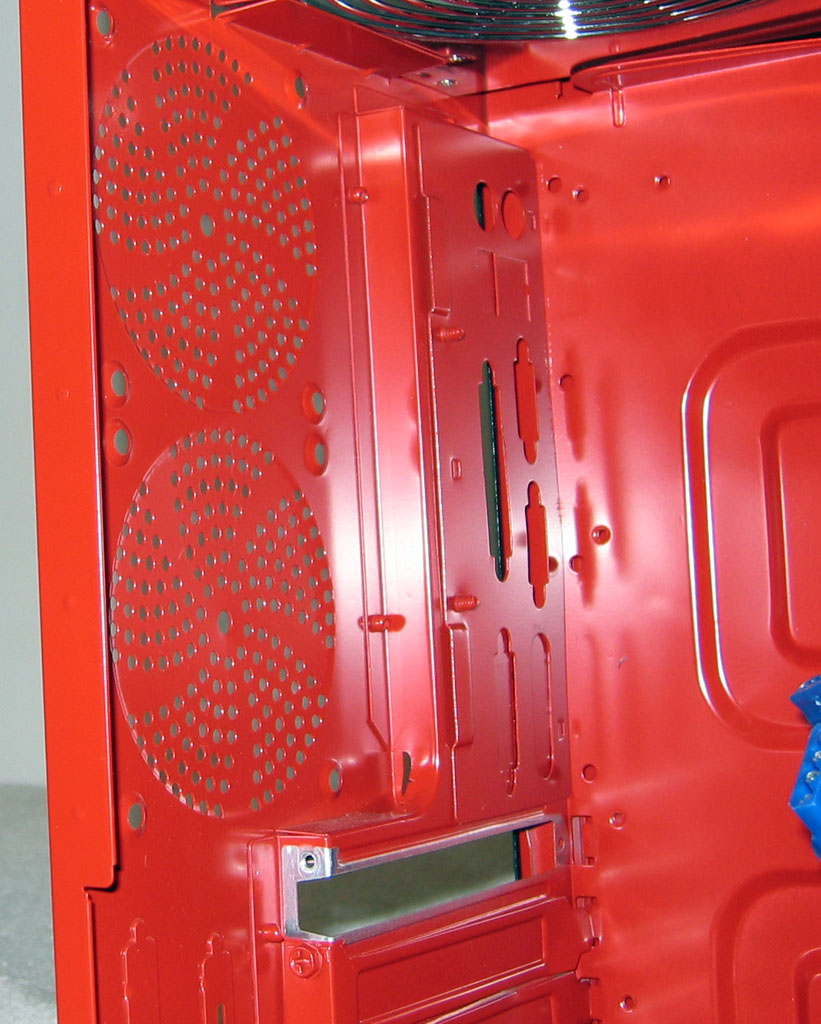
Two additional 80mm fans can be mounted at the back of the chassis above the expansion slots to increase air flow from front to back. If these fan mounts are utilized, we do recommend upgrading the front intake to a 120mm fan for maximizing the air flow.
Click to enlarge.
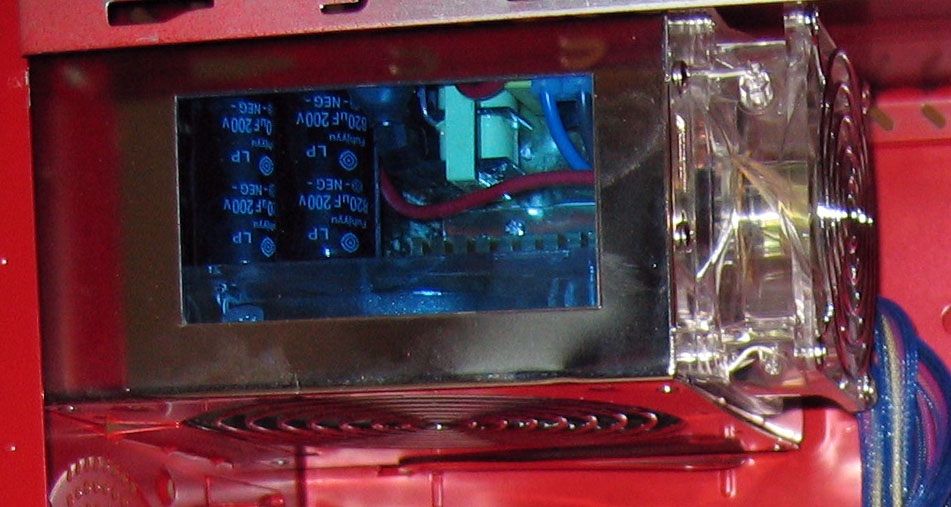
MGE has also included their own Vigor 450W power supply with our test unit, which has one 120mm LED fan at the bottom as well as an 80mm LED fan at the back. The unit is not SATA ready, but MGE has included two MOLEX-to-SATA power adapters. The unit also features a 6-pin motherboard connector aside from the standard 20-pin and 4-pin motherboard power connectors, eight MOLEX plugs, and two 4-pin floppy drive connectors. The MOLEX plugs, called Ohm Legs, also feature an easy-off design that allows us to remove the MOLEX from a device by squeezing the flexible tabs instead of killing ourselves while trying to wiggle the plugs from the device and risking damage to them.
Note: Instead of the 450W Vigor PSU, MGE will bundle with the Viper a standard MGE 500W PSU.
Click to enlarge.
Originally published at https://www.anandtech.com/show/1572 (Wayback Machine).