
Microsoft Windows XP Media Center Edition 2005: Feature and Performance Investigation
- Posted in
- Smartphones
- Mobile
Getting Ready to Watch TV
The majority of the MCE 2005 setup process remains unchanged from previous versions, with minor tweaks here and there.
One of the most important features of the Media Center interface continues to be the ability to setup all of the Media Center options using nothing more than the remote control, which is obviously true for configuring your TV settings.
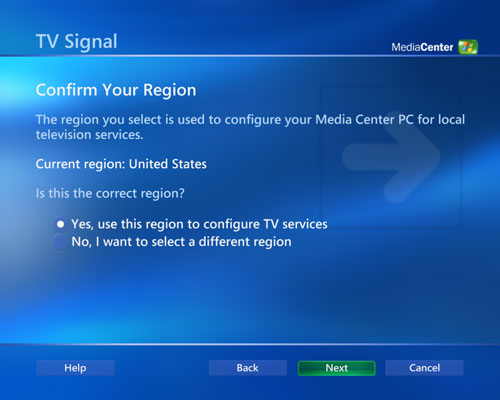
First you must confirm your region, which Media Center reads from the region your copy of Windows is set to.
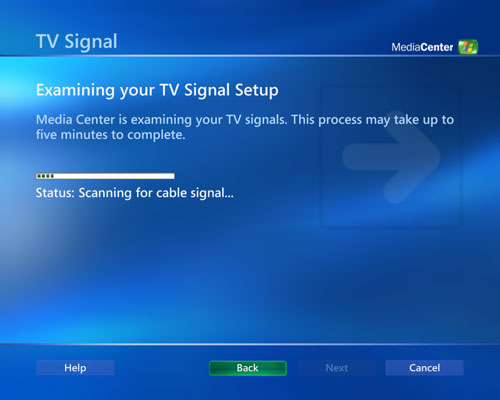
Media Center 2005 has an automatic TV signal configuration wizard which works very well. It seems to have no problem detecting whether you have a cable box, direct cable or antenna. The automatic setup can even configure multiple tuners, which we will discuss shortly.
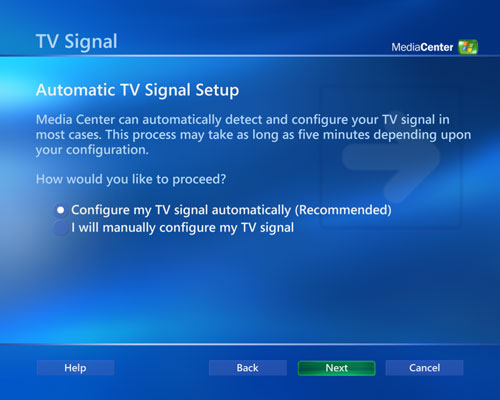
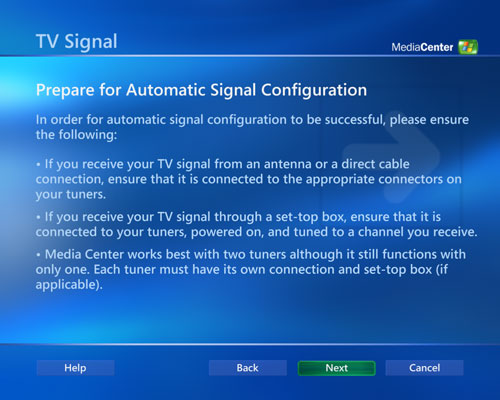
If there is any discrepancy between the automatic configuration and what you've got, you can manually configure your configuration, although we required no such intervention during our testing.
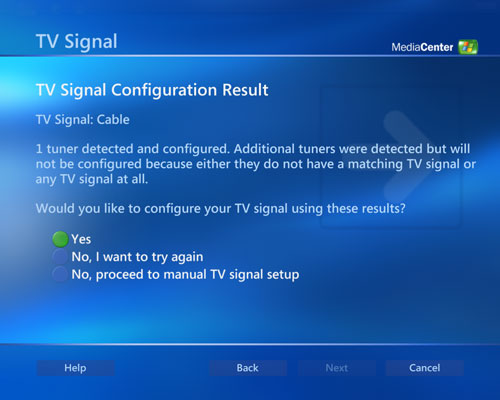
Next up after you've configured your TV signal is to setup the program guide. The Media Center program guide is one of the strongest points of MCE, considering it is the fastest and one of the most sleek interfaces available on a PVR/DVR platform. For anyone who has ever used a Tivo or ReplayTV, the speed and aesthetics of the Media Center guide itself is worth taking a look at.
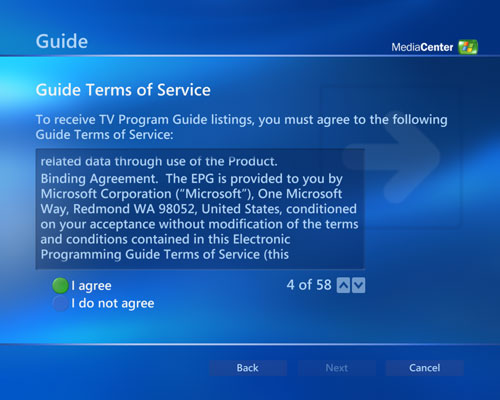
The setup is pretty simple, first you've got to agree to the 58 page Terms of Service agreement. Just pressing down on the remote will scroll through each one of the 58 pages, so you'll want to hit up instead to jump directly to the I do not agree/I agree options. Don't tell us you actually read those things.
Media Center will decide what guide data to download for you based on two pieces of information: your zip code, and then by selecting your cable provider.
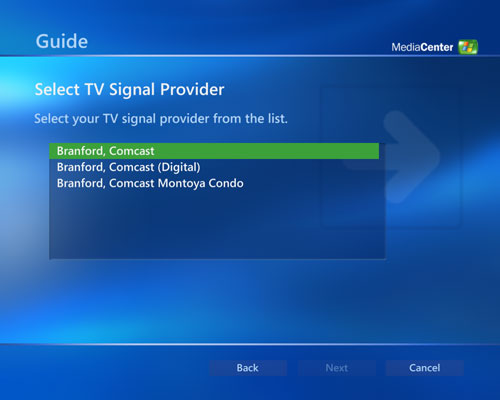
Once you've selected your provider, Media Center will download up to 14 days of TV listings and you'll be done with the program guide setup process. By default, Media Center will use your internet connection to keep its guide data up to date automatically, and it does a fine job of doing so.
Originally published at https://www.anandtech.com/show/1508 (Wayback Machine).