
NVIDIA's GeForce 6200 & 6600 non-GT: Affordable Gaming
- Posted in
- GPUs
Anisotropic Filtering Image Quality
To look at anisotropic filtering performance, we dropped the guns and looked at the floor for a while. The default images are taken from ATI's drivers; hold your mouse over them to view the images on an NVIDIA card.Anisotropic Filtering Disabled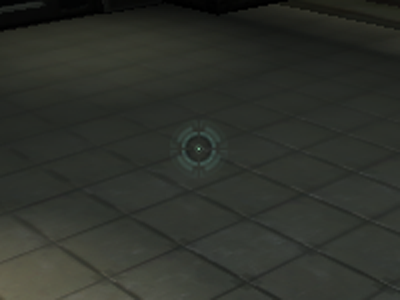
Hold your mouse over for the NVIDIA image.
2X Anisotropic Filtering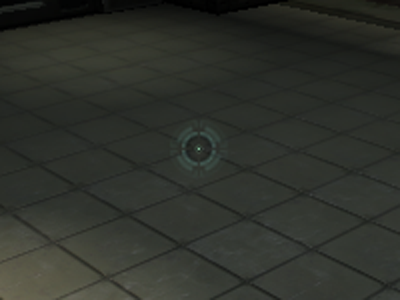
Hold your mouse over for the NVIDIA image.
4X Anisotropic Filtering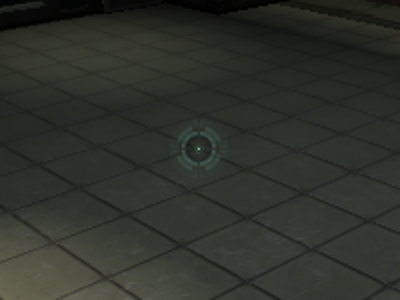
Hold your mouse over for the NVIDIA image.
8X Anisotropic Filtering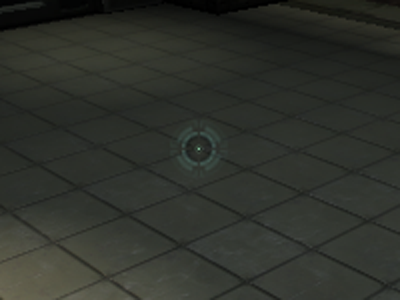
Hold your mouse over for the NVIDIA image.
16X Anisotropic Filtering
Hold your mouse over for the NVIDIA image.
This particular scene is perfect for looking at anisotropic filtering performance, as you can see the separation between the individual tiles towards the back of the scene when anisotropic filtering is enabled.
Again, there are no huge differences between ATI and NVIDIA here.
Originally published at https://www.anandtech.com/show/1506 (Wayback Machine).