
The Intel Core i9-9900KS Review: The 5 GHz Consumer Special
Test Bed and Setup
As per our processor testing policy, we take a premium category motherboard suitable for the socket, and equip the system with a suitable amount of memory running at the manufacturer's maximum supported frequency. This is also typically run at JEDEC subtimings where possible. It is noted that some users are not keen on this policy, stating that sometimes the maximum supported frequency is quite low, or faster memory is available at a similar price, or that the JEDEC speeds can be prohibitive for performance. While these comments make sense, ultimately very few users apply memory profiles (either XMP or other) as they require interaction with the BIOS, and most users will fall back on JEDEC supported speeds - this includes home users as well as industry who might want to shave off a cent or two from the cost or stay within the margins set by the manufacturer. Where possible, we will extend out testing to include faster memory modules either at the same time as the review or a later date.
| Test Setup | |
| Intel 9th Gen | Intel Core i9-9900KS |
| Motherboard | MSI Z390 Gaming Edge AC (A.60 BIOS) |
| CPU Cooler | TRUE Copper |
| DRAM | Corsair Vengeance 2x8 GB DDR4-2666 |
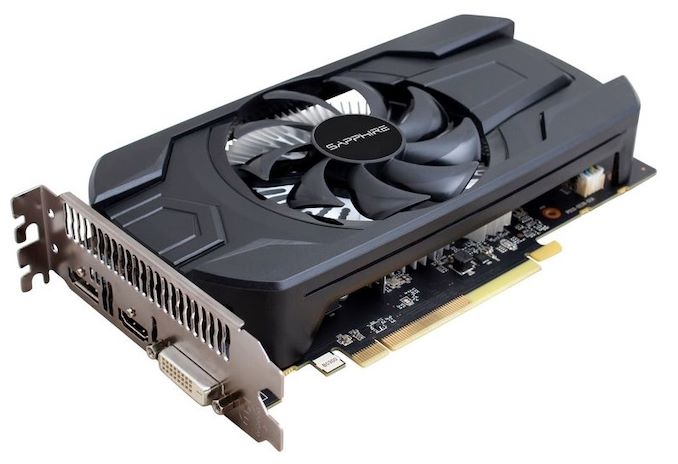
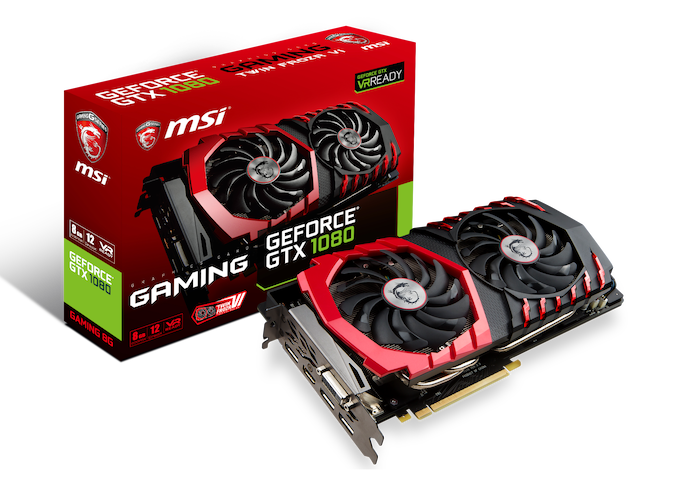
| GPU | Sapphire RX 460 2GB (CPU Tests) MSI GTX 1080 Gaming 8G (Gaming Tests) |
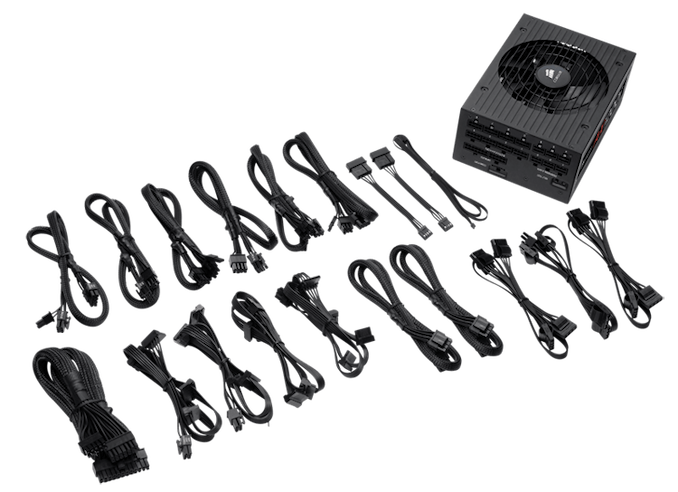
| PSU | Corsair AX860i |
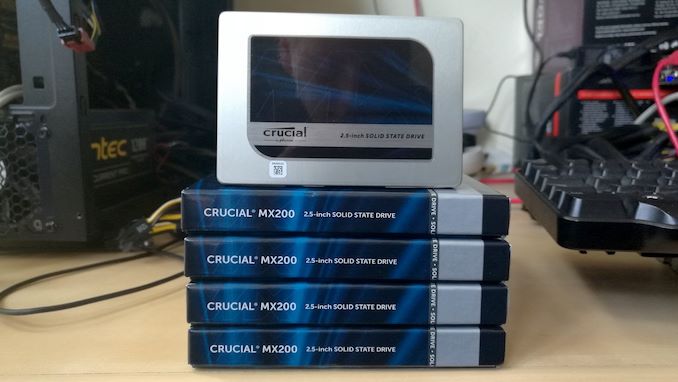
| SSD | Crucial MX200 1TB |
Many thanks to...
We must thank the following companies for kindly providing hardware for our multiple test beds. Some of this hardware is not in this test bed specifically, but is used in other testing.
| Hardware Providers | |||
| Sapphire RX 460 Nitro | MSI GTX 1080 Gaming X OC | Crucial MX200 + MX500 SSDs |
Corsair AX860i + AX1200i PSUs |
 |
 |
 |
 |
| G.Skill RipjawsV, SniperX, FlareX |
Crucial Ballistix DDR4 |
Silverstone Coolers |
Silverstone Fans |
 |
 |
 |
 |
Originally published at https://www.anandtech.com/show/14979/the-intel-core-i9-9900ks-review (Wayback Machine).