
The MSI GE75 Raider Laptop Review: Core i9 and RTX 2080 Performance
Design
MSI has created a cohesive design language that they’ve been using across their lineup for some time now, and they’ve been tweaking it with each generation. The GE75 Raider is unmistakably an MSI gaming laptop though, featuring the familiar black aluminum lid, light-up dragon logo, and red accents. Although theming is a personal thing, MSI does a great job of adding accents and touches without getting out of hand.

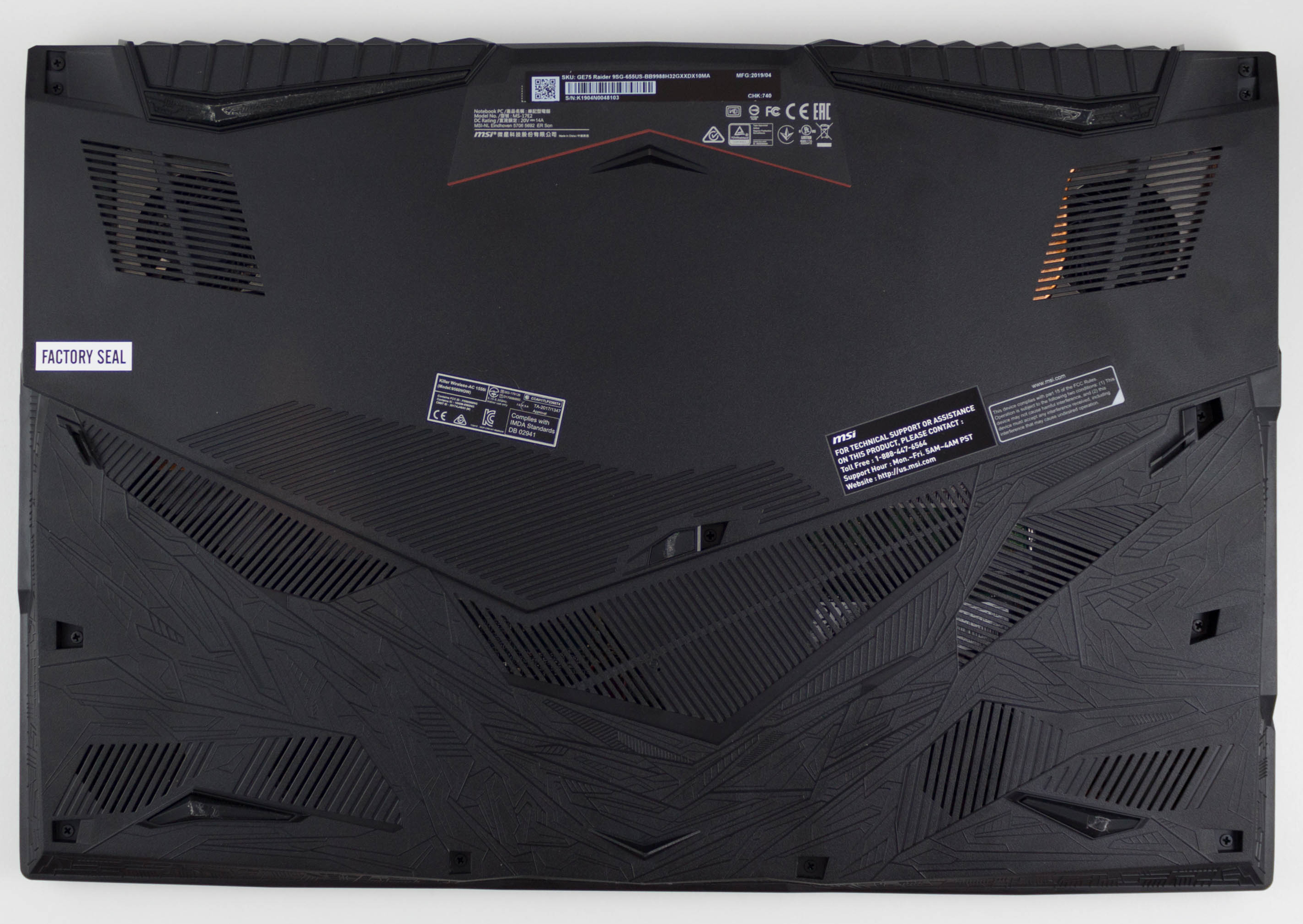
The entire chassis isn’t aluminum, but MSI’s use of plastic on the underside doesn’t detract from the feel of the laptop, especially considering as a 17-inch gaming laptop it’s going to be sitting on a desk most of the time. The plastic is also one of the few areas where MSI added a lot of “gamer” design with what MSI describes as “to show the spirit of cosmological warship as the asymmetry shape” and although that meaning isn’t exactly clear, this design is only on the bottom and therefore not something that would normally detract from the device if you aren’t into the outlandish design statements.
Opening the lid we see that MSI offers a thin-bezel design in their large form factor laptop, making the GE75 Raider significantly smaller than a 17.3-inch laptop from just a couple of years ago. The form factor is still larger than a 15.6-inch, but with the reduction in bezel size and therefore overall width of the laptop, it doesn’t feel much larger than many 15.6-inch models, despite the larger display.
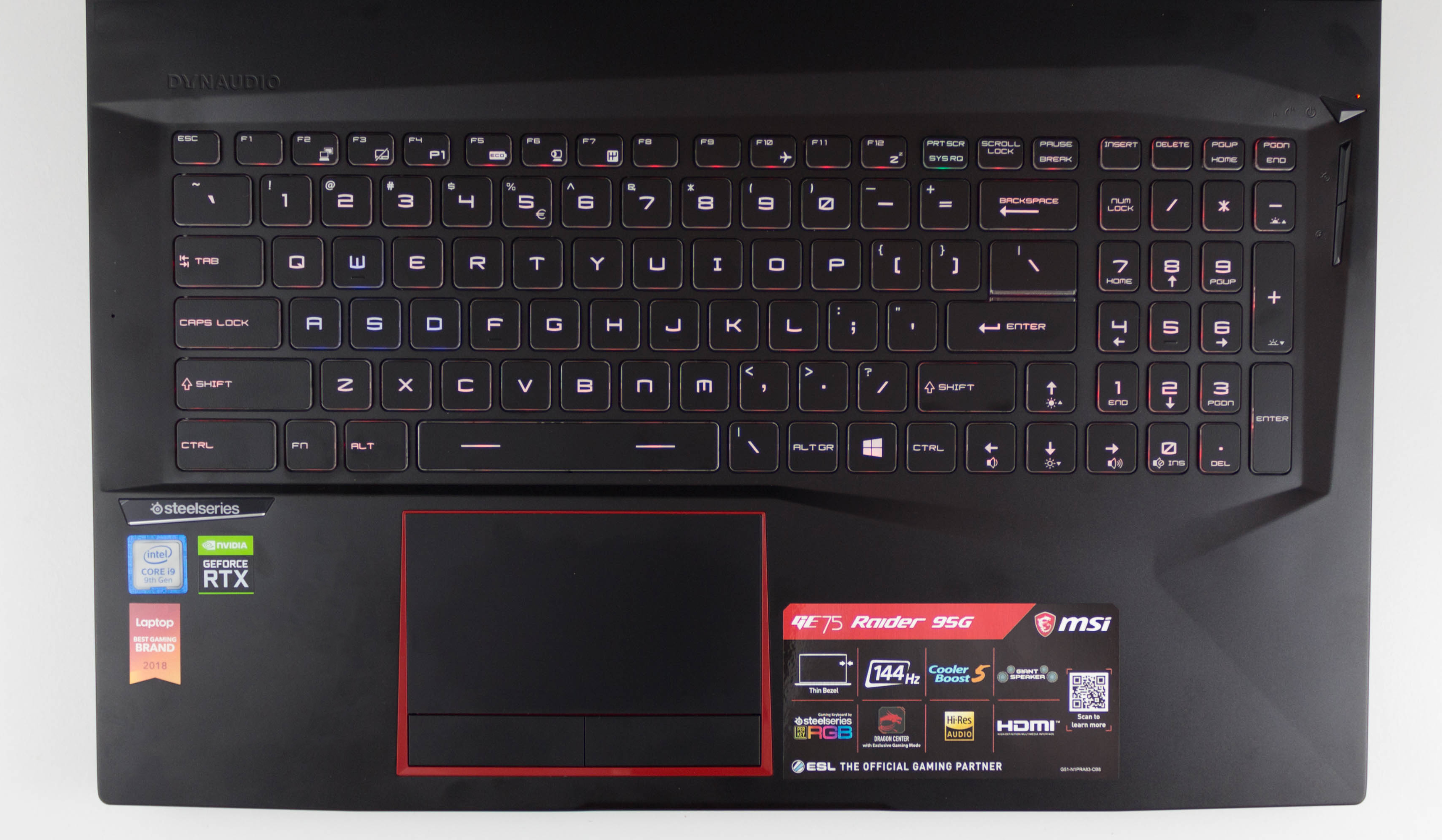
But it is of course a bit bigger, and looking at the keyboard makes this obvious, since MSI was able to fit in a number pad on the right without the same sacrifices you’d see on a typical 15.6-inch model. Although the number pad isn’t as full-sized as a desktop keyboard, other than the half-width zero key it is otherwise identical in layout and is a useful addition when there’s enough room on the deck.
The keyboard itself is a treat as well, and once again MSI has added in a SteelSeries keyboard with per-key RGB backlighting. Much of their competition still uses zoned backlighting, which is not even in the same realm as the quality of this RGB backlight. The colors are strong and provide plenty of adjustable lighting through the keys, and although the tendency of RGB everything can be seen as an addon with limited value, per-key RGB backlighting does in fact offer benefits that you’d not be able to achieve with a zoned backlighting system. For instance, I use the Prt Scn button often, but the location on a laptop keyboard can vary, so you can easily set this one key to a unique color and always be able to find it in a second. The typical WSAD key colors can also be changed, and one excellent feature MSI does is that it blacks out all of the keys except those with a function assigned when you press the Fn key, making it simple to find the right key to change the volume, or adjust the brightness.
The feel of the keyboard is good, with nice travel and weight. But despite being a quality keyboard, there are a few issues. First, the key caps are slightly convex, so your fingers can tend to slide around on them, and it is a strange feeling. The best keyboards tend to have concave key caps, providing a solid spot for your finger to rest in. Second, this keyboard has a slightly strange layout, with the Windows Key being on the right side of the keyboard along with a duplicate backslash key. It’s something you would get used to, but as someone who jumps around on lots of devices, it feels strange.
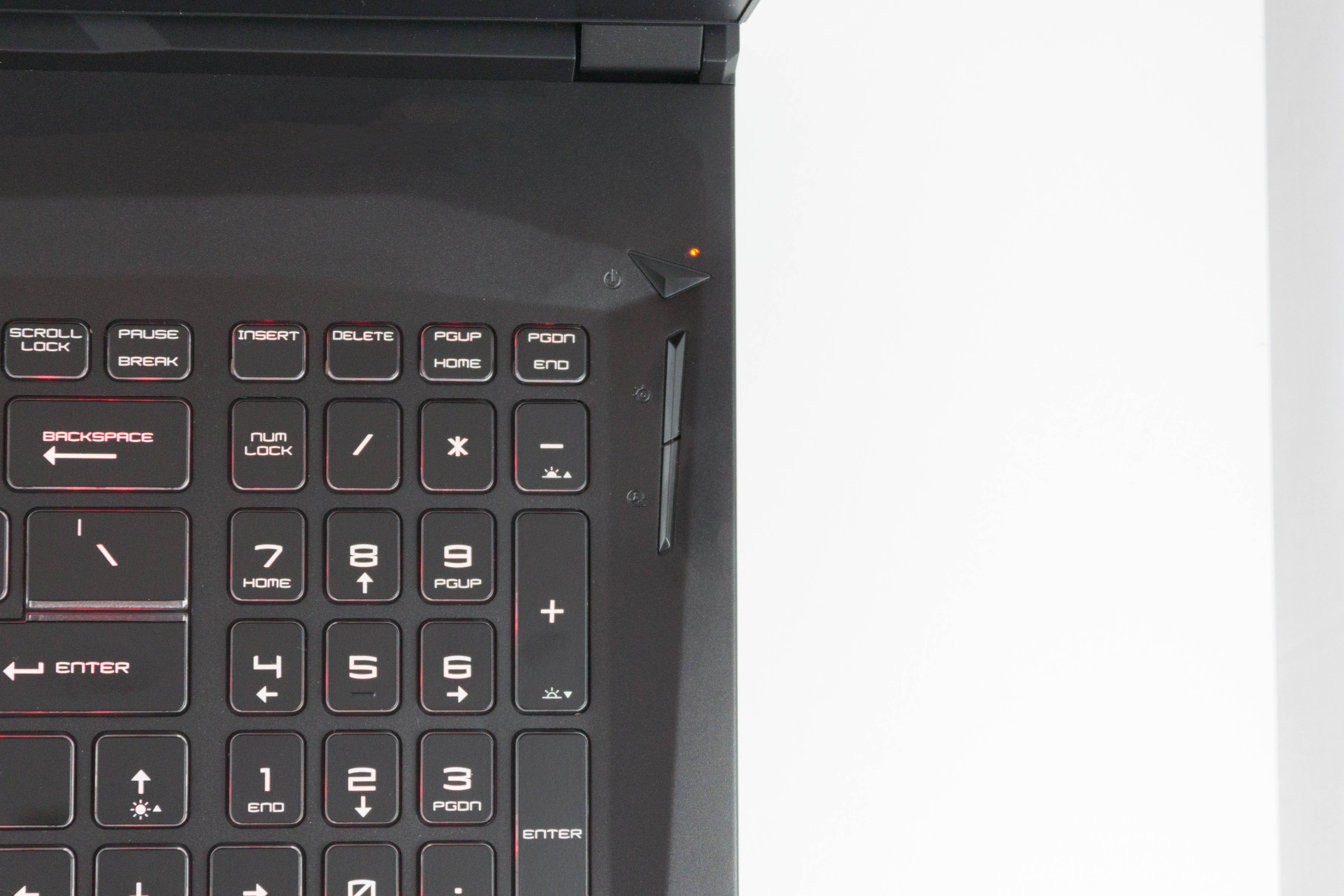
Located to the right of the keyboard are some dedicated buttons as well. At the top is a power button, nicely located away from the keyboard, and below that is a button to toggle the backlighting modes, and finally below that is a button to adjust the fan profile.
Moving on to the trackpad and we have another win for MSI. The size is generous, but fits in well with the larger size of this laptop, and MSI has actual physical buttons at the bottom as well, which are appreciated for gaming. You’d still likely want a mouse for gaming, but the trackpad is smooth and responsive, and works well. The multi-touch gestures work flawlessly, and the physical buttons add options depending on your task.


There’s enough I/O as well, with two USB Type-A ports on the right side, along with an SD card slot and power connector, and on the left is another Type-A port, HDMI, mini DisplayPort, USB Type-C, Ethernet, and the two 3.5 mm audio jacks. It’s well-equipped although the Type-C port isn’t Thunderbolt 3, which is a bit of a strange omission, although it is a Gen 2 port.
Overall the design is excellent, and continues in MSI’s tradition of offering a very well-built laptop in the gaming space. The styling is pure MSI, but without being too over the top. The red accents work really well, and the keyboard is one of the better ones in its class. The GE75 Raider is off to a great start.
Originally published at https://www.anandtech.com/show/14612/the-msi-ge75-raider-laptop-review (Wayback Machine).