
ATI's HDTV Wonder - Bringing DTV to your PC
- Posted in
- GPUs
DTV Player - DTV Time-shifted
In order to accommodate the new functionality needed for the HDTV Wonder, ATI had to create a separate program for DTV viewing, since the TV player was designed to view and render analog signals. Obviously, a single program for dual purposes would be perferred, but the special characteristics that DTV signals transmit make us understand the need to divvy the programs.Analog TV transmits at 640 x 480 (with a 4:3 ratio), while HDTV transmits at 16:9 (widescreen). We aren't going to get into the how's and why's of DTV, since that is a subject apart from this one. We recommend that you read the information at How Stuff Works for an overall view, Discovery Channel, and HDTV.net for a simple explanation. For the computer user, this means that on most computer monitors, you are going to have to deal with unused space in order to keep the native perspective.
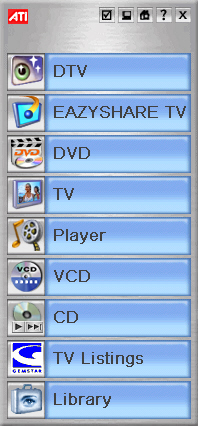
The DTV player makes its way into Multimedia Center 9.0, and the launchpad is adjusted accordingly with the addition.
Assuming that you are launching the DTV player for the first time, you are prompted with an intuitive set-up wizard, similar to the one used for the analog TV player. The only noteworthy difference is that channels are named differently and there is a signal strength indicator.
As a factor of free disk space, the DTV player can have varying disk space estimated requirements for TV-On-Demand. When we got down to about 58GBs, the maximum disk space required for 1 hour was 5.1GBs.
|
|
|


|
|
|


Click to enlarge.
Originally published at https://www.anandtech.com/show/1359 (Wayback Machine).