
Samsung 193P: Exclusive Preview
- Posted in
- Displays
Wallmount, Swivel, Pivot & Cable Management
The SyncMaster 193P is perhaps the most flexible monitor that we have reviewed to date. The 193P does not have a universal joint, but it does allow for rotation along the Y-axis, and height adjustment along the Z-axis.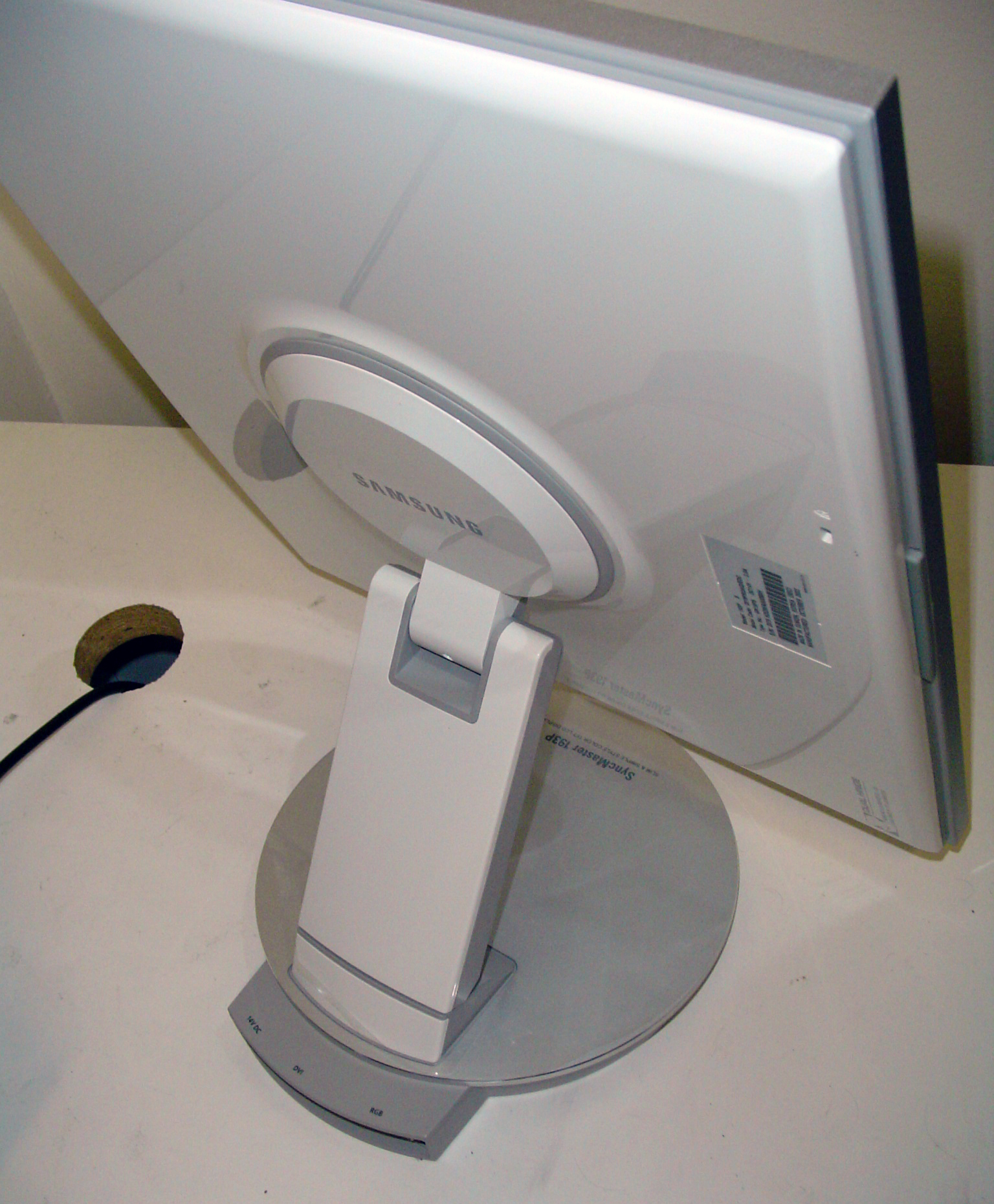
Click to enlarge.
Unfortunately, the LCD does not rotate on the Z axis like our Dell 2001FP. Samsung designed the unit light enough to rotate without the aid of a joint or bearing, but this does leave the option open to scratch your desk.
The foldable design of the 193P is very similar to the 192T. The monitor will collapse completely to a horizontal position. Unfortunately, attempting to place the monitor in a specific angle was not possible; the monitor would generally fold up on its own weight. Likewise, even in a vertical position, the LCD typically "sank" back down until it rested on the stand or the desk. We were not very pleased with this.

Click to enlarge.
When we reviewed the SyncMaster 213T and the Dell 2001FP, we received many emails about pivoting the screen 90 degrees. This is useful if you anticipate reading on the monitor in a more comfortable vertical layout. Samsung includes PivotPro software that allows us to rotate the screen via a right click on the desktop. Unfortunately, the monitor does not auto-sense rotation and flip by itself. PivotPro works incredibly well on any monitor; even in multiple monitor arrangements.

Click to enlarge.
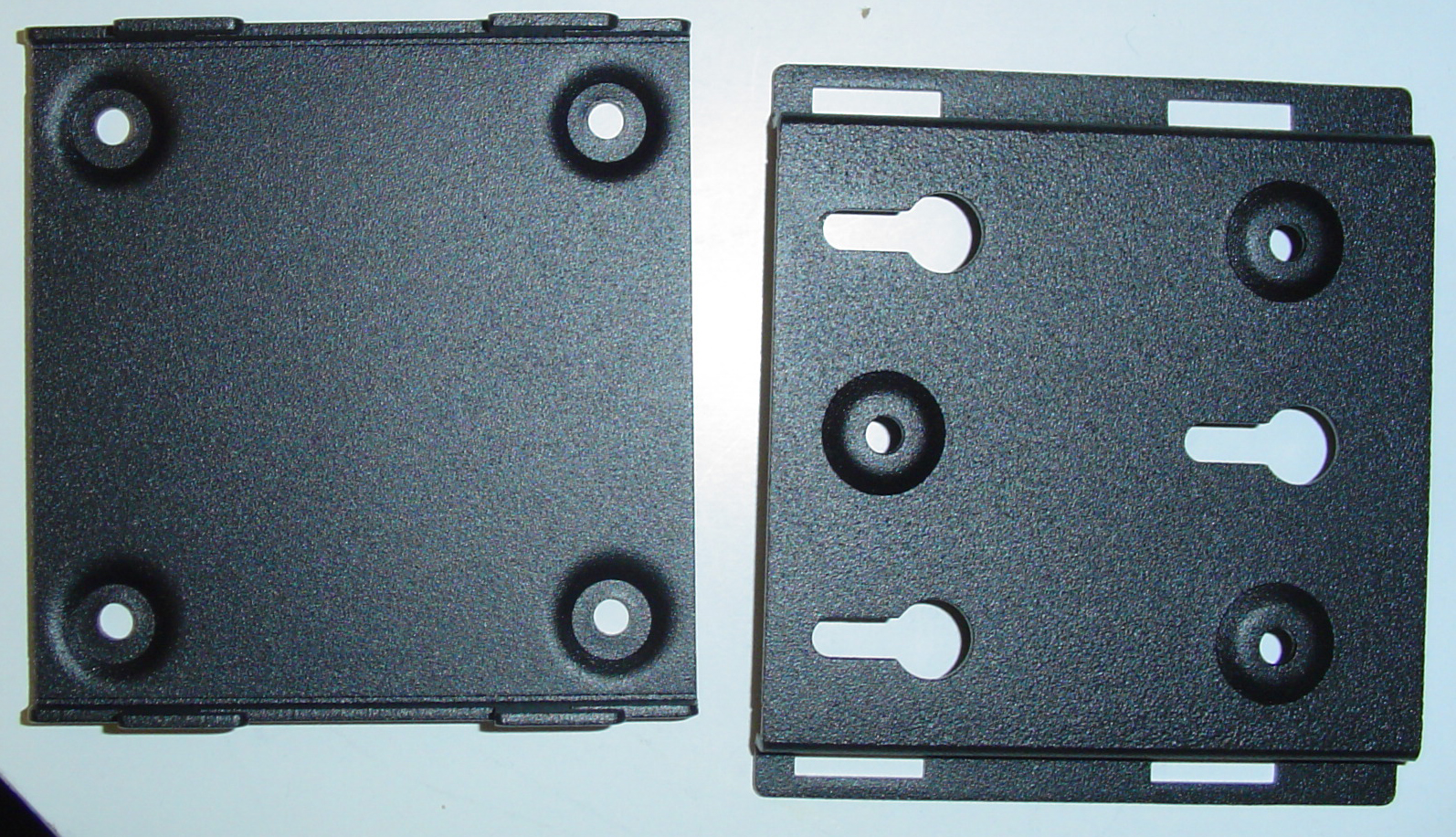
Our 193P is also wall-mount capable. Included mounting brackets allow us to fasten the base of the unit to a wall. Unfortunately, because the arm of the monitor is very flexible, the LCD has a habit of unfolding into an undesirable position if not situated correctly.
Click to enlarge.
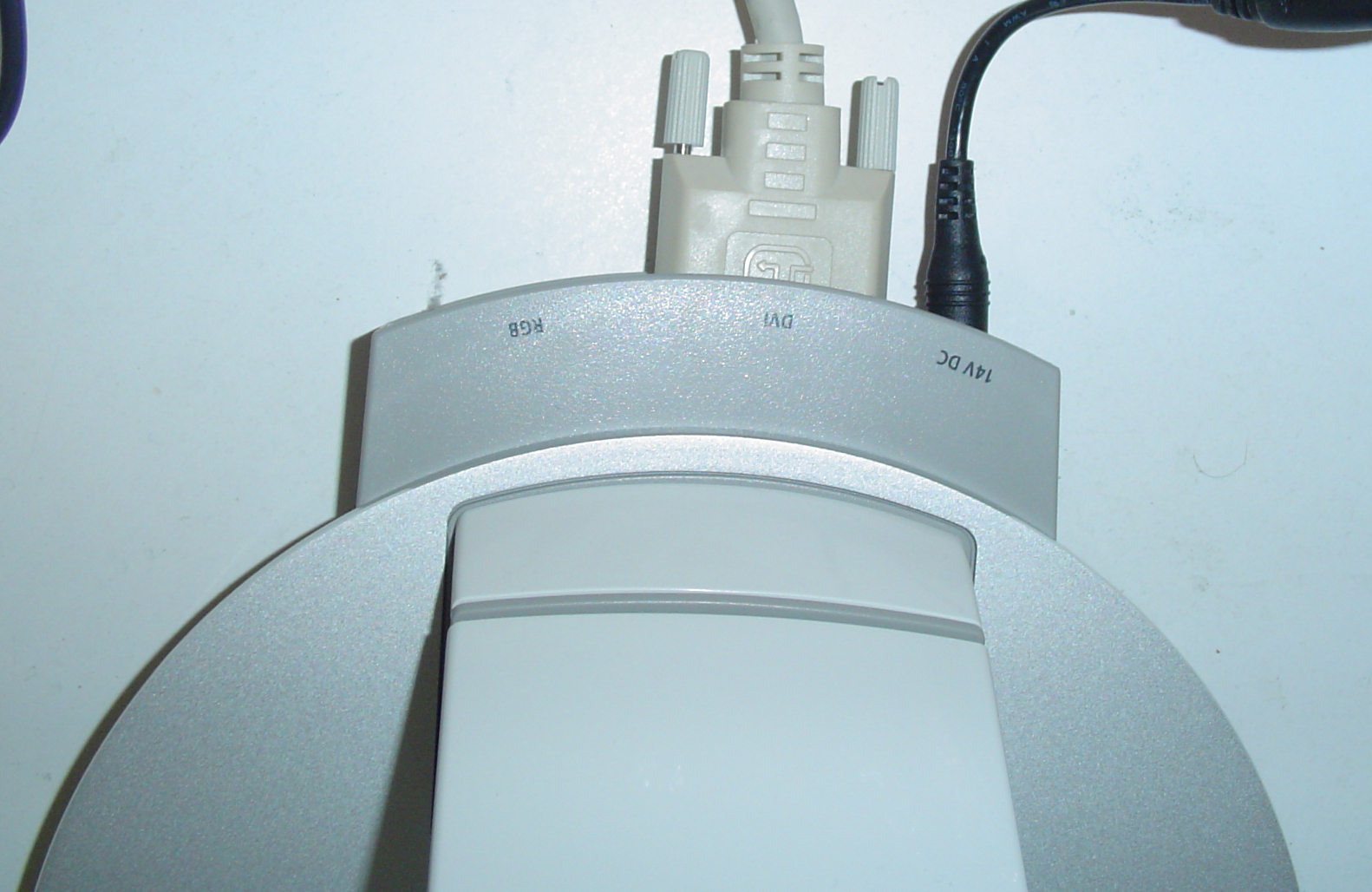
As we mentioned earlier, cable management of the 193P is quite superb. The Dell 2001FP and SycnMaster 213T both had major issues situating cables easily. On the 193P, all cables attach at the base of the monitor, rather than the base of the panel. Cables are all kept flat on the table with little concern for getting tangled while pivoting the monitor.
Click to enlarge.

Click to enlarge.
The issue with the 193P occasionally folding and "sinking" down along the Z-axis comes back to haunt the unit later in this review.
Originally published at https://www.anandtech.com/show/1294 (Wayback Machine).