
The Dell Latitude 13 7390 2-in-1 Review
Final Words
The extra capabilities of a 2-in-1 might seem lost on a business user, but you can easily imagine a lot of workplace scenarios where a convertible laptop would be a nice fit. The Dell Latitude 7390 2-in-1 offers plenty of flexibility in other areas too, making it an easy fit into a lot of work environments. There’s lots of configuration options, as well as optional cellular connectivity, making this an incredibly versatile business laptop.

The design is definitely on the safe side, but for an enterprise that wants a durable device over one that is flashy, it’s the right choice. The Latitude 7390 is very sturdy for a small machine. The excellent options for ports is also great to see, with both the past and the future represented with USB-C alongside USB-A.
Dell’s choice of a 16:9 display isn’t a surprise, but it does leave a lot of vertical room in the chassis unused, and it would be excellent to see a move back to taller displays for productivity. 3:2 works very well, and there’s several panels now available, so hopefully we’ll see more devices with it soon. The 1920x1080 display in the Latitude 13 is a good one though, with good color reproduction, and enough resolution for the target audience, without putting undue stress on the battery life.
Speaking of battery life, the Latitude 7390 with the 60 Wh 4-cell battery is pretty solidly in the all-day battery life range. Under heavier loads, it might not quite reach the 8 hour mark, but on all of our testing, it was quite good. The efficiency of the platform coupled with a good size battery works well in this kind of a notebook.

The inclusion of features like a Smart Card reader, and a fingerprint sensor, along with other enterprise focused features like vPro, really round out the capabilities of this laptop in its segment.
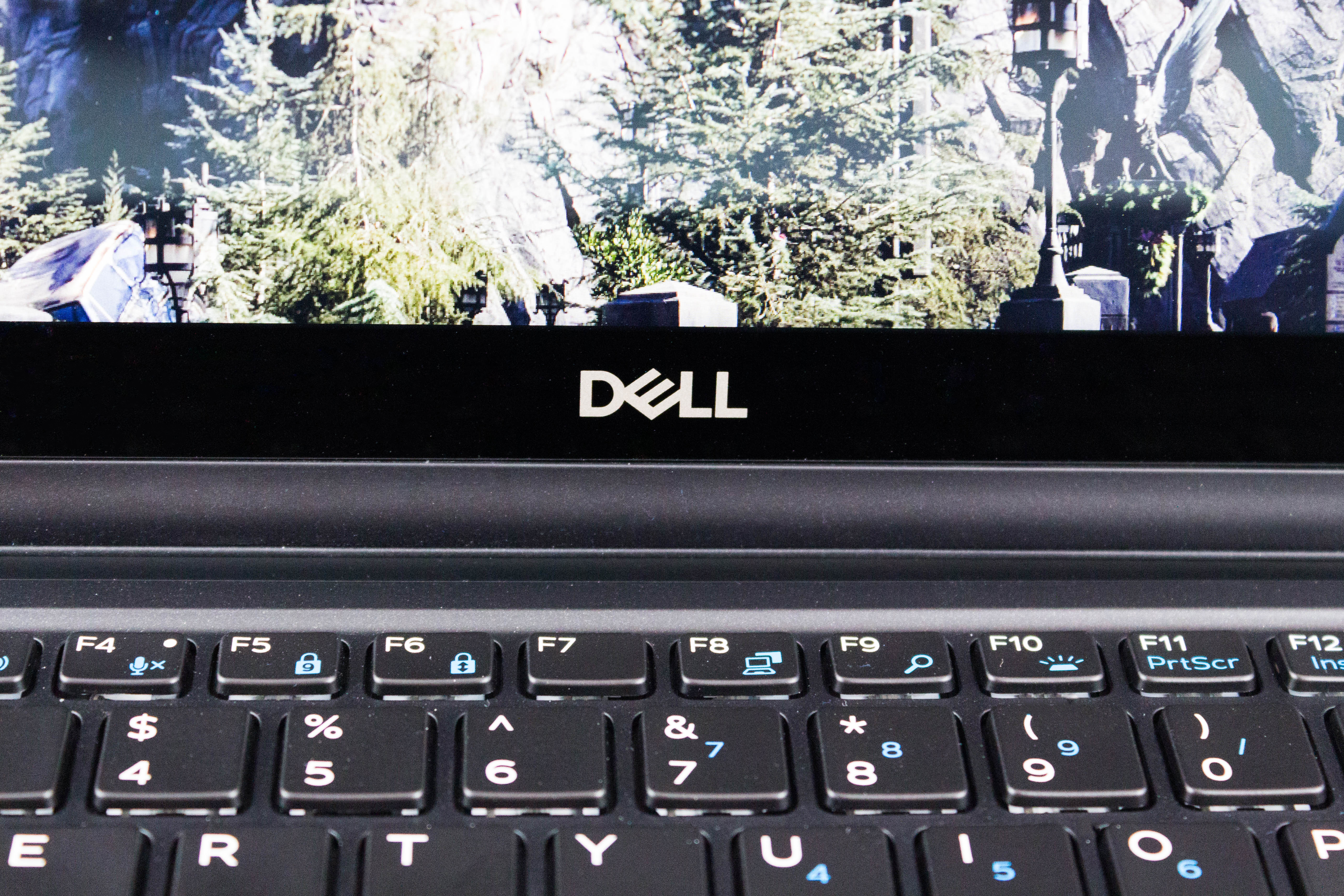
Not all is perfect with the Latitude 7390 though. The keyboard is a bit mushy, and the lack of the nub pointer in the keyboard is a bit of a disappointment, although that’s not something everyone needs. The laptop also gets quite loud, even under light load, when in its default configuration.
Luckily the default can be changed, since Dell has included software to let you pick how you want your laptop to behave. The Quiet option worked out very well, and eliminated a lot of the unwanted noise.
The noise was useful though in keeping the laptop cool under load, and the 7390 is able to maintain an over-spec TDP for over ten minutes straight before it needed to start to bring the CPU down in frequency to keep the temperatures in check. At the same time, the work surfaces of the laptop stay cool to the touch, even though fan noise can be a bit tiring. It’s still good to know the performance is there if you need it, even though it does come with some noise.
The Dell Latitude 7390 2-in-1 is a good entrant in this market, offering plenty of flexibility in design, configuration, and of course, the 360° hinge. It offers good performance, subtle styling, and enough connection options for almost any boardroom, while still being a thin, light, portable laptop.
Originally published at https://www.anandtech.com/show/12643/the-dell-latitude-13-7390-2in1-review (Wayback Machine).