
ATI All-in-Wonder 9600 Pro: Multimedia Refresh
- Posted in
- GPUs
EasyLook — Squint no more
Since ATI's Multimedia Center 8.0, there have been two new versions introduced with a significant (new) visual feature implemented: EasyLook (in Multimedia Center 8.5 and greater). ATI has recognized the use of their remote (Remote Wonder) in combination with an AIW card for home entertainment. It often means that the user will be sitting on the couch with about 10+ feet between them and the TV/display. As a result, changing the channel with small fonts is straining on the eyes, and this still lacks the versatility that a set top box would bring.After all, with a cable TV set top box and a PVR, TV listings and the ability to set recordings become fully interact able with nice large fonts. Setting a TV show to auto record becomes that much harder when you have to squint to confirm that you had set it up correctly. EasyLook is a clean and easy-to-use interface that is reminiscent of Windows XP Multimedia Center Edition, and we have found this to be an invaluable tool. To be perfectly honest, we continue to be amazed, having survived the use of past All-in-Wonders without this feature…
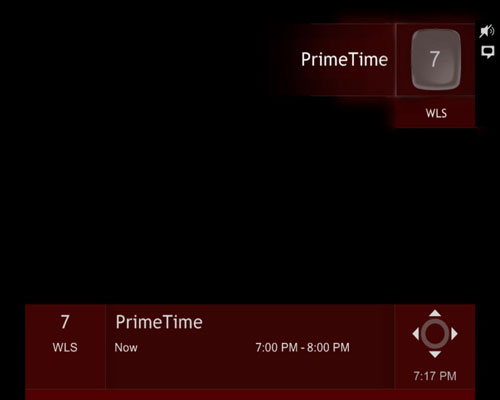
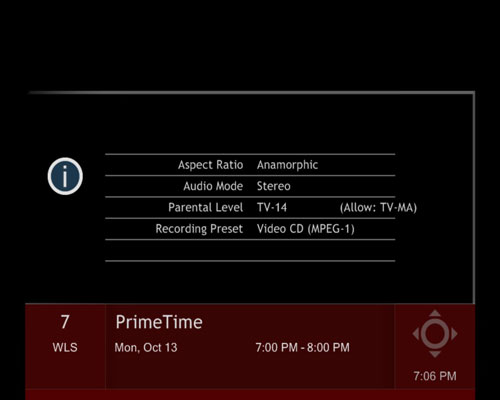
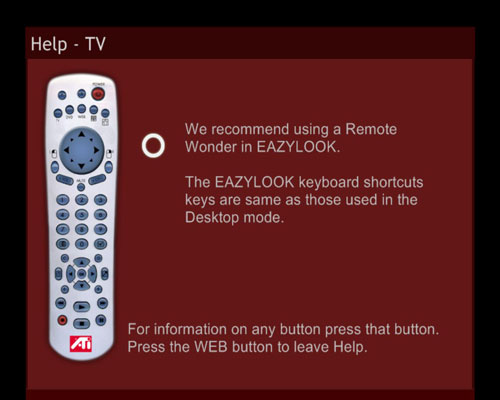
You can still use a keyboard to access all, plus more, functions of a Remote Wonder. At a distance of 10+ feet, cables will get cumbersome, and we recommend sticking to the remote. A wireless keyboard still isn't the same as a remote for us. We try and keep the other hand free for our snacks...
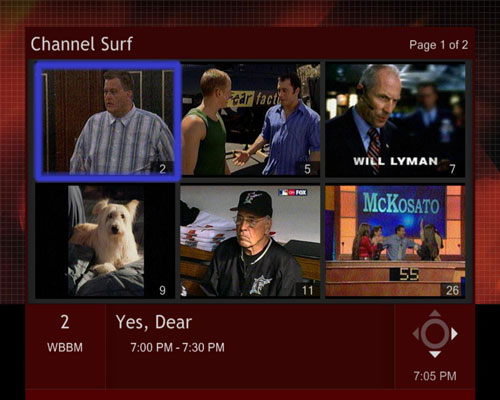
New to Multimedia Center 8.6 is channel surfing in EasyLook, which makes everything nice and neat. Instead of constantly flipping through the channels, channel surfing in EasyLook provides a way to preview 6 or 24 channels at once. If your tuner receives more than 24 channels, EasyLook channel surf automatically displays thumbnail images to be viewed in a 4 x 6 grid. Less than 24 channels, the grid automatically configures itself into a 2 x 3 grid. This does mean that the 2 x 3 grid will display the thumbnail images larger than in the 4 x 6 grid.
There is one glitch that we found in EasyLook that hasn't seemed to be resolved. Since EasyLook extends itself into other parts of Multimedia Center (DVD, File Player, etc.), we decided to tinker around a bit in those areas. We found that in File Player, changing the time dialog to display “remaining time” wouldn't transfer over to EasyLook, though it did in EasyLook DVD. Instead, the information bar would still read “Elapsed time” and show the time ticking down.
Originally published at https://www.anandtech.com/show/1181 (Wayback Machine).