
The Windows 10 Creators Update Arrives
Gaming
According to the Steam Hardware & Software Survey, Windows 10 is now on over 50% of computers running Steam, so it looks like gamers are making the switch. Features like DirectX 12 certainly help with the appeal, but Microsoft has been slowly adding more gaming features to Windows 10 over time.

Gaming settings now have their own home in the Settings panel. This is a nice bonus, since some of these settings were tucked away before and not as easy to get to. With the new Game settings panel, you can configure the Game Bar, Game DVR, Game Mode, and Broadcasting, all from one location. You can set shortcuts to tasks like taking an in-game screenshot, turning a microphone off and on, and starting a game clip recording. They all have their own default shortcuts, but maybe you want to set them to just a certain key while gaming.
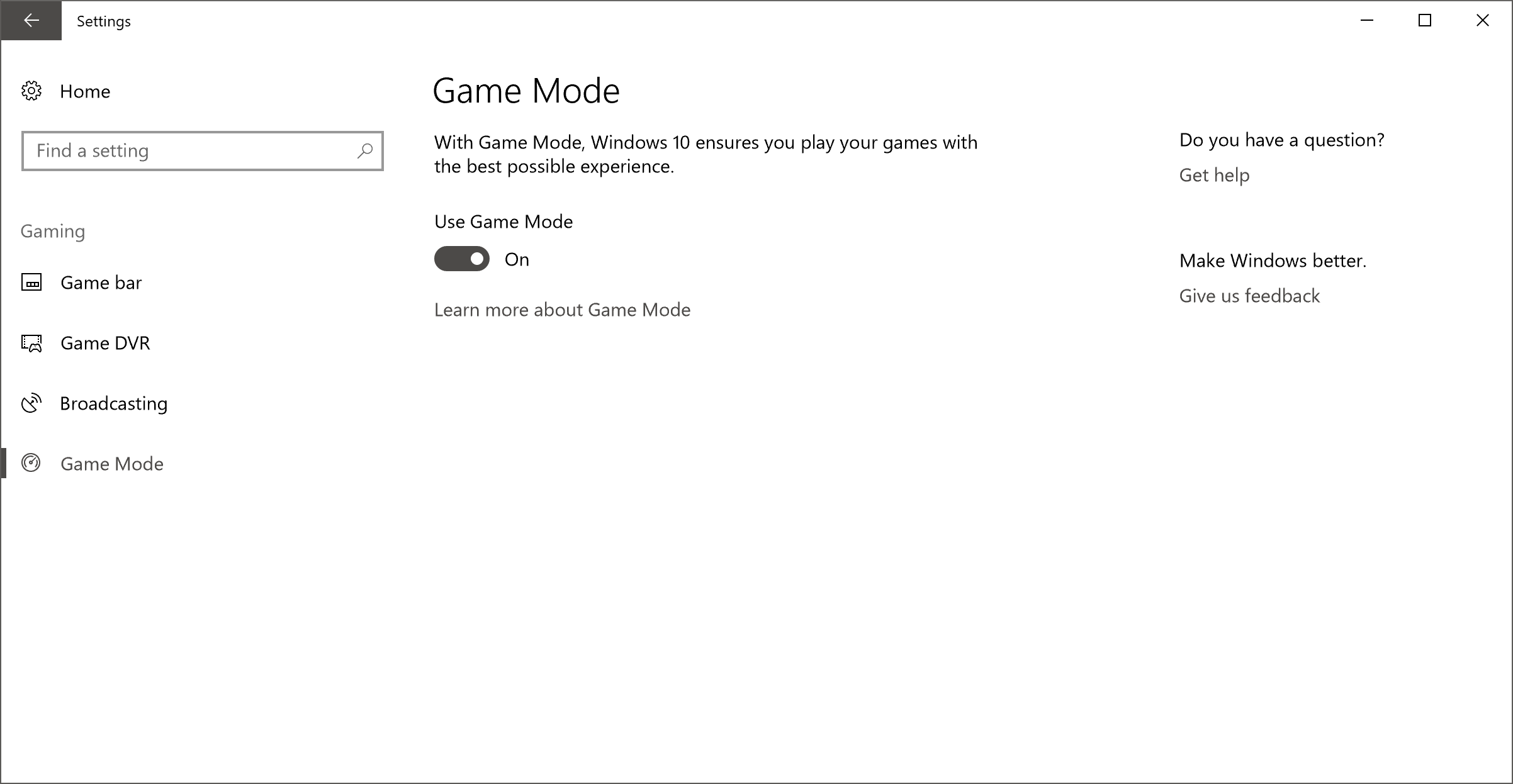
There are two new features here though, in Game Mode and Broadcasting. Game Mode was first announced in January as an upcoming feature for the Creators Update, and it basically changes the CPU and GPU priorities when gaming to ensure that the game gets the maximum resources it can. This is enabled for all games by default, but can be turned off per-game if needed. Although it will be unlikely to impact maximum frame rates, it should help with minimum frame rates especially when the computer is busy doing other things. Hopefully we’ll have a chance to dig into this a bit more in the future.

The second big addition is broadcasting support. In August 2016, Microsoft acquired the game broadcasting company Beam. That purchase has quickly found its way into their core products, with Windows 10 and Xbox both adding support for Beam with the Creators Update. Rather than having to install software and configure an account, you can just broadcast right from the game bar, using your Xbox Live account information. Game broadcasting has become a huge industry, so it’s great to see a solution built-in to Windows that is so easy to use. And it is very simple to use. In a game, you just open the Game Bar (Default Windows + G) and click on the broadcast icon. In seconds, your broadcast will be set up. There is no doubt that there is stiff competition in this space, but Beam seems to be a solid offering, and having it included by default is a nice benefit.
Security Center
After working hard to move all of the settings into the settings pane in Windows 10, to the point where you rarely need to access the legacy control panel, it’s perhaps a bit odd that they broke some of them out of settings and put them in their own grouping, but it is nice to see a one-stop shop for Security.

The new Windows Defender Security Center app combines virus protection of Windows Defender, with firewall settings, device health information, app control, and family options. None of these features are new, but combining them into one app should make them a bit more accessible.
In fact, the one that seems to be missing is file backup, since that would fit into this theme of keeping your computer and data safe, and it would be nice to have File History added here, or perhaps a more comprehensive backup solution.
Originally published at https://www.anandtech.com/show/11287/the-windows-10-creators-update-arrives (Wayback Machine).