
Samsung SyncMaster 192T: A New Look for 19'' LCDs
- Posted in
- Displays
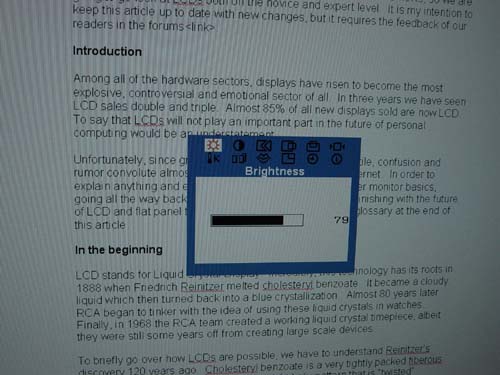
We have been very happy with how simple and clean Samsung’s OSDs are, but we have not seen much evolution with their controls in recent months.
Click to Enlarge
As you can see, the On Screen Display looks very much the same it did two years ago. Tried and true continues to work for Samsung, so we won’t be too critical about their look. However, with all of the experience Samsung has in the mobile industry, it would be nice to see an upgrade here or there.

Click to Enlarge
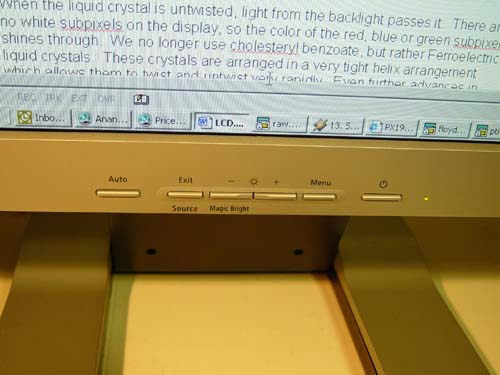
Basic operation of the OSD consists of six buttons, not unlike the 191T. The Auto adjust button does exactly that, automatically adjusting the screen. While using the DVI connector this function has been disabled, but we haven’t seen an occurrence when we needed it over DVI. The Input select and MagicBright options can both be accessed with one touch rather than going through the OSD.
Click to Enlarge
We will briefly touch on the fact that the DVI connection does not disable any options other than position and color temperature. We have mentioned in the past that the color temperature should only be adjusted on the software side anyway, but we will get into this more during our Color Vision Spyder test.
Originally published at https://www.anandtech.com/show/1116 (Wayback Machine).