
Samsung SyncMaster 192T: A New Look for 19'' LCDs
- Posted in
- Displays
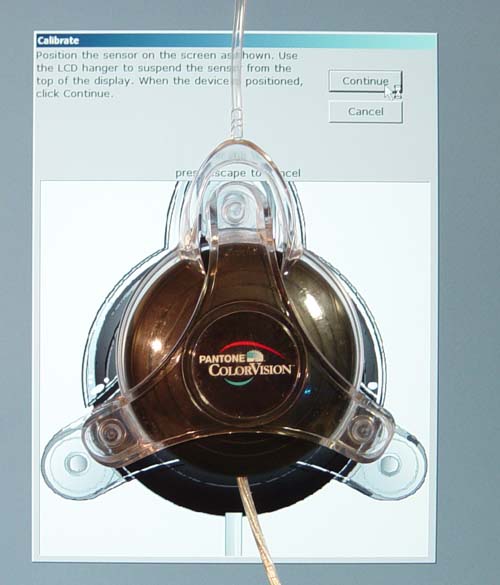
Click to Enlarge
Before running DisplayMate and our subjective analysis of the LCD, we ran ColorVision’s Spyder and OptiCal software. Not only does this accurately calibrate the monitor on the DVI and analog interface, but it also gives us specific luminescence information not obtainable though subjective analysis. Special thanks to our friends at Color Vision for providing us with both a Color Vision Spyder and their OptiCal software.

Click to Enlarge
From our test, we can logically conclude that the 191T still has some problems replicating the warm colors in the 6500K color temperature. We were using the DVI connection for this portion of the analysis, which does not allow us to modify the monitor temperature through the OSD. Thus, we had to use OptiCal in order to properly bring the curves into balance. For those of you whom do not have OptiCal or Photoshop, you must use the Samsung software in order to bring the colors in the right balance.
Originally published at https://www.anandtech.com/show/1116 (Wayback Machine).