
Windows XP Media Center Edition: Exposed
- Posted in
- Systems
All the pretty pictures
The final feature we have to touch on is the picture library; the picture library is pretty simple, it's just a place for you to view all of your pictures by either flipping through them or through an automated slide show. It's useful for showing a large group of people pictures from a trip.
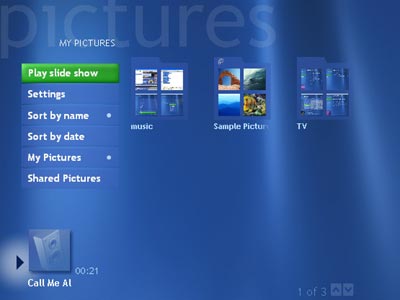
Cataloging your pictures is luckily just as simple as putting them in the appropriate directory; each folder you make will appear as a separate folder of pictures.
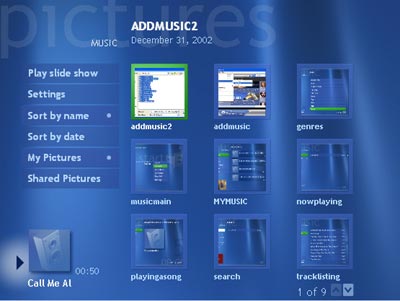
Once within a folder you'll be able to browse through all of the pictures in that folder, either manually or by playing a slide show of them all.
You can also have MCE catalogue all of your videos for you:
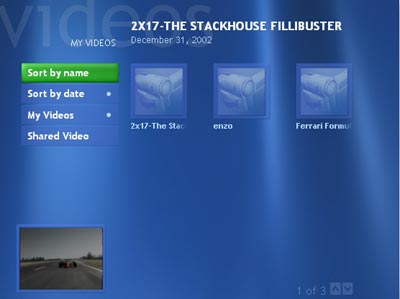
If you install the DiVX codec you can also playback all of your DiVX encoded movies through this interface as well.
Originally published at https://www.anandtech.com/show/1051 (Wayback Machine).