
Windows XP Media Center Edition: Exposed
- Posted in
- Systems
It also plays music...
Microsoft didn't just name their OS Media Center Edition for nothing, they truly wanted it to turn your PC into a media center. Going along with that definition, it's no surprise that MCE also has a very capable music interface built into it.
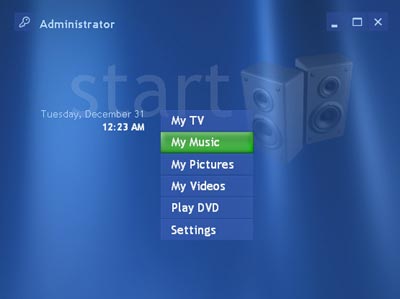
By selecting My Music from the main menu you'll be taken to a listing of all of the songs and albums in your library. But how do you get things into your library you ask? Unfortunately this is the biggest limitation of MCE's music interface as you can't just point at a list of your MP3s and have MCE categorize them for you; instead, you must use Windows Media Player and add the music you want to your library.
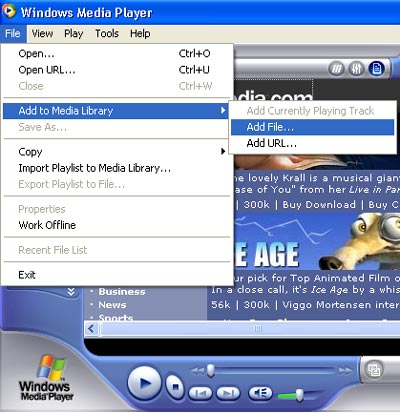
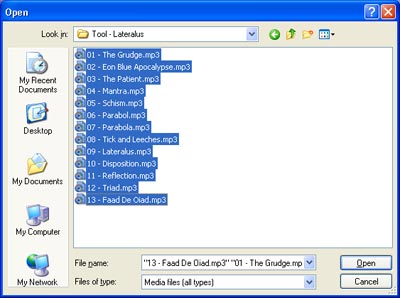
After you've selected the music you want to add to your library you then have to close and restart the Media Center application in order for it to see what you've added to your library. This is by far the most annoying part of letting MCE manage your music, but the ends do justify the means if you plan on hooking up your Media Center PC to your home theater system as you'll be able to have your entire music library available without leaving your couch.
Originally published at https://www.anandtech.com/show/1051 (Wayback Machine).