
Windows XP Media Center Edition: Exposed
- Posted in
- Systems
Setting up the TV
The most involved part of the entire MCE setup is the TV setup; on the hardware side all you need to do is hook up your cable to the coaxial input on the TV tuner card.
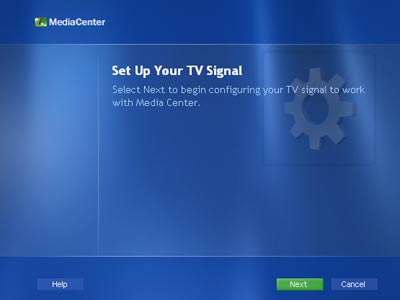
The software configuration takes a bit longer but for being the most involving part of the entire MCE setup, it's not bad at all.
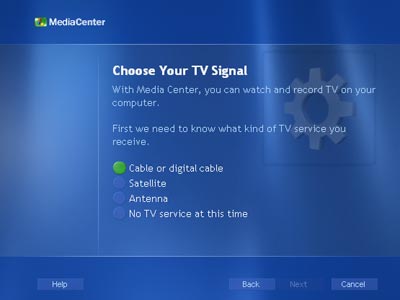
The first step requires you to choose your TV signal; for us the cable option was what we needed, but satellite and antenna are also made available. Be warned that if you do have digital cable or satellite with support for HD signals you will not be able to record shows in high definition, they will simply be captured as conventional 480i signals. It will be a while before HD encoding is brought down to the consumer level and definitely not in any of the current generation Media Center PCs.
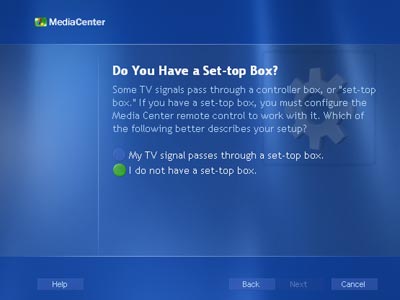
If you have a cable box this screen will lead you into configuring the IR blaster; we had a direct cable line so the set-top box option was unnecessary.
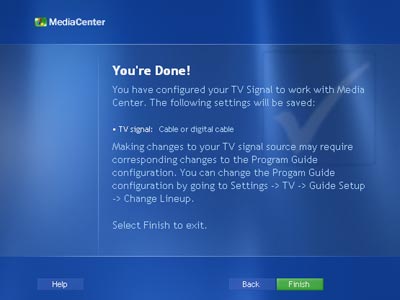
Originally published at https://www.anandtech.com/show/1051 (Wayback Machine).